Architecture
Sketch to Render AI: Turn Rough Drawings Into Realistic Renders
Renderist Team ·
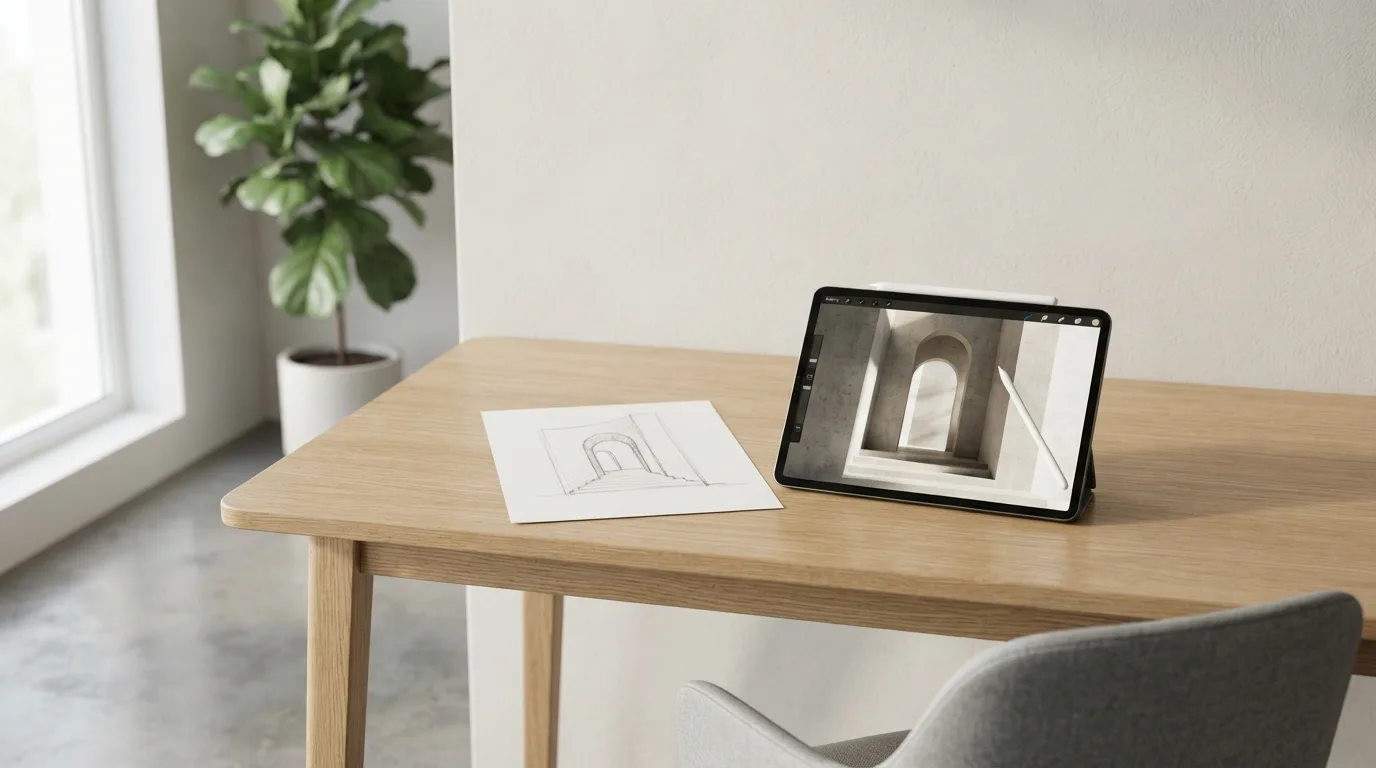
What does a good source sketch need before AI can render it?
A sketch only renders as well as the information it carries. If the drawing leaves out a wall, the AI will fill the gap with something plausible, and you will not notice until a client asks about it. So before you upload a sketch, decide what the drawing has to state on its own.
Start with a fixed viewpoint. A framed view from SketchUp, Rhino or Revit anchors the render to your actual geometry, so proportions and layout carry through instead of drifting. A loose perspective photo of a napkin drawing gives the model far more room to improvise, and the result may look tidy while quietly moving a doorway or stretching a room.
Then check what the lines actually say. Layout, massing and broad proportion survive the trip well: a plan with three rooms in a row comes back as three rooms in a row. Everything the drawing does not state gets invented, including ceiling heights, material finishes and trim. Those details will look coherent without being correct, which is exactly why a quick sketch visualization is a picture of the idea, not a record of the specification.
Label what matters. Write room names, mark the north arrow, note a ceiling height in the margin, and shade the surfaces you care about. Each note is one less guess. For a fast sketch to image pass, a clean scan or a straight-on export beats a phone photo taken at an angle, and a pencil line that reads clearly at thumbnail size will read clearly to the model too.
Finally, treat the first result as a draft. Keep the original sketch beside the render and compare them wall by wall before you show anyone.
How do you describe the style you want without getting a generic result?
A prompt that says "make it realistic" gives the model almost nothing to work with, so it fills the gaps with whatever looks average. Name the things you actually care about: the light (low winter sun, overcast afternoon, warm interior lamps), the surface materials (oak flooring, matte plaster, brushed steel), and the mood you want the viewer to feel. That short, specific description prompt is what separates a render that looks like your project from one that looks like a stock photo.
Style choices are worth deciding before you generate, not after. Some tools let you pick from multiple styles, such as realistic, watercolor or vector, so the same sketch can serve a planning meeting and a mood board without redrawing anything. Pick one direction per round and keep it consistent across the set, otherwise your client preview turns into a collage of unrelated images.
Expect the model to invent what your sketch leaves open. Ceiling heights, hardware, trim and exact finishes get resolved by the software because there was nothing to resolve them from, and they will look coherent without being correct. Treat the output as a picture of the idea, not a record of the specification, and check dimensions against your technical drawings.
Iterate in small steps. Change one variable at a time, a camera angle or a material swap, and keep the versions you like. A framed view from your own model anchors the result to real geometry, so proportions and layout carry through. When a render is close but not right, adjust the prompt rather than starting over.
What can AI change without breaking the proportions of your design?
An AI tool carries over layout, massing and broad proportion well: a plan with three rooms in a row renders as three rooms in a row. That is enough for the image to be recognizably your project, and enough to show a client which wall moves.
Everything the drawing leaves open, the model fills in on its own. Ceiling heights, material finishes, hardware and fine trim get resolved because there was nothing to resolve them from. They will look coherent without being correct.
That is why a sketch to render works as a picture of the idea, not as a record of the specification. Check dimensions on the technical drawings, not on the render image. Where generative AI stays faithful to your design and where BIM, the coordinated model that carries construction data, stays authoritative is a line worth drawing early.
Accuracy depends on what you feed it. A framed view from your own model anchors the render to the actual geometry, so proportions and layout carry through more reliably than a loose hand sketch. The further a visualization drifts from your own view of the model, the less of the real geometry survives.
Architects seem to treat it that way already. The RIBA AI Report 2025, the survey by the Royal Institute of British Architects, found more than nine in ten architects reject the idea that AI could stand in for professional judgment, even as 59% of practices now use it, as reported by Spacely AI.
So the sensible split is concept and presentation on one side, construction documentation on the other. Use the render to test a direction and to get a reaction in a meeting. Keep the judgment, and the numbers, with the person who signs the drawings.
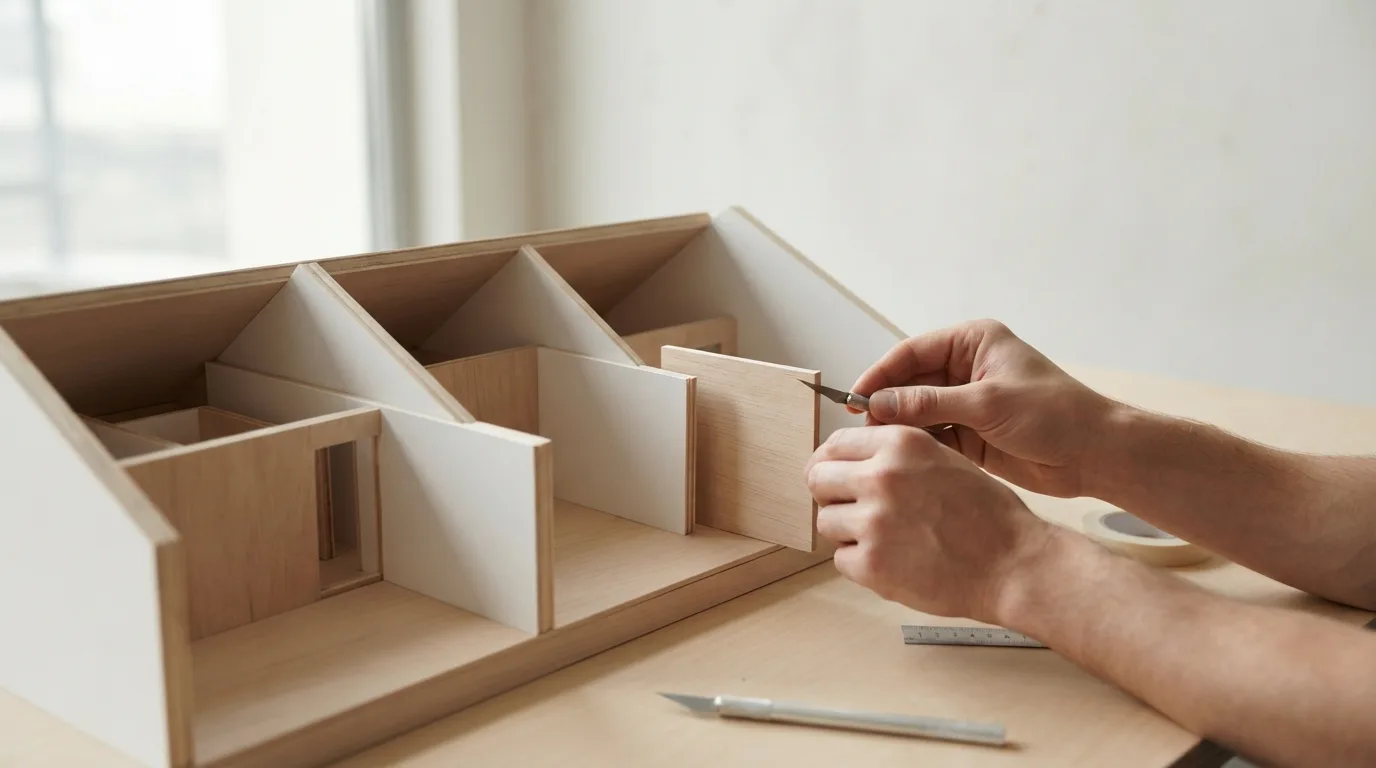
Where does AI rendering fit in the design process, and where does it not?
AI rendering earns its place in the early and middle stages of a project, when you are still deciding what a space should feel like. It gives you a picture to react to, and reactions are what move a concept forward. What it cannot do is carry the authority of a construction drawing. A render is a picture of an idea, not a record of the specification, so dimensions, ceiling heights and material callouts still have to be read off the technical drawings.
The order of work that keeps you out of trouble looks like this:
- Start from a framed view of your own model, not a cropped photo of a screen. A view anchored in your actual geometry carries proportions and layout through to the render.
- Upload the sketch, the untethered model view or the drawing you already have, and describe the direction in words: materials, light, mood.
- Generate a few versions and compare them against the drawing, not against each other.
- Take the version that holds the layout and massing, then fix finishes and fittings in your own drawings.
Expect the model to fill in whatever the drawing leaves open. Ceiling heights, hardware, trim and specific finishes get resolved because there was nothing to resolve them from, and the result will look coherent without being correct. That is why a plan with three rooms in a row comes back as three rooms in a row while a door handle quietly invents itself. Layout and broad proportion survive; detail does not.
This is also where AI rendering fits into design studies without taking them over. Use it to test two schemes side by side, to show a client how a hallway reads at dusk, to decide whether a warmer floor is worth the money. Keep the professional judgment for yourself. In the RIBA AI Report 2025, more than nine in ten architects rejected the idea that AI could stand in for that judgment, and the render is a conversation starter, not the verdict.
How much time and money does sketch-to-render AI actually take?
The honest answer is that the software side is cheap and quick, and the thinking side is where your afternoon goes. A single render can come back in half a minute, yet that number tells you nothing about whether the image is worth showing to anyone.
With sketch to render AI, generation itself runs in seconds. What stretches the clock is the back and forth: you look at the result, spot a ceiling that sits too low or a finish you never chose, and redo the description. Three or four rounds of that is normal before a picture feels right.
Budget the money first, because it is the smaller part. One tool lists a free tier of 5 renders a month with $0.25 for each extra image, and a $49 monthly plan with unlimited stills and video. Treat those figures as a ceiling on cost, not a promise of quality.
The real expense is your own hours. Every round costs a fresh look at the drawing, a rewritten direction and a decision about what to keep. On a small project that is a short session; on a whole floor plan it can eat an afternoon you had earmarked for something else.
So the practical move is to fix the brief before you upload anything. Decide the view, the light and the materials in writing, then run one image and compare it against the sketch. If the layout holds, iterate on style. If it drifts, the drawing is too loose, not the tool.
How do you move from the first render to a version you can show a client?
The first image is rarely the one you send. Treat it as a draft, not a verdict. Look at what the model invented where your drawing said nothing: ceiling heights, hardware, fine trim. Those choices look coherent, which is exactly why they slip past you.
Run the same sketch again with a tighter prompt before you change anything else. Name the materials you actually specified, the light you want, and the view you care about. A second pass costs you seconds, and comparing two versions side by side tells you which details the tool keeps guessing.
When one version is close, edit the render details rather than starting over. Swap a floor finish, adjust the camera angle, then export the render at full resolution. This is the moment a sketch to image pass becomes something worth showing.
Keep the geometry anchored. A framed view from your own model carries proportions through far better than a free-floating camera, so the layout stays recognizably your project. Then generate the render variants for the two or three rooms the client will actually ask about.
For client presentations, pair each visualization with the plan it came from. A picture of the idea invites discussion; a picture treated as a specification invites arguments about dimensions you never set. Say plainly which parts are fixed and which are still open.
If a still frame does not carry the idea, a short clip often does. The best sketch to render workflow ends with a small set of images you can defend, not a folder of options.
FAQ - krótkie odpowiedzi
Can AI make a realistic render from a pencil sketch?
Yes. Tools built for this accept a pencil sketch, an AutoCAD cut or an untextured SketchUp model and turn it into a photorealistic image without a rendering engine. The result keeps the layout, massing and broad proportions of your drawing, so the project stays recognizable. Fine details the sketch never states, such as ceiling heights or material finishes, get filled in by the model and may look right without being accurate.
How accurate is an AI render compared to the drawing?
Accurate for concept and presentation, not for construction documents. A framed 3D view anchors the render to your actual geometry, so proportions and layout carry through; the further the image drifts from your own view, the less reliable the geometry. Treat the render as a picture of the idea and check dimensions on the technical drawings. Where BIM and CAD stay authoritative, they still decide.
How many renders can I make before paying?
Sketch2Render's free plan covers 5 renders a month, and each additional one costs $0.25. The Professional plan runs $49 a month with unlimited renders and unlimited video generation, which suits architects and designers rendering every week. Pick the plan by counting how many versions you expect to produce in a month, not by the first image you like.
How long does one render take?
Sketch2Render averages 30 seconds per visualization, from an uploaded sketch to a finished image. Some tools take several minutes for the same step, so test your own sketch first if you are working to a deadline. The clock that matters is the total across all the versions you need, not a single image.
Can I turn the render into a short video for a client?
Yes. Sketch2Render converts a finished visualization into a short presentation clip of 5 to 8 seconds, with no separate rendering engine involved. Keep the clip for showing a direction or an atmosphere; it will not replace walkthroughs built on the actual model. Upload the sketch, describe the direction and generate, in that order.