Guides
What Is AI Interior Design? A Practical Guide for Homeowners
Renderist Team ·
What does AI interior design actually do for you?
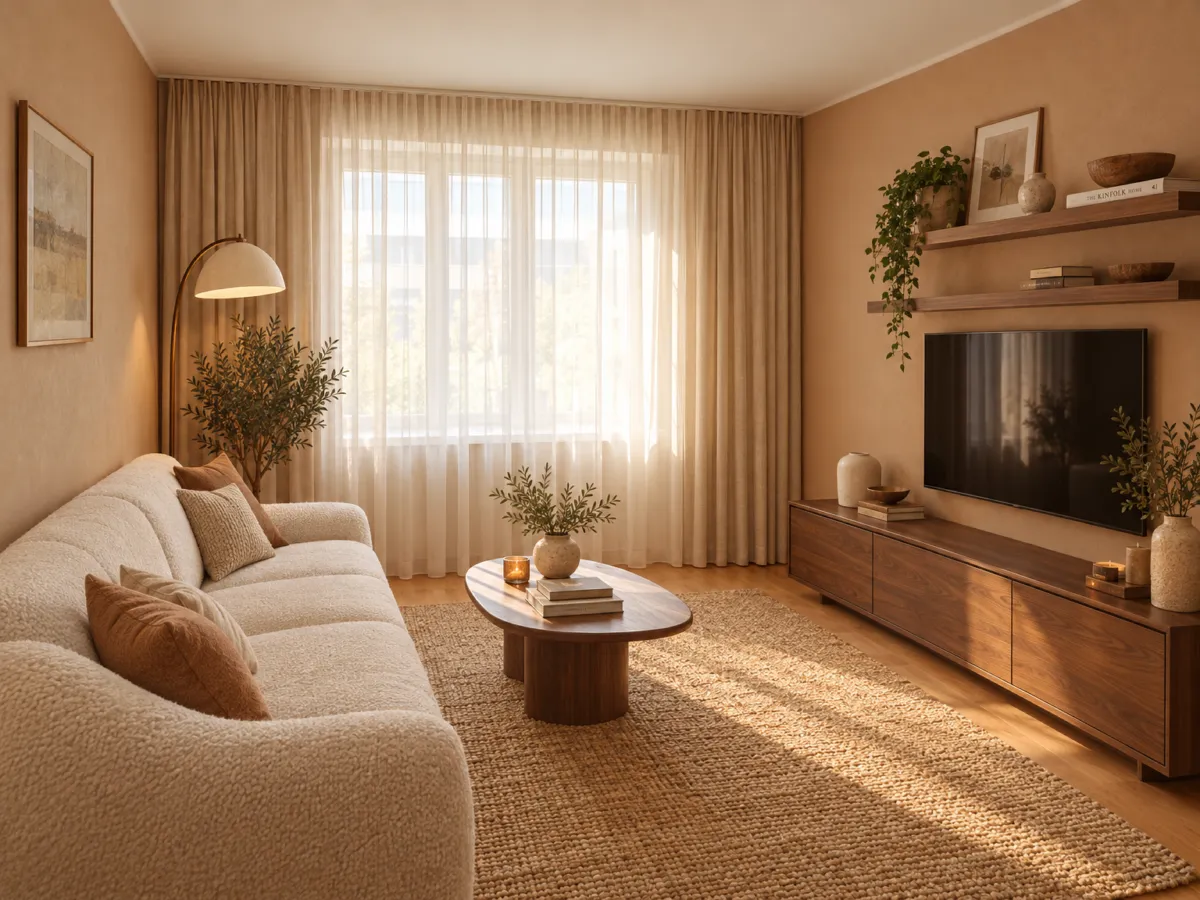
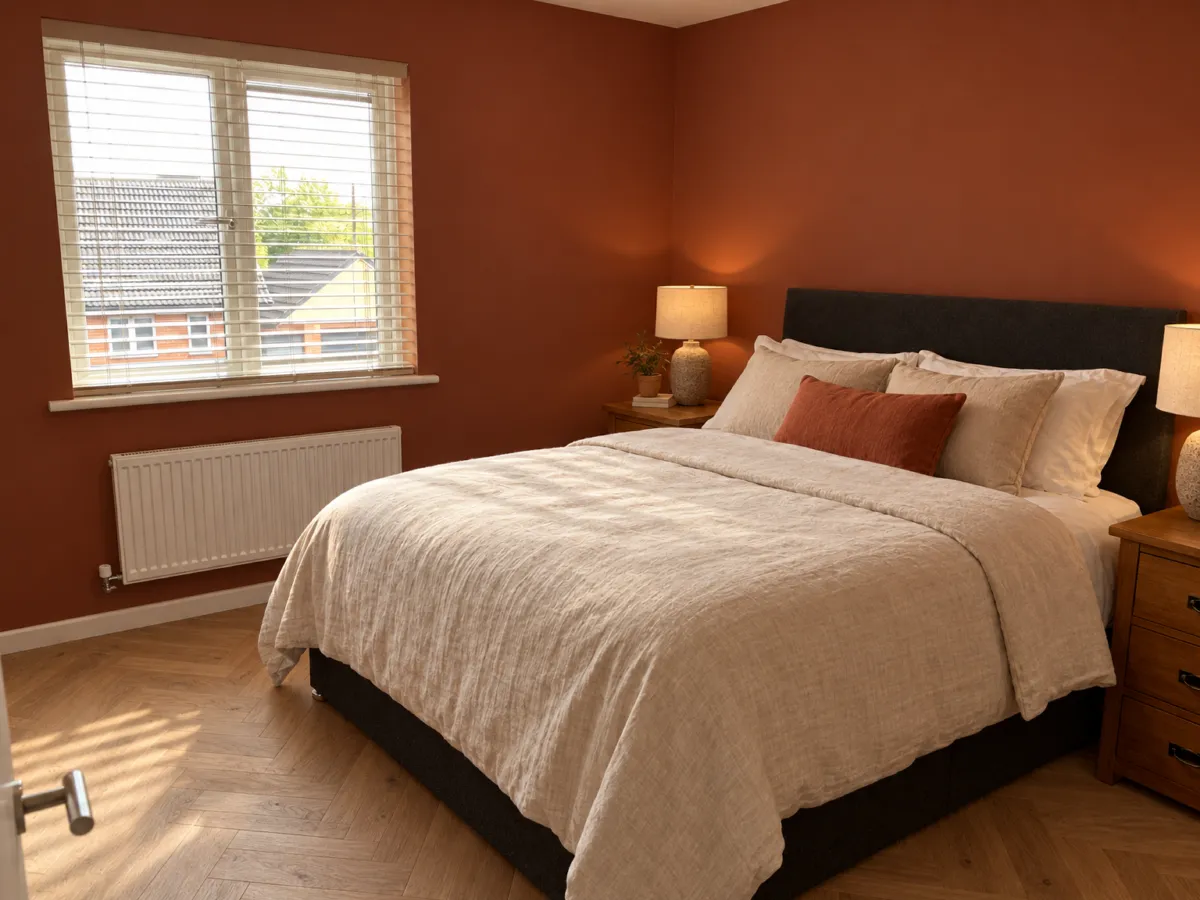
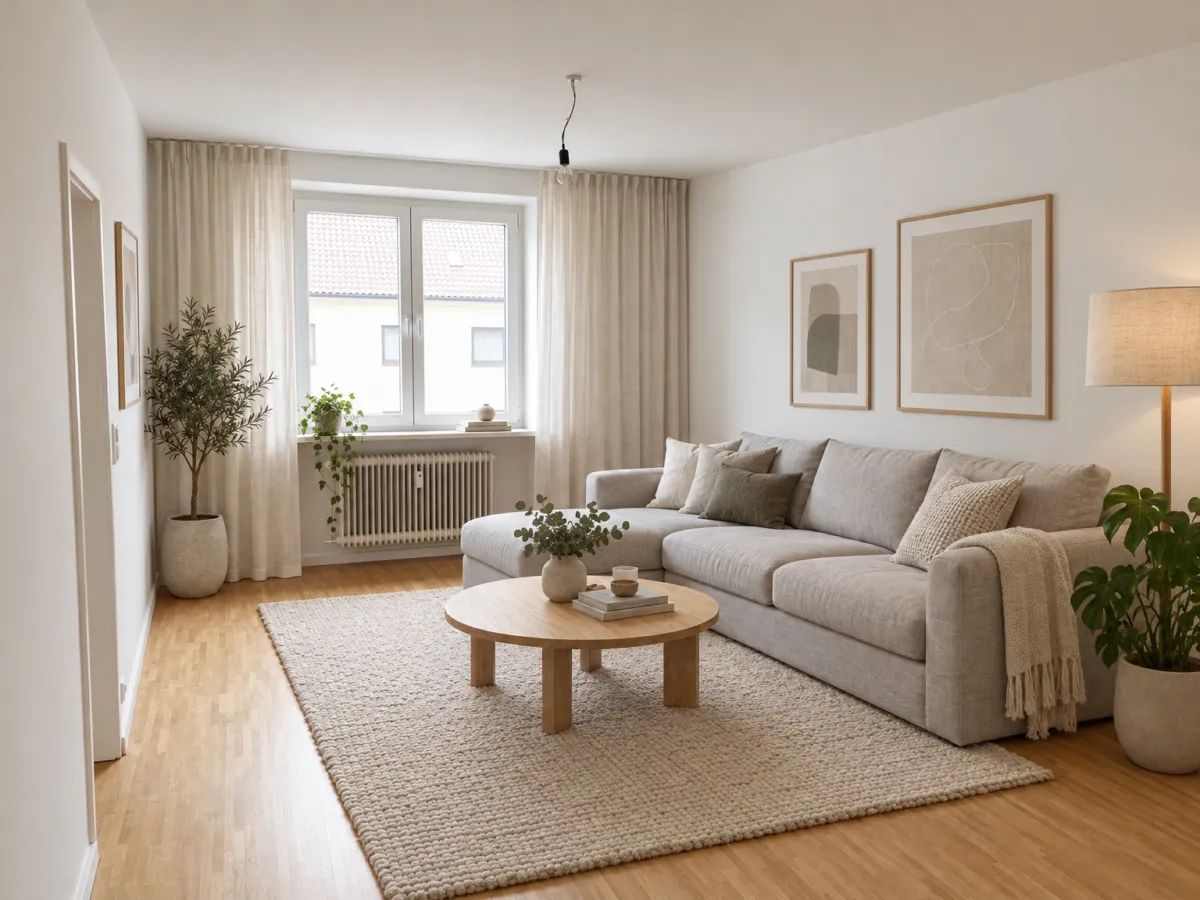
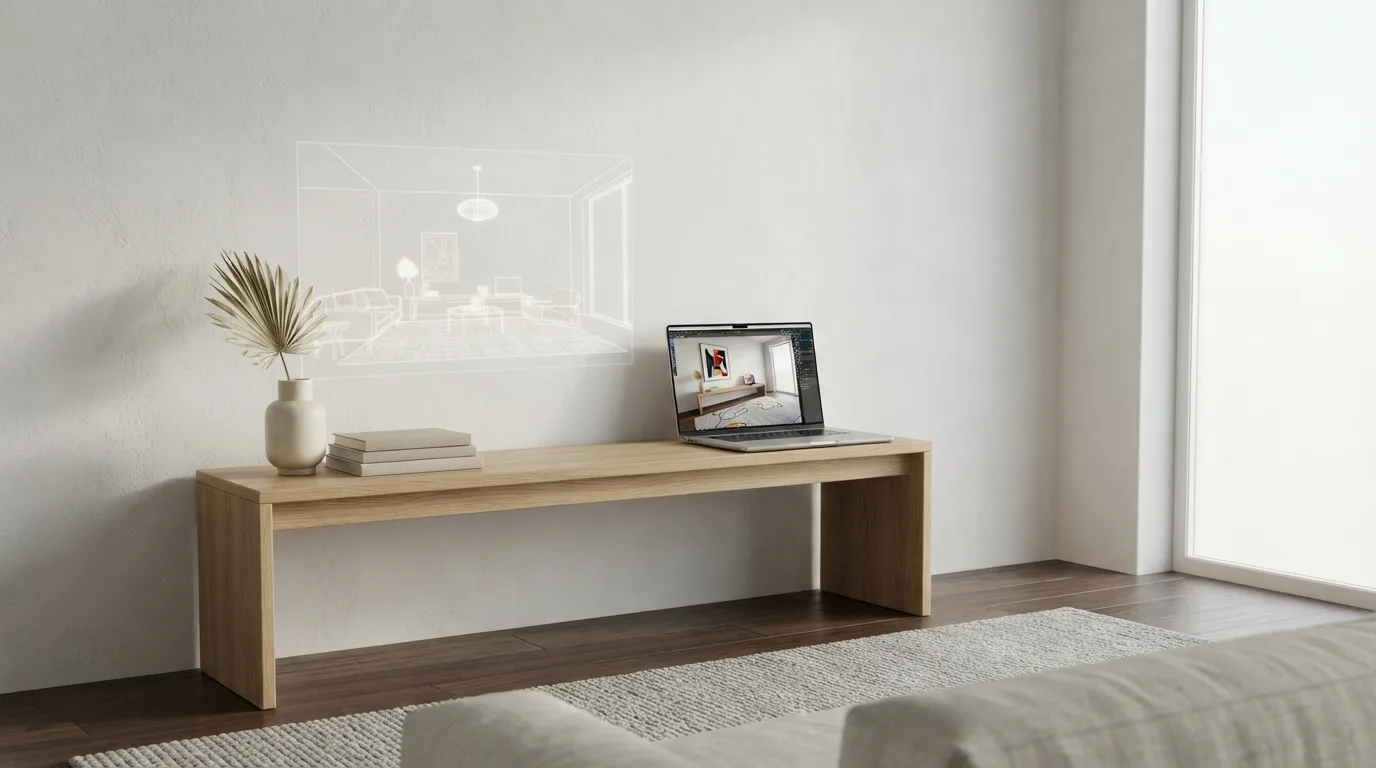
AI interior design turns a photo of your room, a floor plan or a written brief into pictures you can look at and react to. It gives you something to compare, argue with and refine before you spend money on paint, a sofa or a contractor.
The label covers three different things. Some tools restyle a photo of your room into another look. Some work from a floor plan or a 3D scene. Others take text instructions and generate images from them, as Chaos Blog notes in its overview of the category.
For a homeowner, the everyday use is narrower than the marketing suggests. You upload a picture, pick a style and get a generated image back, which Business of Home describes as the typical pattern across these apps. You use it for inspiration, moodboards, testing styles and explaining your idea to a designer or a builder.
That last part is where the time saving shows up. AI tools help you settle on styles, color palettes and layout options quickly, so a conversation with a professional starts from pictures instead of vague adjectives. The tools assist designers rather than replace them, and used this way they earn their place in a home design project.
Where it falls short is the part you actually live with. Style is the easy half; a layout you can really use is much harder to get, and spatial flow, proportions and material combinations come out inconsistent. Generated rooms also ignore budget, product availability and real prices, and no tool makes the strategic call about where to spend and where to save.
So treat the output as a draft, not a plan. Ask for fixed elements to stay put, state your budget, then check every product exists and fits before you order.

Where does AI work well enough to trust it?
AI is strongest at the front end of a project: choosing a direction. Ask for a warm, minimal living room and you get a plausible answer in seconds. That speed is real value when you are still deciding between styles, palettes and options, and it beats scrolling through saved photos for an evening.
Where it struggles is the part you actually live with. A usable room design depends on circulation, proportions and how furniture fits the space, and those come out inconsistent. Glitches and material pairings that would never survive a delivery also show up. Treat the first images as a mood board, not a plan.
The harder limit is money and availability. Generated visuals ignore budget, stock and real prices, and no chatbot decides for you where to spend and where to save. It will happily place a sofa that costs more than your whole furnishing budget. Floor plans expose this fastest: a layout can look tidy while the walkway to the door does not work.
That is why the practical split is simple. Use AI for style, color and quick variants, then check every item against a real store before you commit. Some tools now estimate local material costs and suggest cheaper swaps, and virtual furniture placement lets you test a piece in your own space first. A human designer still earns the fee on layout and budget strategy.
Where does AI still need a human designer?
AI room tools mostly deliver on style. Ask for room layouts you can actually live with and the list of tools that manage it gets much shorter. Pretty pictures are easy; a sofa that fits, a door that opens, a walkway that works, that is the hard part.
AI also ignores the constraints that decide whether a design ever happens. It can produce striking visuals fast, but it does not check your budget, whether a piece is in stock, or what it really costs. A human interior designer makes the strategic calls about where to spend and where to save. Software does not.
Expect glitches too. Proportions drift, spatial flow breaks down, materials get combined in ways no supplier sells, and some renders show furniture that does not exist. Chatbots add their own errors: invented details, products you cannot buy, and a room that slowly loses its walls as the conversation runs on.
The pattern shows in the market. A wave of dedicated AI interior design apps launched in 2023, and two years later none of them had won, according to Business of Home. Most platforms have not moved far beyond what they could do at launch. The typical session is still a photo, a style pick and an average image.
That is why the human stays in the loop at the points where money and buildability are decided. Use AI to test styles, palettes and options quickly, then take the shortlist to a person who can price it, sequence it and catch what the render hid. The tool proposes; someone still has to sign off.
How do you get useful results from an AI design tool?
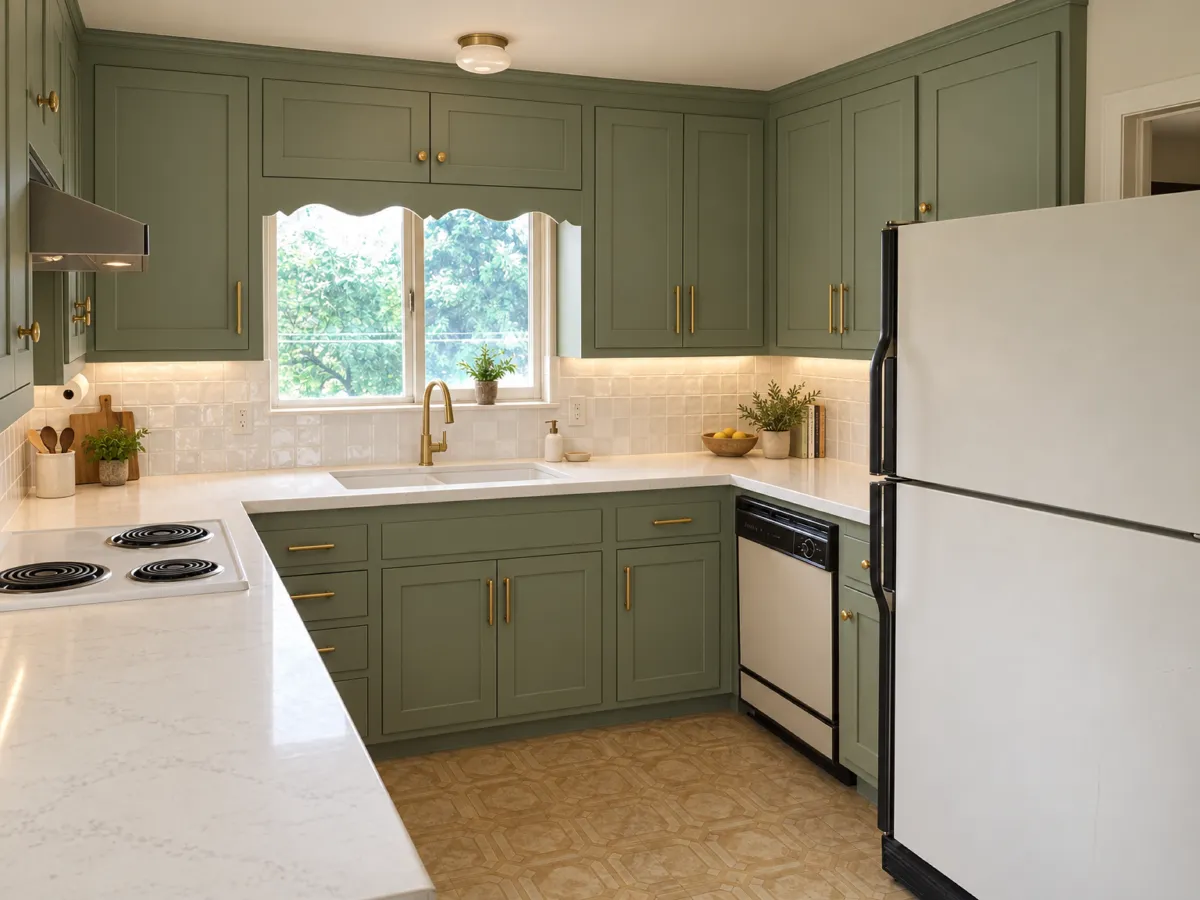
A good prompt does most of the work with any AI design tool. Name the style you want in plain words, and say what has to stay put, like "keep the stove and sink where they are." Adding your budget helps too: it steers the answers toward your price range instead of the sky.
That advice comes from a reporter who tested these tools for Business of Home. The same piece notes that spelling out fixed elements and a spending limit tends to produce more useful results than a one-word style request.
Most AI interior design tools still work the same way: you upload a photo, click a style, and get an image back. The style usually lands. A layout you can actually live with is where the list gets short, and proportions or material pairings sometimes come out wrong.
Budget is the weak spot. A generated picture ignores what things cost, whether a piece is in stock, and where a designer would choose to spend more and save elsewhere. Many tools also show decor you cannot buy, so check that the design translates into real furniture before you commit.
Chatting beats clicking for AI room design. Because everything stays in one conversation, you can correct the model as it drifts, and it can produce renderings, moodboards and product suggestions along the way. It still invents details and sometimes names products that do not exist, so verify every item before ordering.
What does free really mean in AI interior design apps?
Free credits are how most people meet these tools, and they run out faster than the name suggests. You get a handful of designs, then every tweak and every new version eats into the same small pot. One restyled photo of the same room in three palettes can burn through the lot before you have settled on anything.
That is not a scam, it is the pricing model. A design platform makes its money on the next generation, so the trial is sized to show you the output, not to finish a room. Plan for the free tier to answer "does this look promising?" rather than "what goes where?"
Then there is the deeper limit. These tools mostly deliver on style, and getting a layout you can actually live with is a shorter list. Pretty renders are cheap to produce; a sofa that fits the wall and leaves room for the door is not.
So use the free credits to design quickly and cheaply: test two or three directions, screenshot everything, and stop when the credits are gone. Take the direction you like into a paid tool or a designer. The money you spend there buys decisions, not pictures.
How do you turn an AI design into a room you can live in?
The first render is the easy part. Turning it into a room you can live in takes a few deliberate steps, and most of them happen before you open any app. Start by writing down what has to stay: the stove and sink where they are, the radiator you cannot move, the door that has to open. Naming those fixed points gives you better answers, and adding your budget helps too, as Business of Home notes.
Then describe the style in plain words instead of clicking a label. "Warm oak, off-white walls, nothing glossy" steers a room design further than any preset. Ask for two or three versions rather than one, and compare them side by side.
When a picture comes back, check it against the room rather than admiring it. AI-generated designs can have inconsistent spatial flow and proportions, and may show rendering glitches or unrealistic material combinations. Walk the layout in your head: can you open the wardrobe, pull out a chair, reach the window?
This is where the design process usually breaks. Many tools generate decor you cannot buy, so check whether each piece translates into a real purchase before you fall for it.
Chatbots add their own traps: they sometimes recommend products that do not exist and gradually lose the room's architectural envelope as the conversation runs on. Keep re-stating the fixed elements.
A human designer still decides where to spend and where to save. AI does not make that call, so set your own limit per item before you shop.
Frequently asked questions
Is AI interior design worth it for a regular homeowner?
Yes, if you use it as a starting point rather than a finished plan. AI tools are quick at picking styles, color palettes and design options, and they help you explain your ideas clearly to a designer or builder. They will not replace a designer, but they can save you a round of guessing before you spend money.
Can AI design a room layout that actually works?
Often not on the first try. AI room decorators mostly deliver on style, while spatial flow, accurate proportions and functional layouts come out inconsistent, and you may see rendering glitches or material combinations that make no sense. Check every generated layout against your real measurements and door swings before you order anything.
Do AI interior design tools recommend furniture you can actually buy?
Sometimes, and that is the part worth checking before you commit. Many tools generate decor that does not exist, and AI often ignores product availability and real prices. Ask for specific products, confirm each one is in stock at the price shown, and treat the rest of the image as inspiration only.