AI rendering from the screenshot you already have
You know what a render engine does, and you know how long a scene takes to set up. Take a screenshot of your model, or a photo or a sketch, and describe the finish. You get a photoreal image back that you can adjust by chat.
No credit card. Sign up now, your renders wait for you at launch.
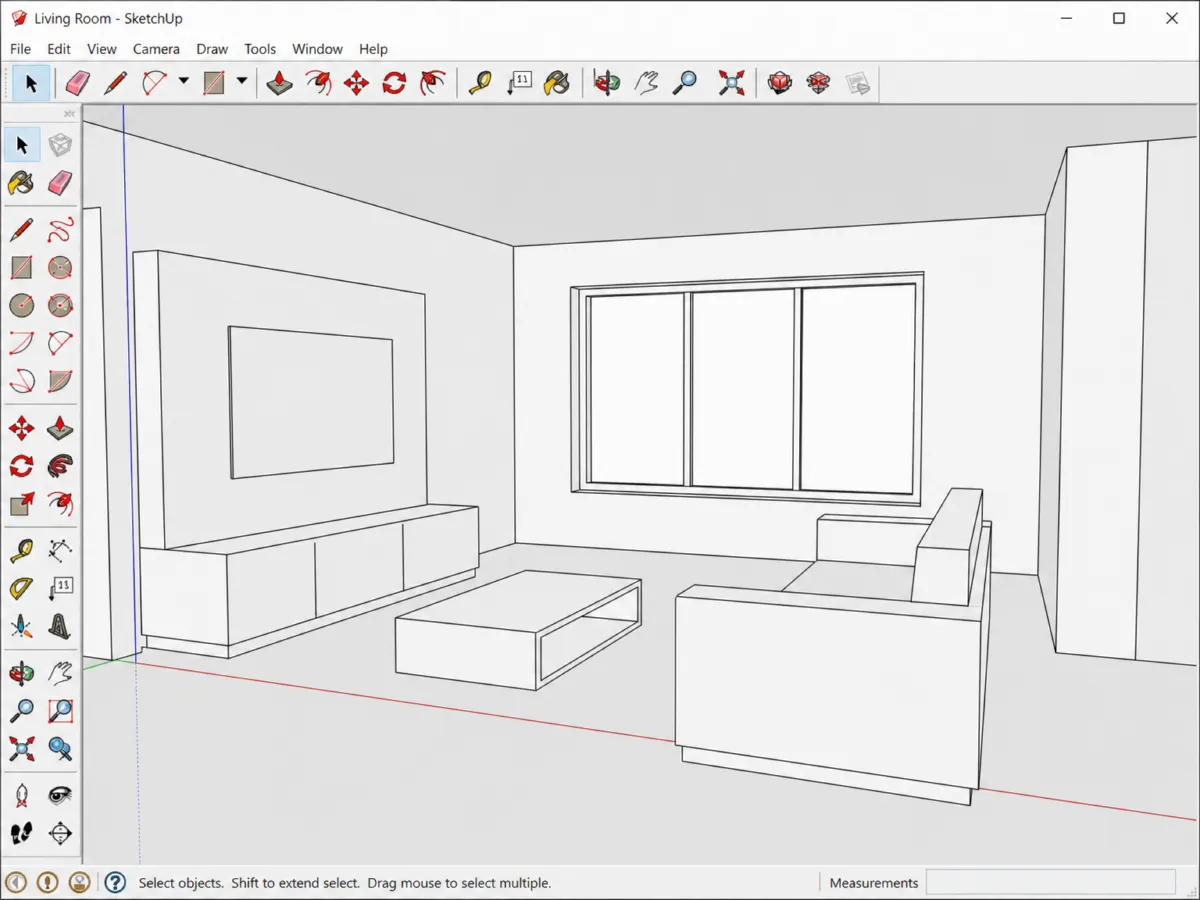
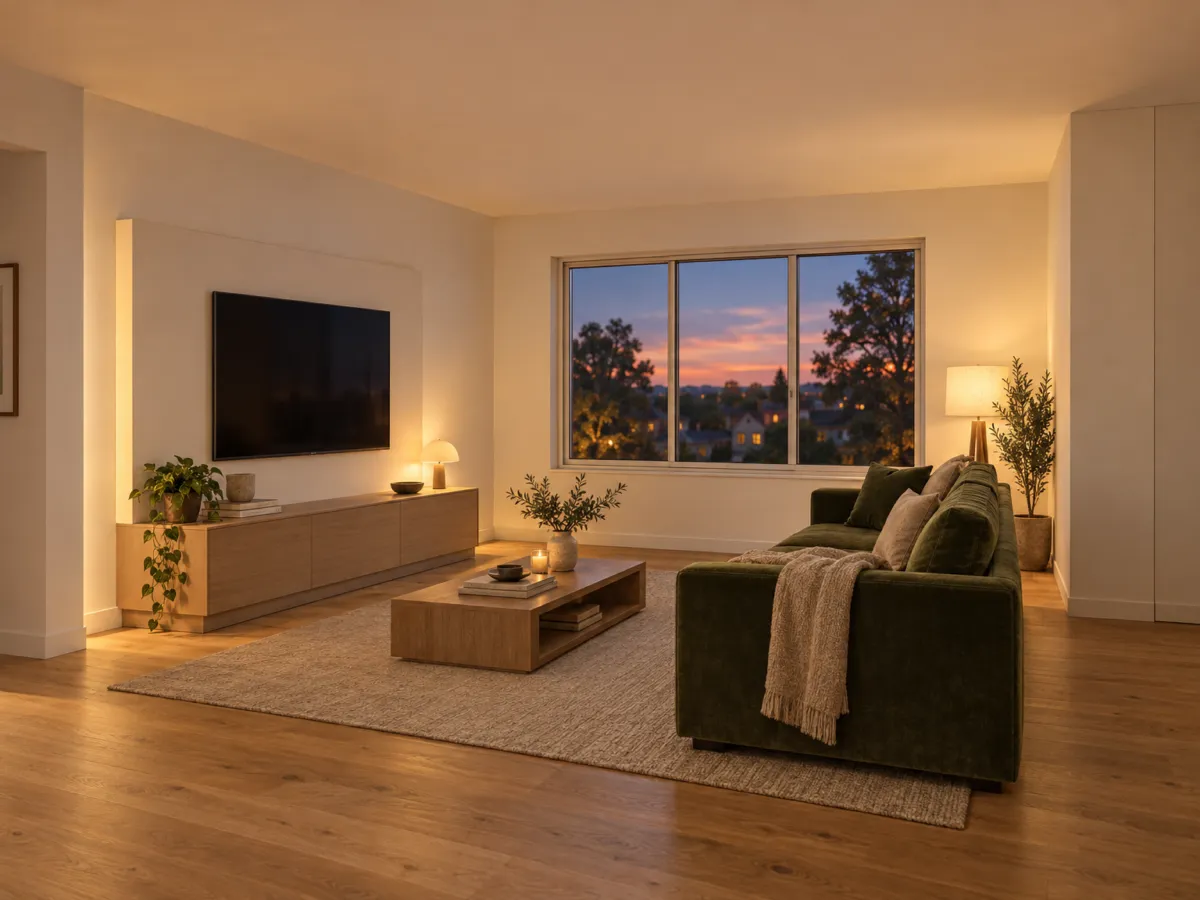
How it works
-
1
Screenshot your view
Export from SketchUp, Revit, Rhino, ArchiCAD, 3ds Max or Blender as JPG, PNG or WebP. No plugin to install.
-
2
Write the material brief
Say what is what: "oak floor, linen rug, green velvet sofa, evening light".
-
3
Iterate in the chat
Change one thing at a time, such as the light or one material. The camera angle stays.
What you get
No scene setup
You do not map textures or place lights by hand. You describe them instead.
Your camera, your model
Geometry and viewpoint follow your screenshot, so the image matches the design.
Many ideas for a client
Show a warm and a cool version of the same view. On Pro and Studio, put the variants side by side.
What you could write
- Photoreal, warm evening light, oak floor, green velvet sofa.
- Same view, daylight from the left window.
- Make the rug linen, off-white.
- Add a floor lamp next to the sofa.
We never train AI on your images.
Questions and answers
Is this a replacement for a render engine?
It is a different tool. You get a picture from a description, not a calculated scene with full control over every light and material.
Which programs can I use?
Any that can export an image. SketchUp, Revit, Rhino, ArchiCAD, 3ds Max and Blender all work, and no plugin is needed.
Will it change my geometry?
Renderist keeps walls, windows, doors, proportions and camera angle unless you ask otherwise.
May I use renders for clients?
On paid plans, yes. They have no watermark and a commercial license.
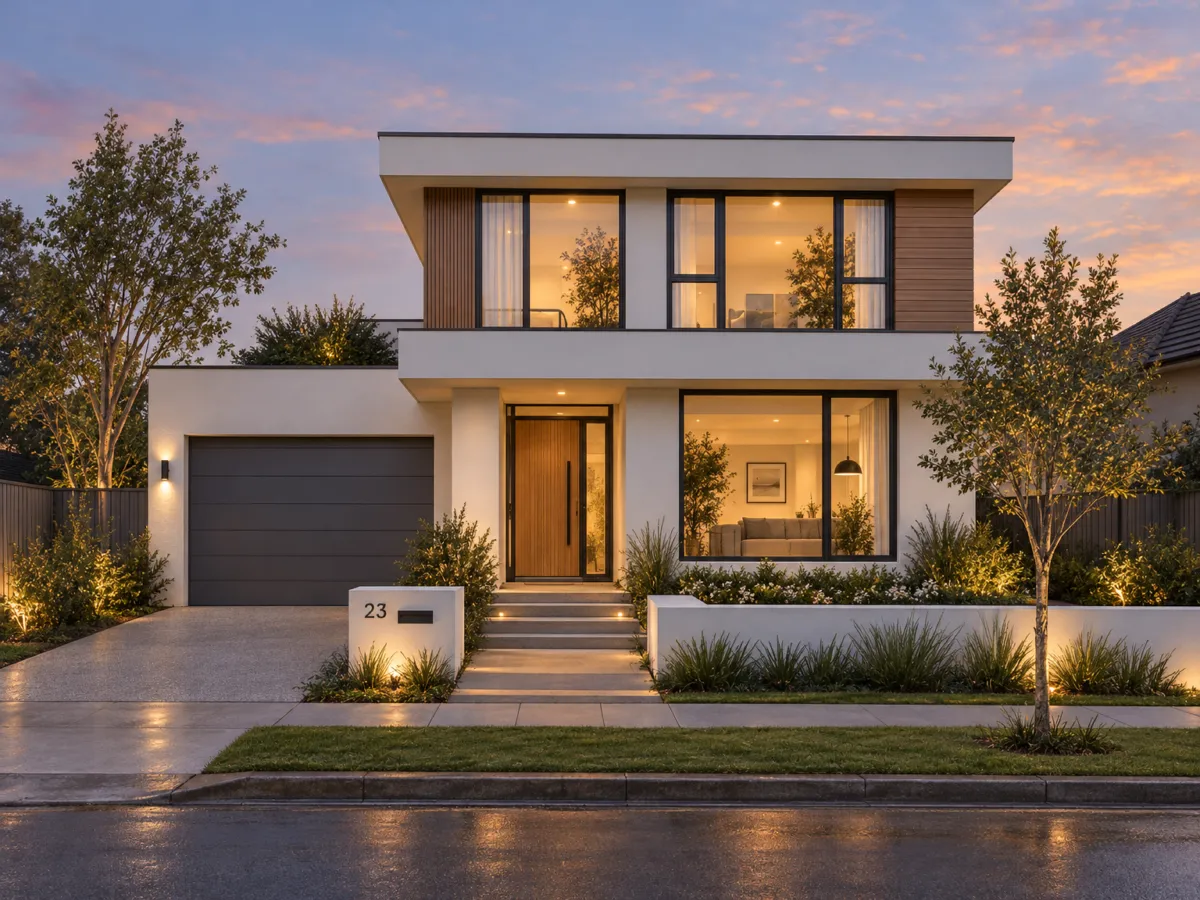
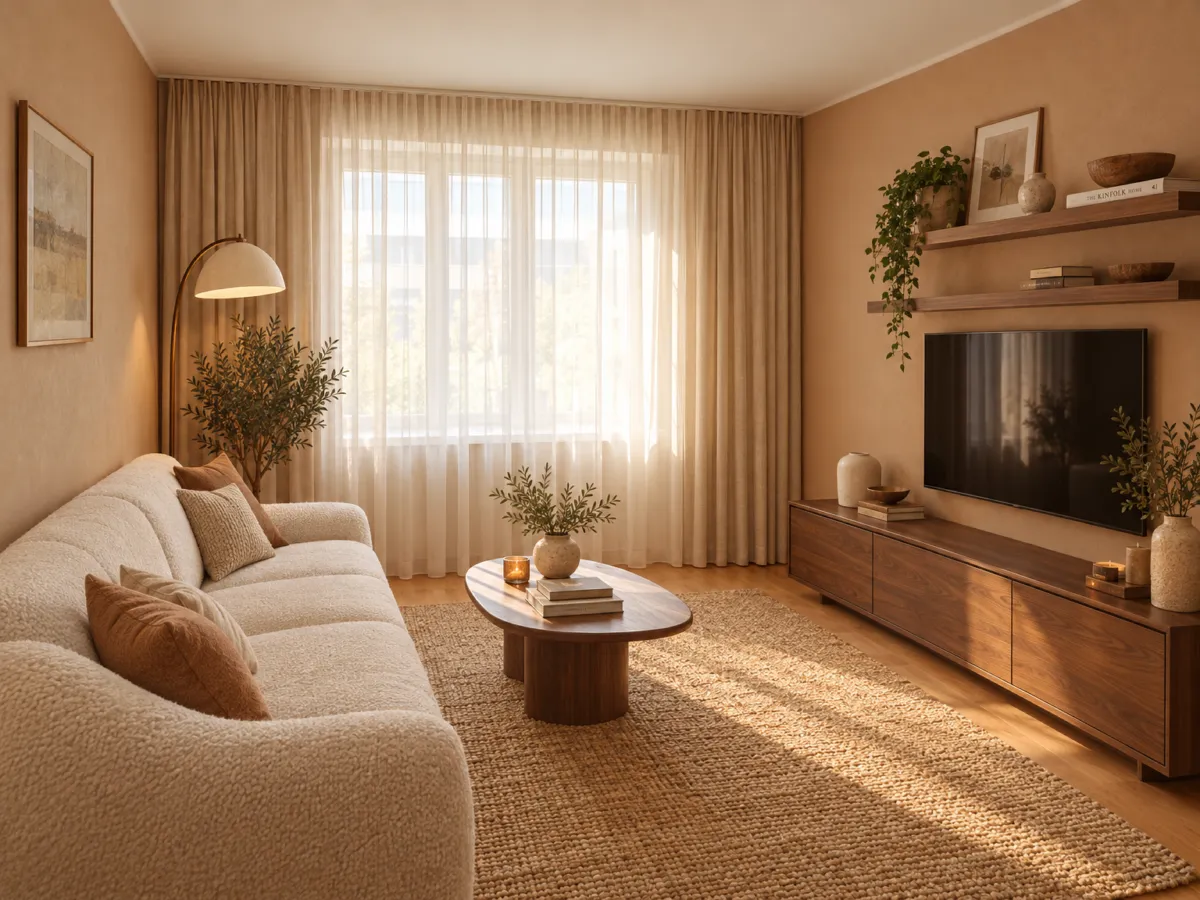
Turn a grey viewport into a picture you can send to a client.
No credit card. Sign up now, your renders wait for you at launch.