AI room design for the one room you want to change
Pick one room, a bedroom, a hall or a home office. Upload a photo and say what to change. You get the same room with new wall color, a new floor and new textiles, so you can judge the idea before you buy paint.
No credit card. Sign up now, your renders wait for you at launch.
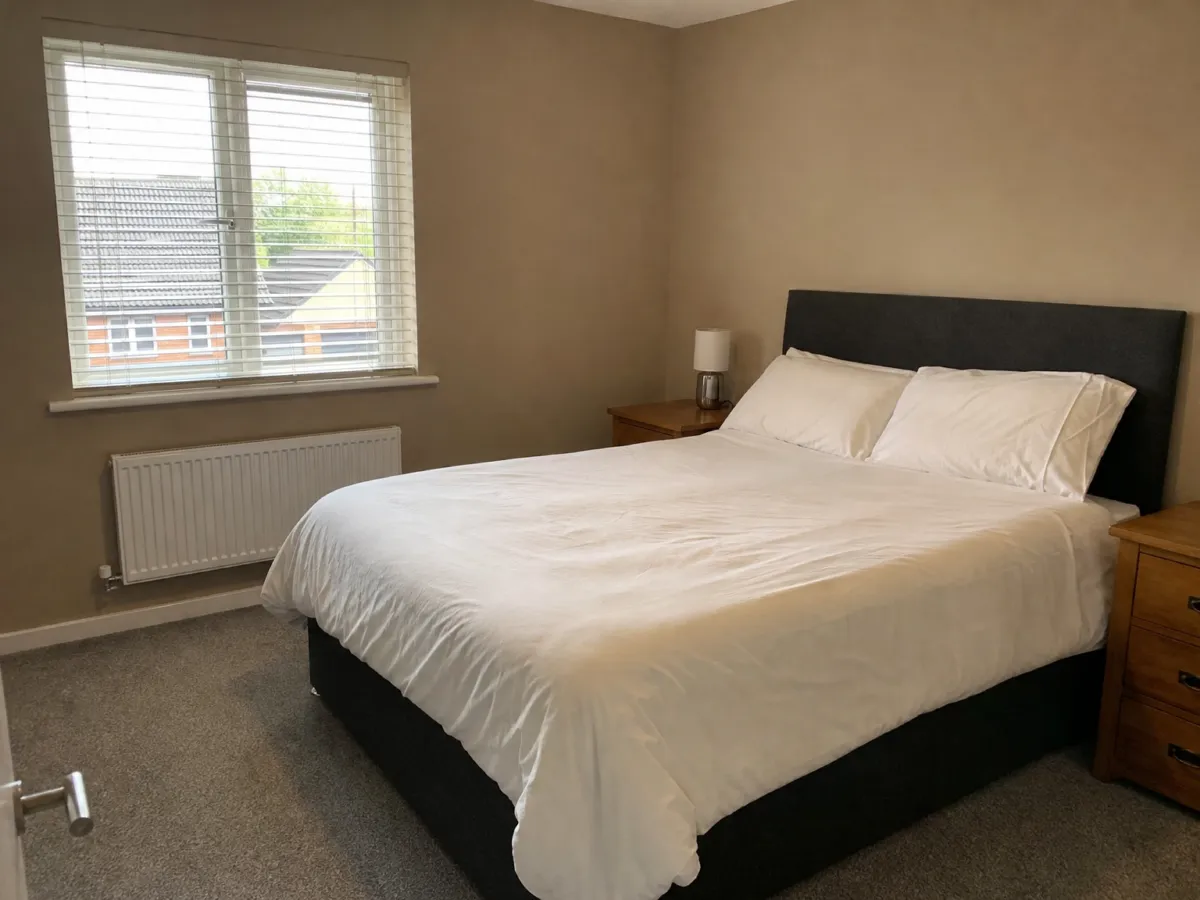
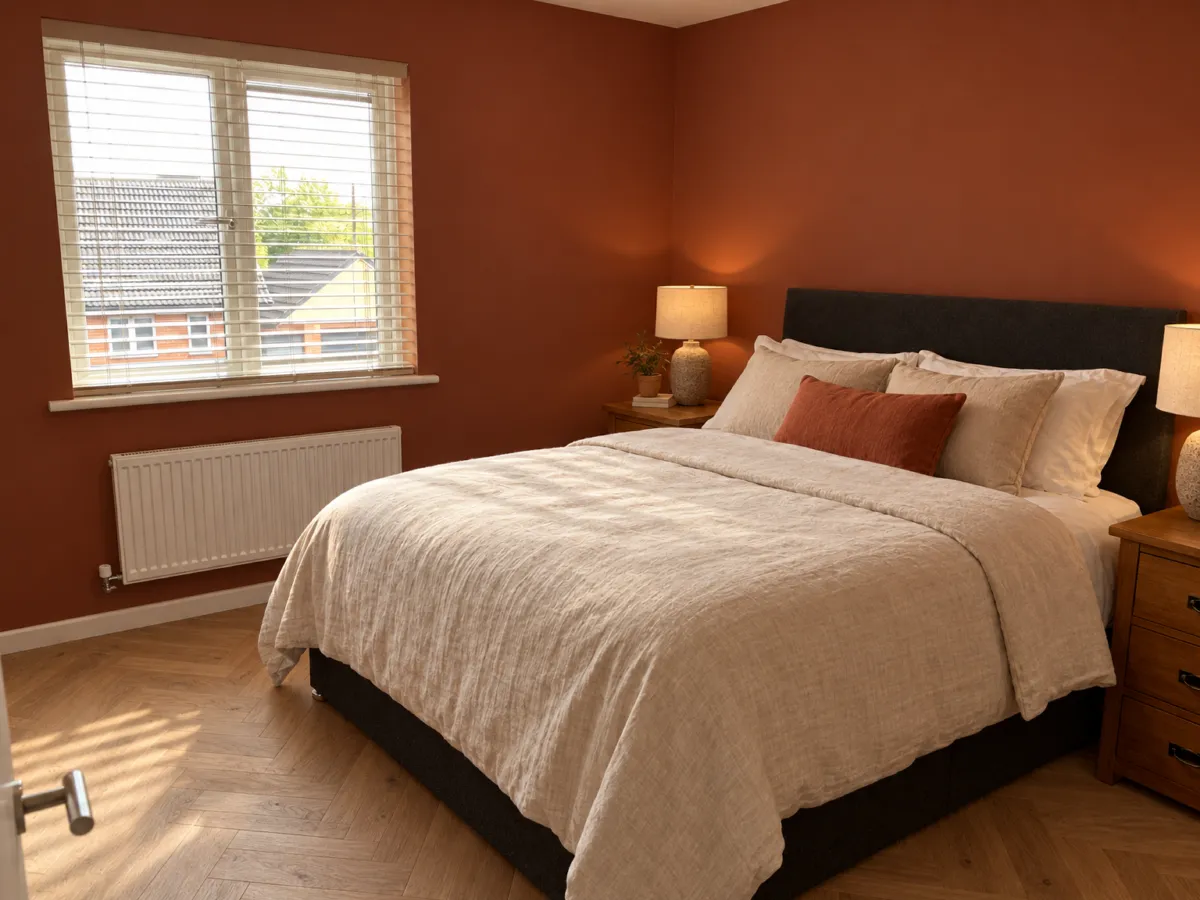
How it works
-
1
Photograph the room
Stand by the door and shoot the bed wall or the sofa wall. Switch the lights on first.
-
2
Name the big moves
Start with the things that change the feel most: wall color, floor, bedding. One message can hold all three.
-
3
Fine tune
Too dark? Say "lighter walls, same floor". Each reply is a new render of the same room.
What you get
Walls and floor decided early
These are the costly parts of a room. See a few options on screen before you commit to one.
Small details too
Lamps, a bedspread, a curtain. Ask for them one by one and watch the mood shift.
Same camera, fair comparison
Every render keeps your angle, so you can flip between versions and pick the one that feels right.
What you could write
- Terracotta walls, oak herringbone floor.
- Replace the grey carpet with light oak boards.
- Add linen bedding in off-white and two small bedside lamps.
- Same room, but with dark green walls and a brass lamp.
We never train AI on your images.
Questions and answers
Can I redo only one room and leave the rest?
Yes. Upload a photo of that room and change only what you name. The other rooms are not part of it.
Will the bed or the wardrobe move?
Not unless you ask. Furniture stays where it stands. You can also ask to swap a piece for another one.
Is the floor in the render a real product?
No. It is an AI picture of a floor like that. Use it to decide on the look, then choose real boards in a shop.
What do I get for free?
5 free renders when you sign up, no credit card needed. Free renders carry a small watermark.
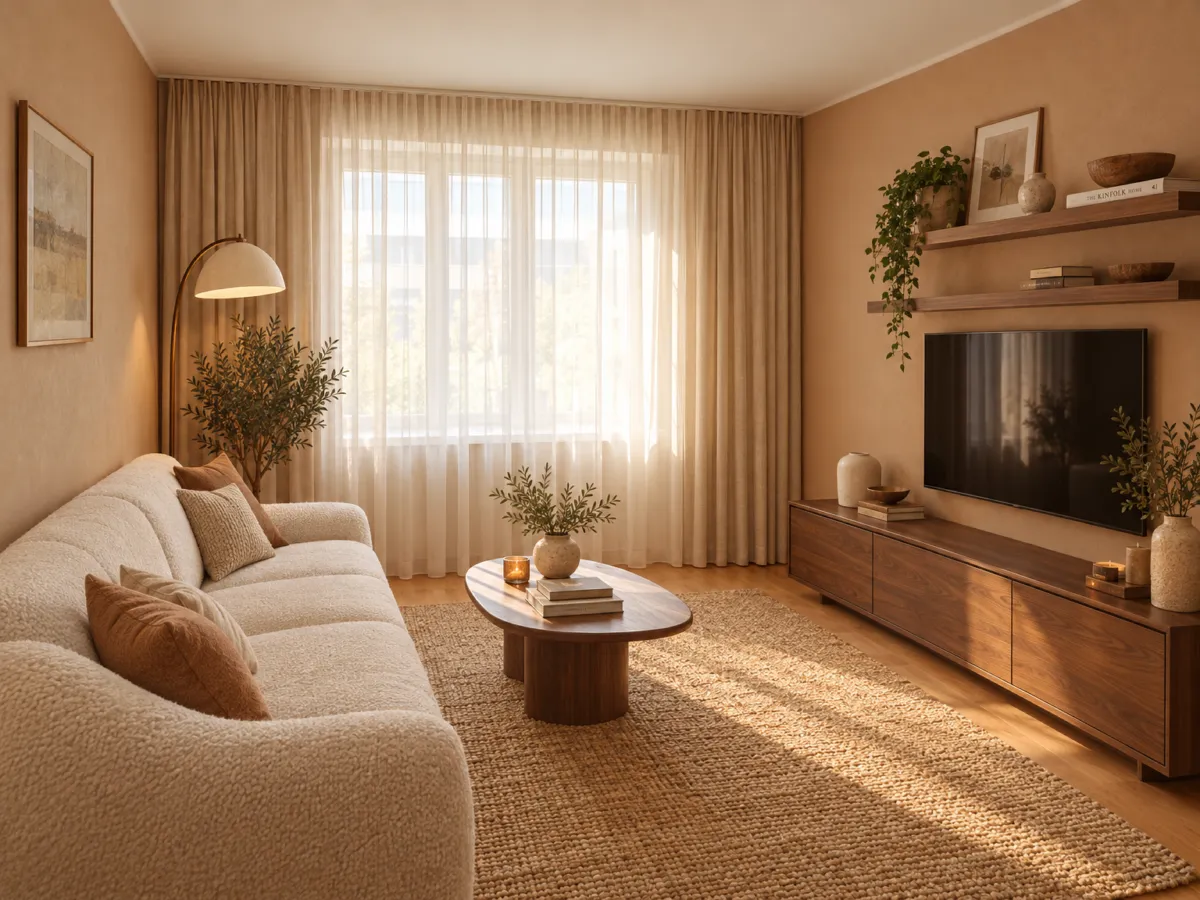
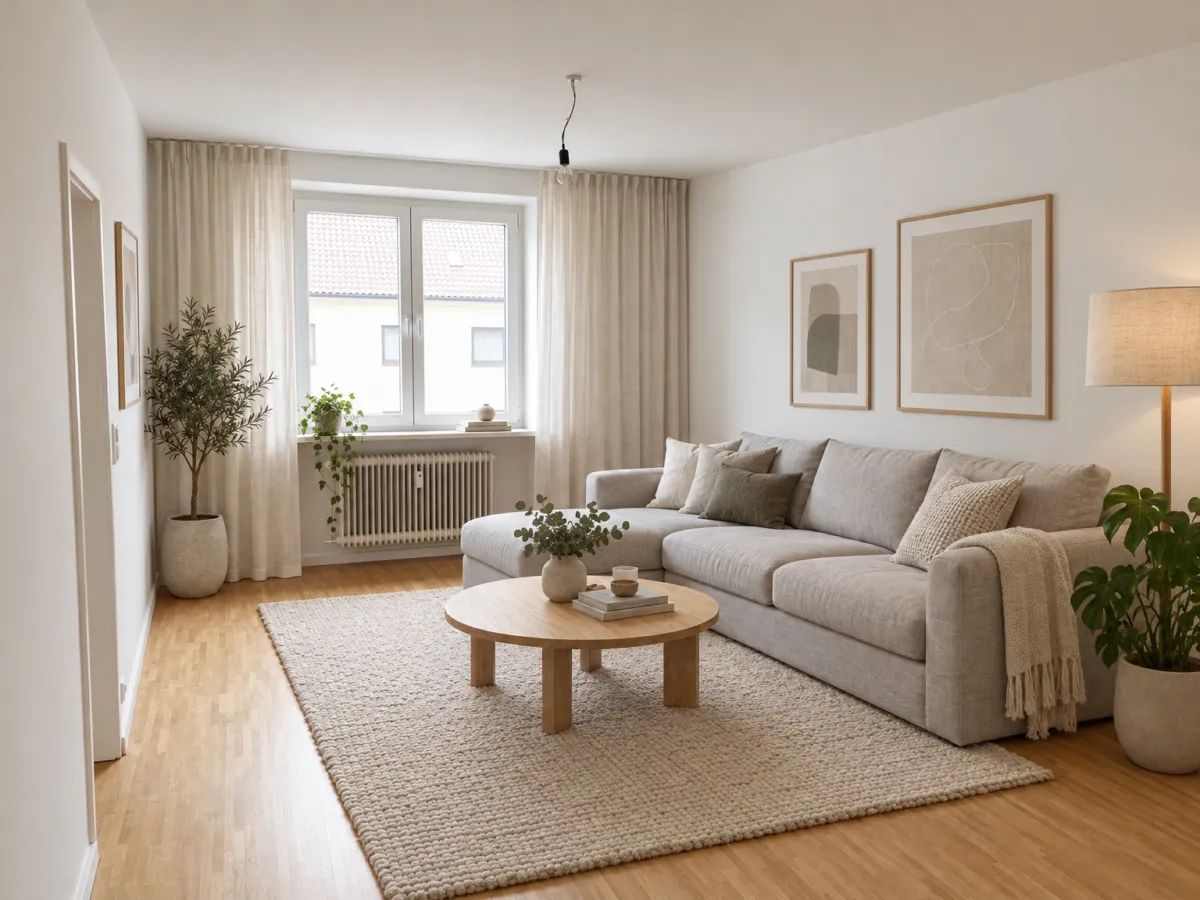
Decide on the look of one room before you open a single paint can.
No credit card. Sign up now, your renders wait for you at launch.