House paint visualizer: your walls in a new color
Small color cards on a shelf do not tell you much. Upload a photo and name a color. You see your own wall in that color, with your light and your furniture. For outside walls, use the facade tool on a street photo.
No credit card. Sign up now, your renders wait for you at launch.

How it works
-
1
Upload a photo in daylight
Natural light gives the truest base. Show the wall you plan to paint.
-
2
Name the color
Use words, like "deep terracotta", "soft sage" or "warm white". You can also describe a shade you saw somewhere.
-
3
Compare colors
Ask for the next color on the same wall. On Pro and Studio you can see several colors side by side.
What you get
Less guessing before you buy
Rule out the colors you know you dislike without opening a tin.
One wall or all four
Try a single accent wall, or the whole room. On Pro and Studio, mark the area and only that part changes.
Furniture and floor stay
You judge the color next to your real sofa and floor, not on a white sample board.
What you could write
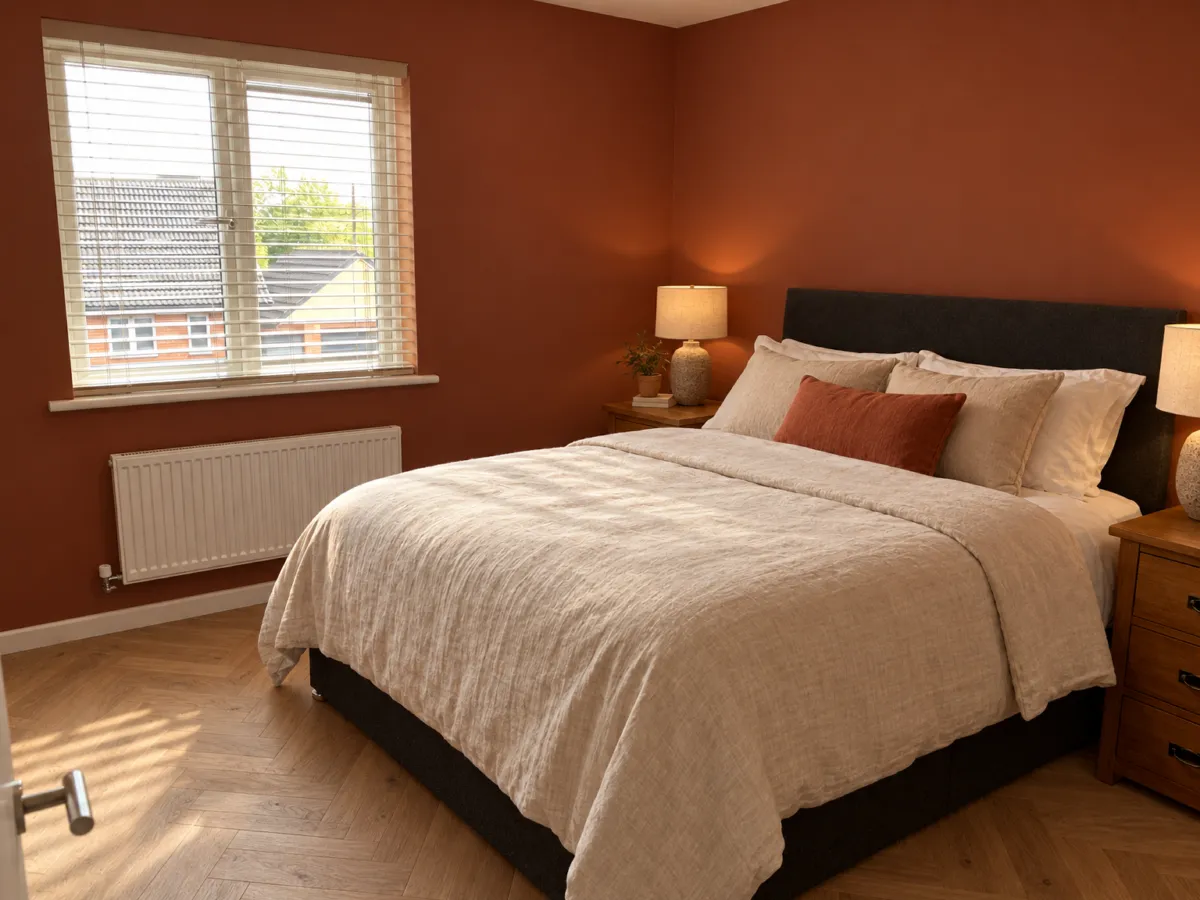
- Paint the wall behind the bed deep terracotta.
- Make all the walls soft sage green.
- Try a warm white instead of the grey.
- Keep the walls, paint the ceiling a bit darker.
We never train AI on your images.
Questions and answers
Is the color on my screen the real color?
No. Screens and light change colors, so treat the render as a preview. Test a real paint sample on your wall and look at it at different times of day.
Can I try colors on the outside of my house?
Yes, use the exterior tool with a photo of the facade. The roof line, windows and doors stay.
Can I change just one wall?
You can write it in the chat. On Pro and Studio you can also mark the area, so only that part changes.
Do you tell me which paint to buy?
No. Renderist does not name paint brands or color codes. You get a picture to help you choose.

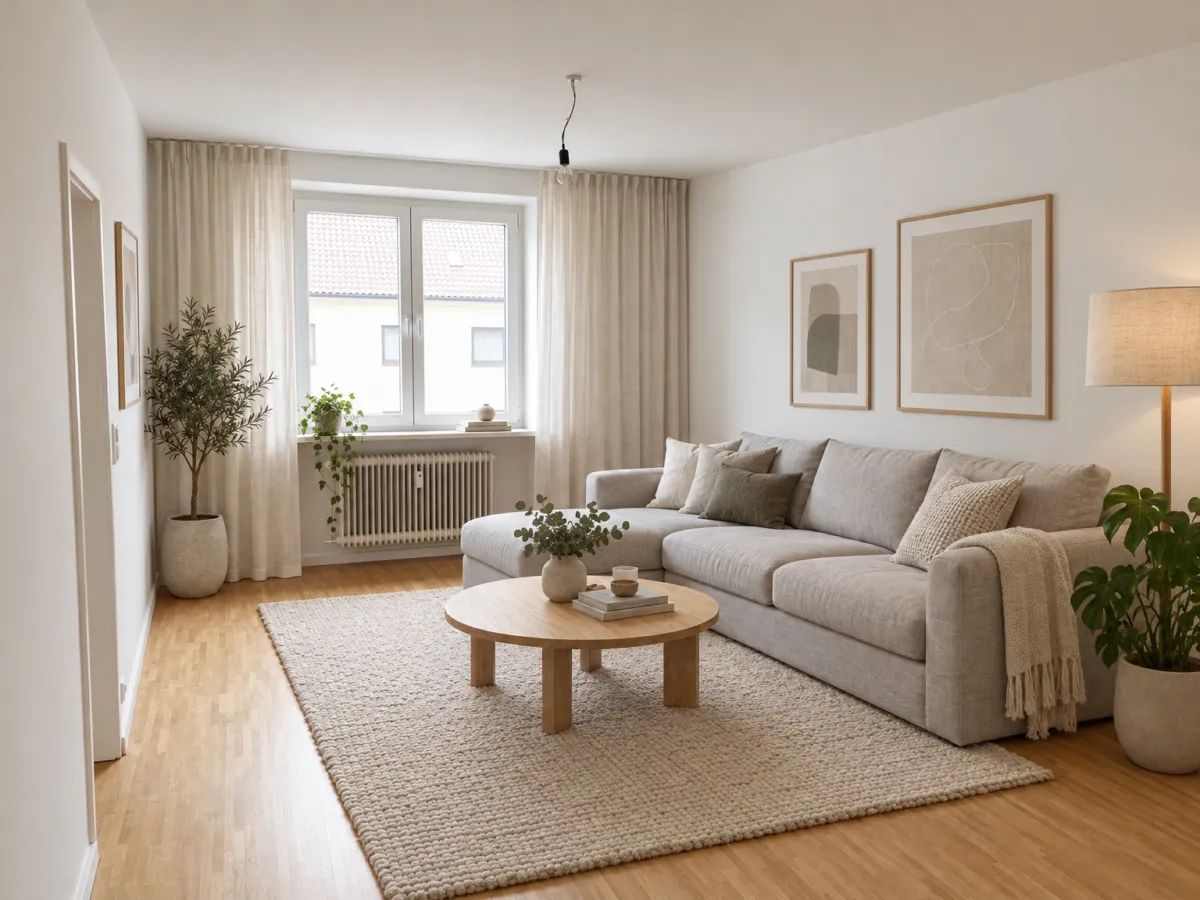
Pick a color you have already seen on your own wall.
No credit card. Sign up now, your renders wait for you at launch.