Sketch to render: see your drawing as a real place
A sketch holds the idea, but few clients can read it. Upload a photo of your drawing, or an export from your tablet. Renderist follows your lines and shows how the building could look with materials, sky and light.
No credit card. Sign up now, your renders wait for you at launch.
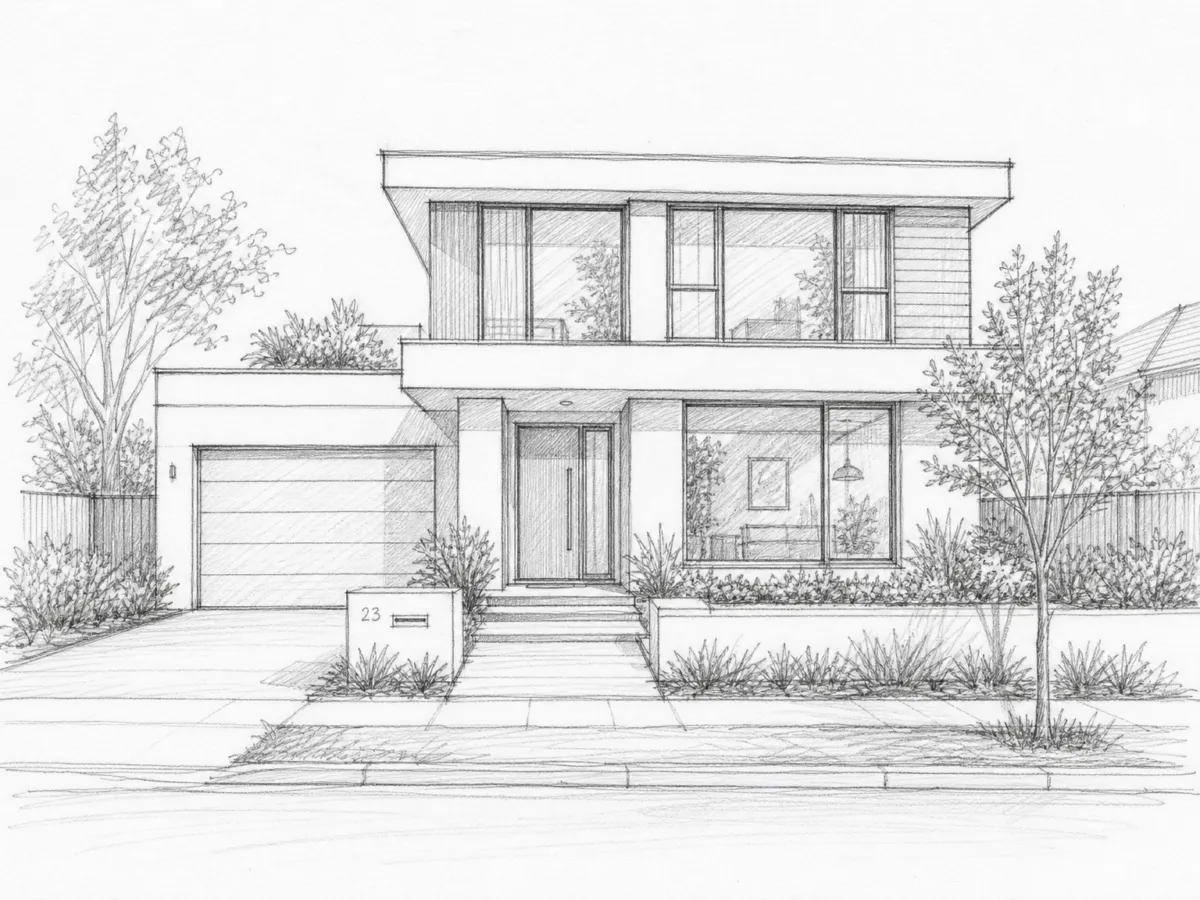

How it works
-
1
Photograph or export the sketch
Dark lines on a light page work best. Keep the page flat and the light even.
-
2
Say what it is made of
Name the walls, the frames and the time of day: "white walls, dark frames, wood cladding, dusk".
-
3
Adjust the mood
Ask for a bright morning or a grey day. The shape of the drawing stays.
What you get
Your lines stay
The picture follows the form you drew, not a shape the tool prefers.
Check an idea early
See if the roof and the windows work together before you spend hours in 3D.
A drawing a client understands
People react to a picture. A pencil sketch makes them squint.
What you could write
- Dusk exterior, white walls, dark frames, wood cladding.
- Same house on a sunny morning, with a lawn.
- Make the cladding vertical larch boards.
- Add warm light in the ground floor windows.
We never train AI on your images.
Questions and answers
Does my sketch need to be neat?
No, but clear lines help. Very faint pencil or many crossing lines may give a weaker result.
Can I upload a tablet drawing?
Yes. Export it as JPG, PNG or WebP and upload it like any photo.
Can I sketch an interior too?
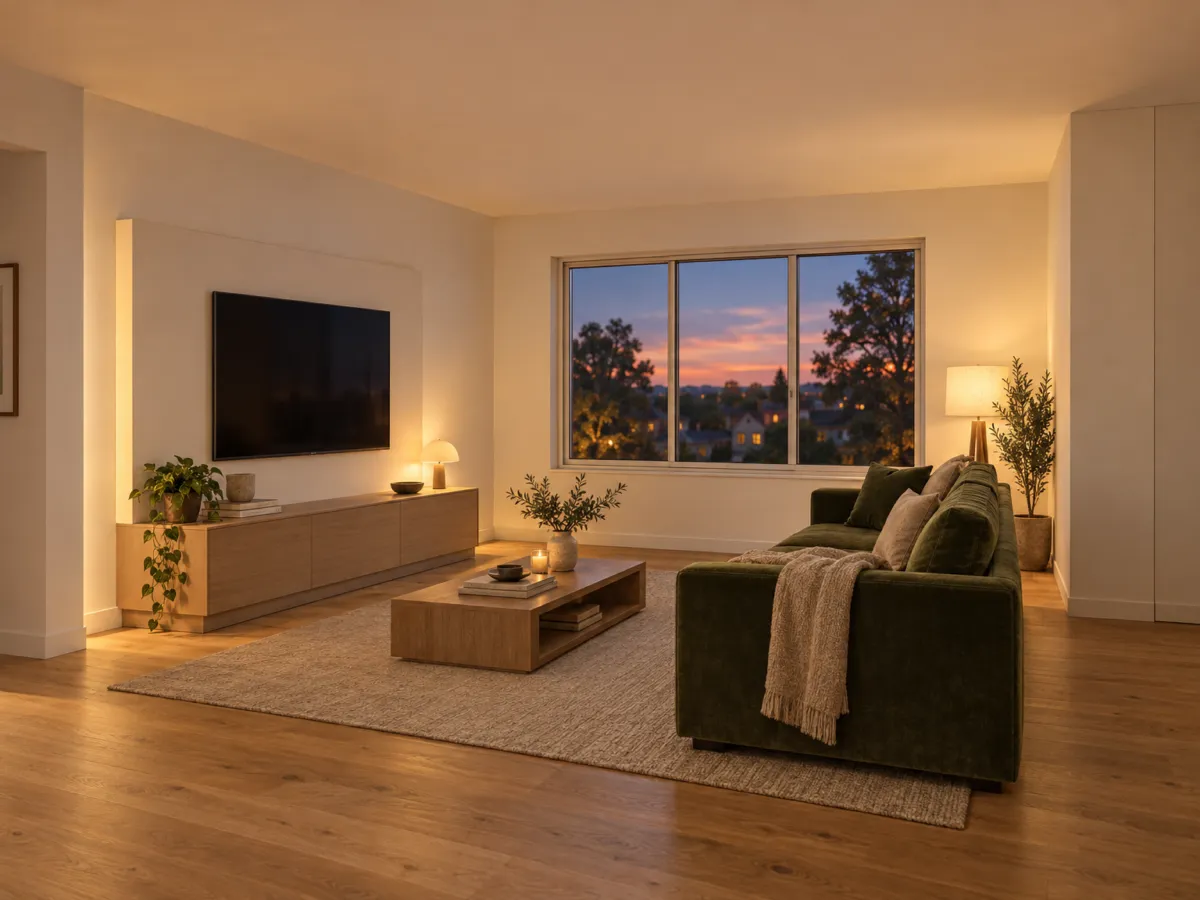
Yes. A room sketch works the same way: describe the floor, the walls and the furniture.
Is the result a building design?
No. It is a picture of your idea. It does not check structure, measures or building rules.
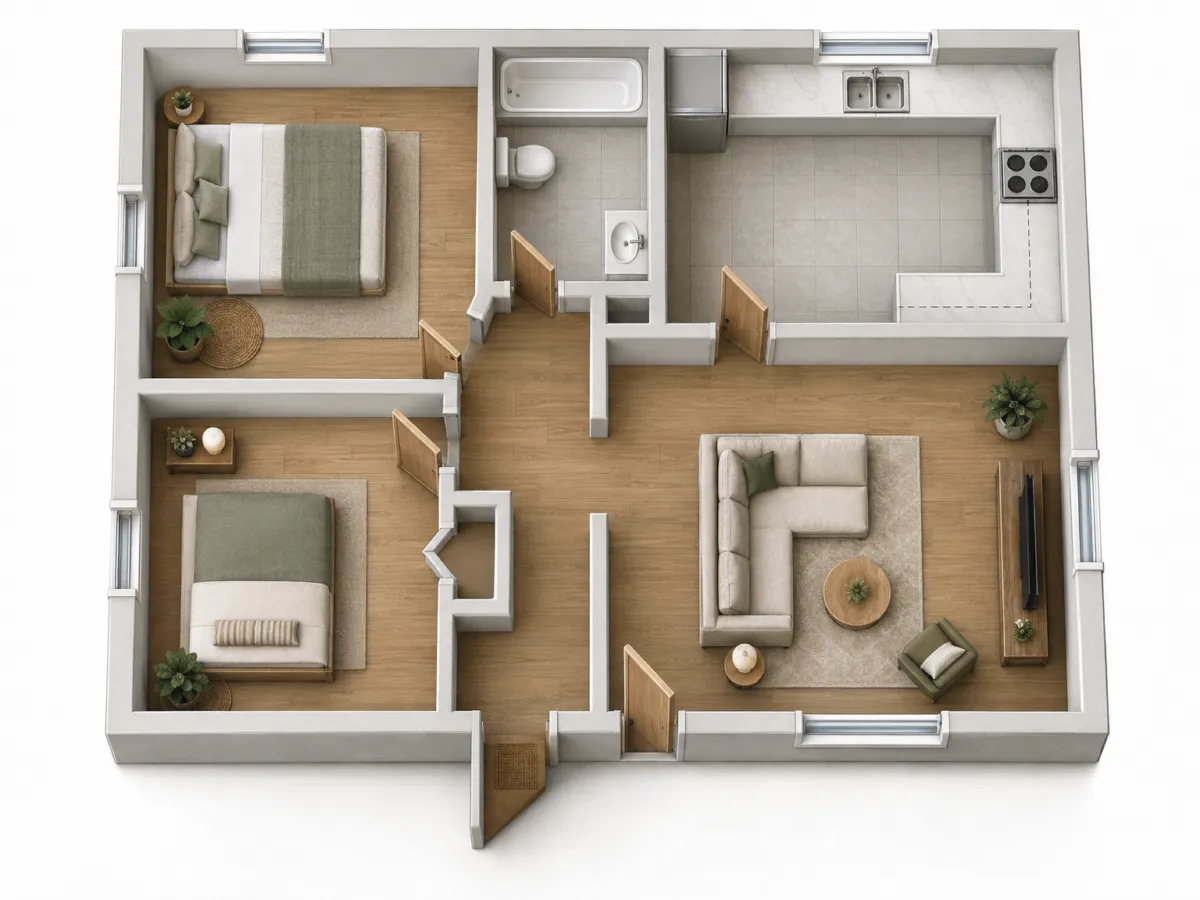
Give your pencil lines a place to stand in.
No credit card. Sign up now, your renders wait for you at launch.