AI architecture rendering for early client talks
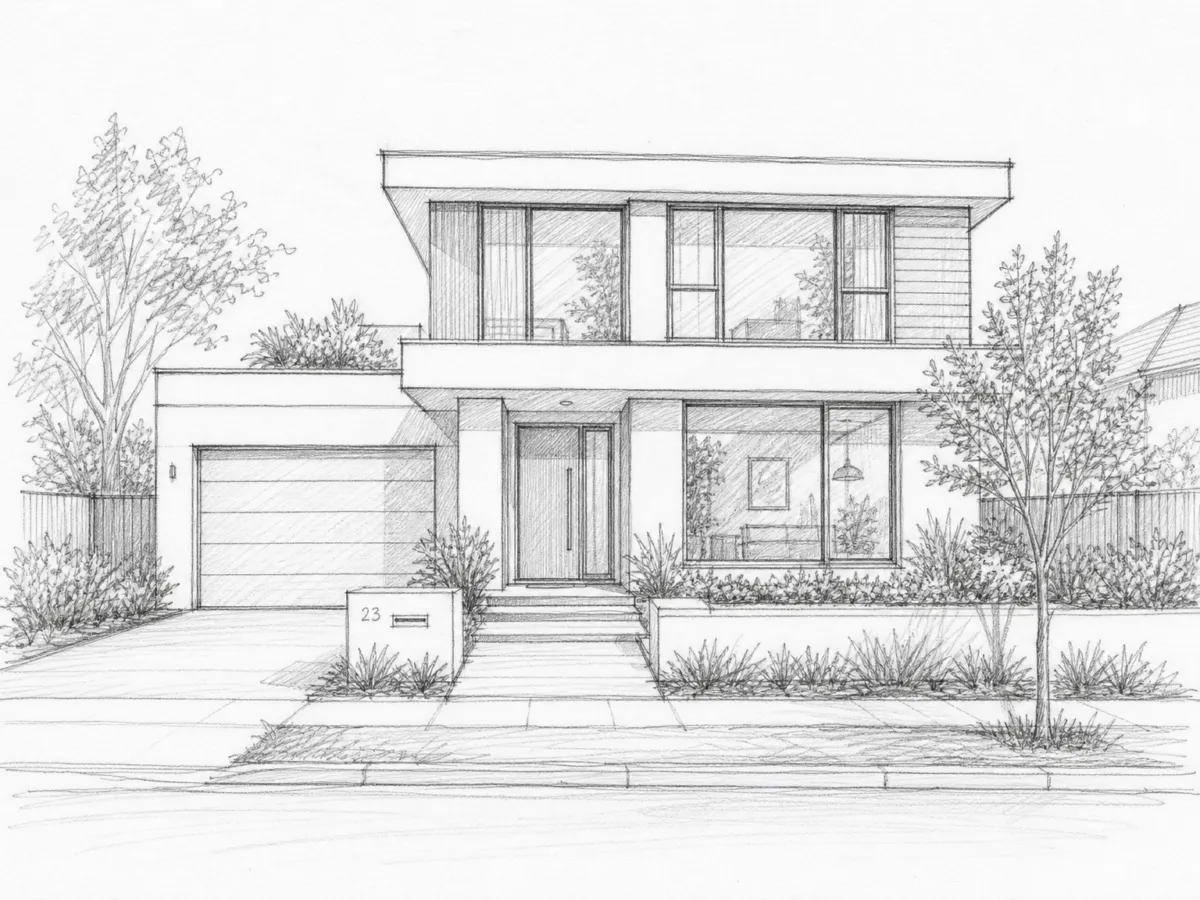
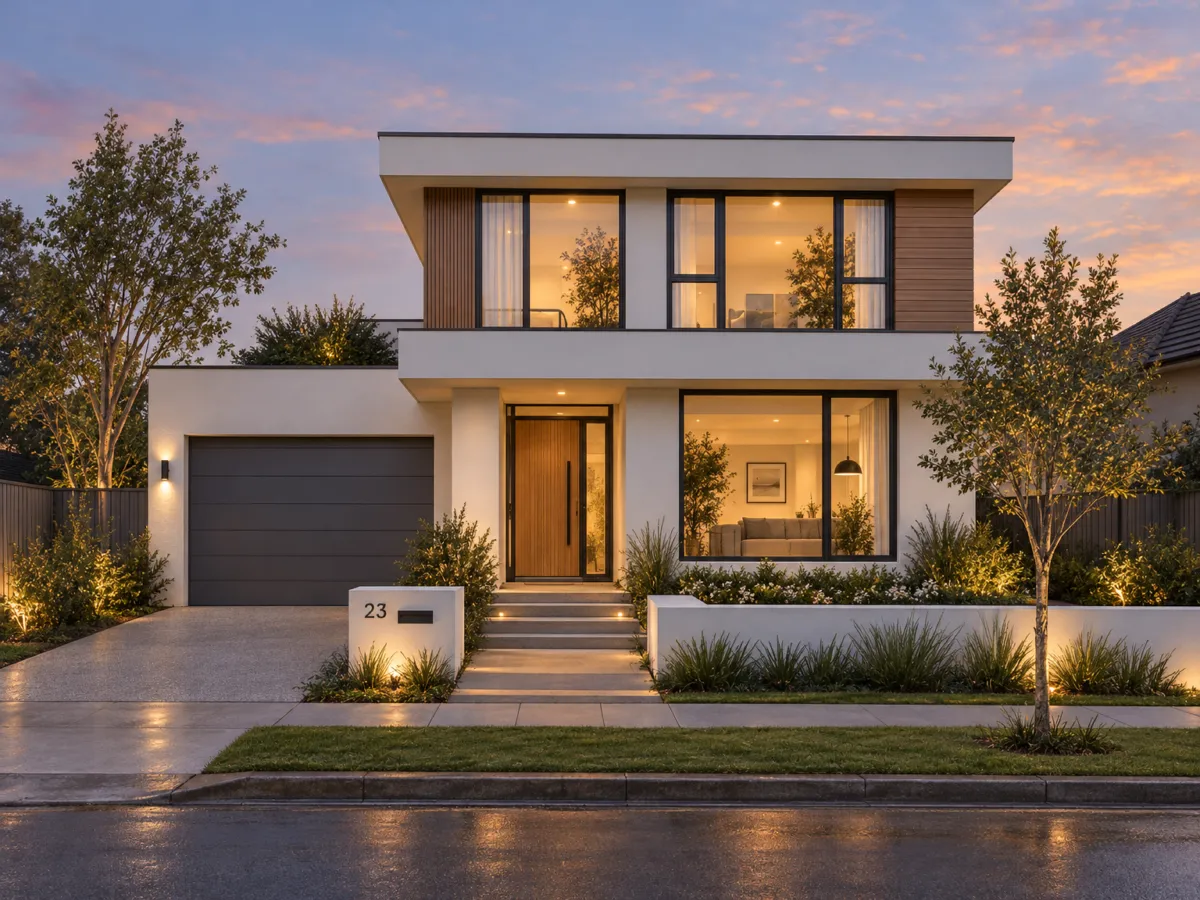
At the start of a project you need pictures, but not a full render setup. Export a massing view or a sketch and describe materials and mood. Renderist gives you an image that helps a client choose between options.
No credit card. Sign up now, your renders wait for you at launch.
How it works
-
1
Export a view
Take a screenshot from your model or scan a sketch. Revit, ArchiCAD, Rhino, SketchUp and others work.
-
2
Describe the materials
Write the facade in plain words, for example "white render, dark frames, wood cladding".
-
3
Make option B and C
Change materials or the light in the chat. Put the options next to each other on Pro or Studio.
What you get
Options before the model is finished
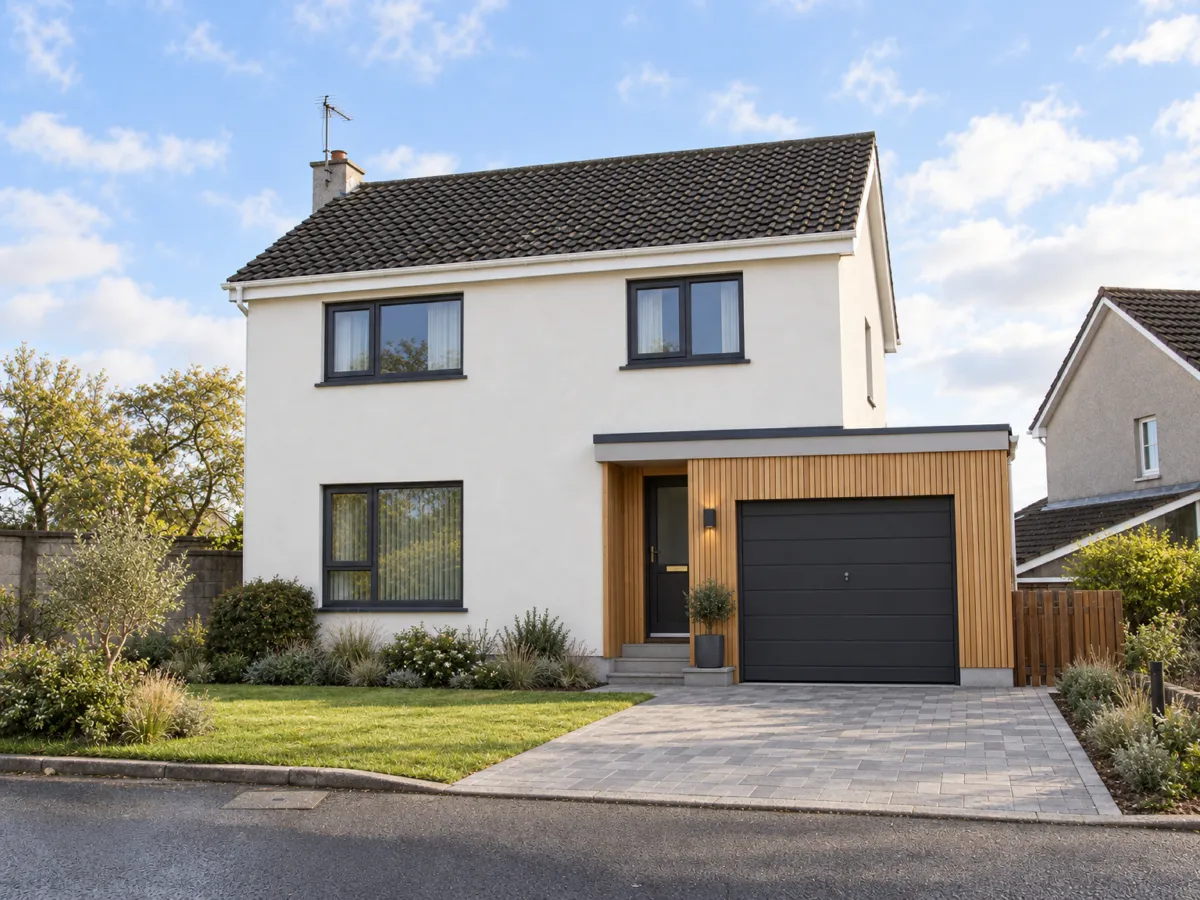
Show a client three directions while the design can still move.
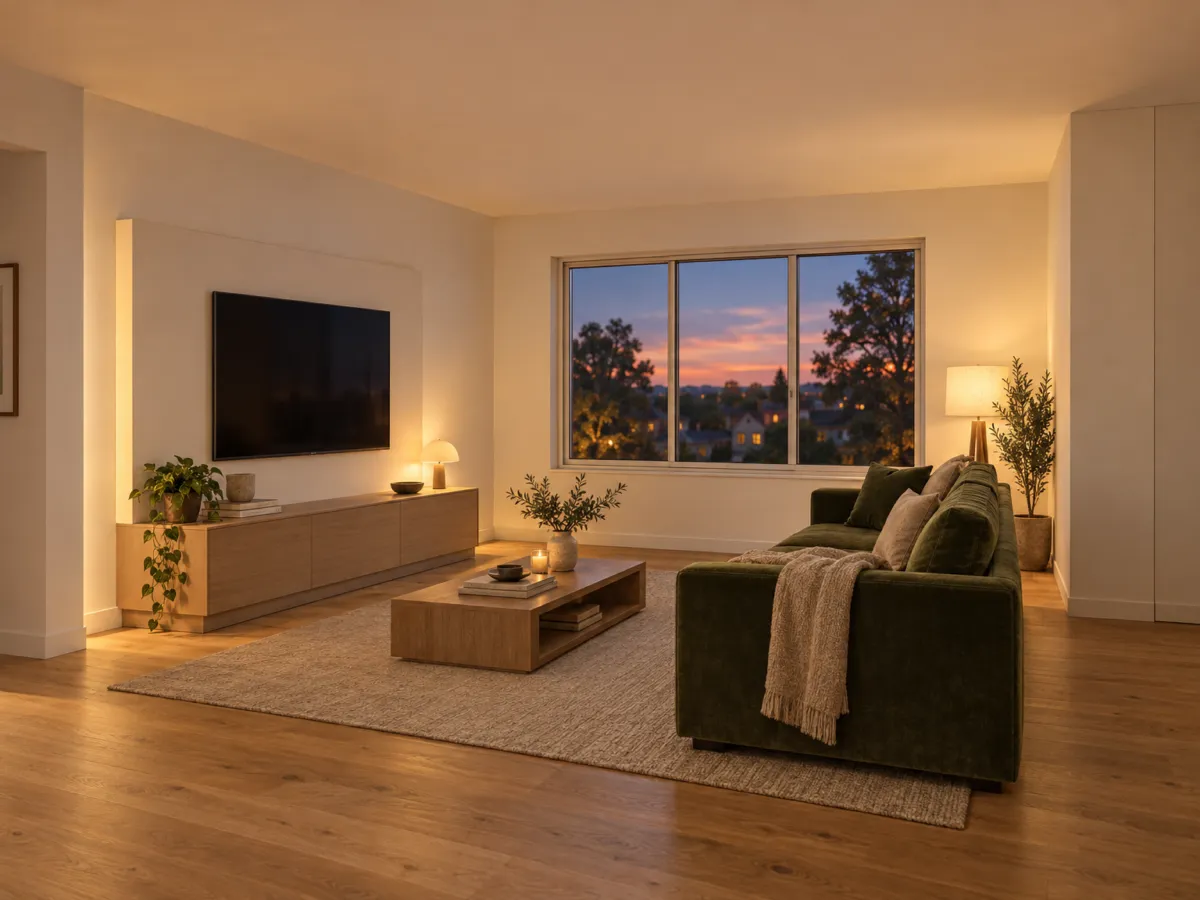
Same design, many moods
Your volumes and openings stay. Only materials and light change between versions.
Light first images
Keep your hours for the design, and use pictures to start the conversation.
What you could write
- White render, dark window frames, larch cladding, dusk.
- Same massing, brick facade, overcast day.
- Add a tree line behind the house.
- Show the entrance side with warm light.
We never train AI on your images.
Questions and answers
Does Renderist design the building?
No. You design it. Renderist makes a picture from your model or sketch.
Is this BIM or a code check?
No. There is no BIM data, no code check and no structure check. It is a presentation image.
Can I use the images in a client deck?
On paid plans, yes. They have no watermark and a commercial license. Free renders have a small watermark.
Is my project data safe?
We never train AI on your uploads or renders. If you delete a project, its files are removed.
Start the client meeting with pictures, not promises.
No credit card. Sign up now, your renders wait for you at launch.