Virtual staging for listings that look lived in
Empty rooms look small and cold in photos. With virtual staging you add a sofa, a table and a rug to your photo, and the room starts to make sense to a buyer. Walls, windows and light stay as they are.
No credit card. Sign up now, your renders wait for you at launch.
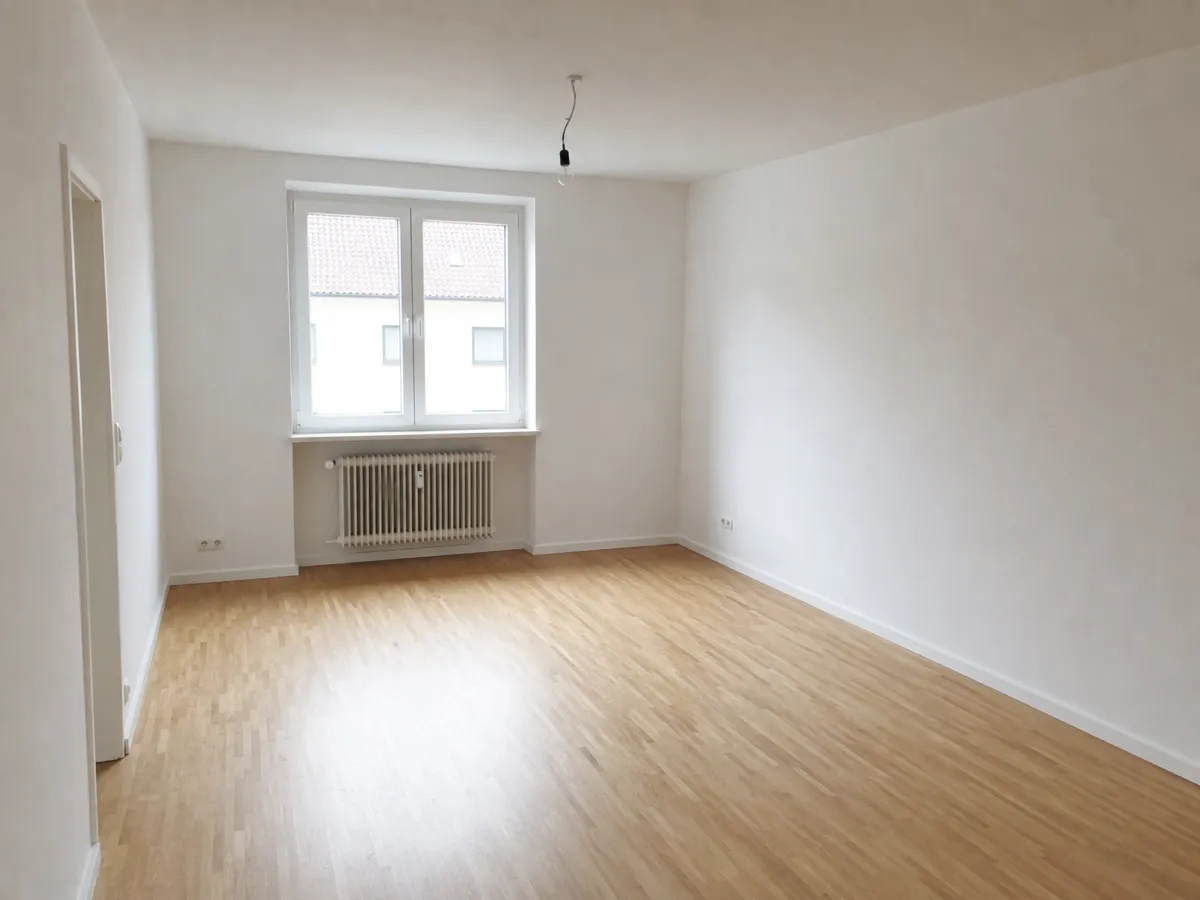
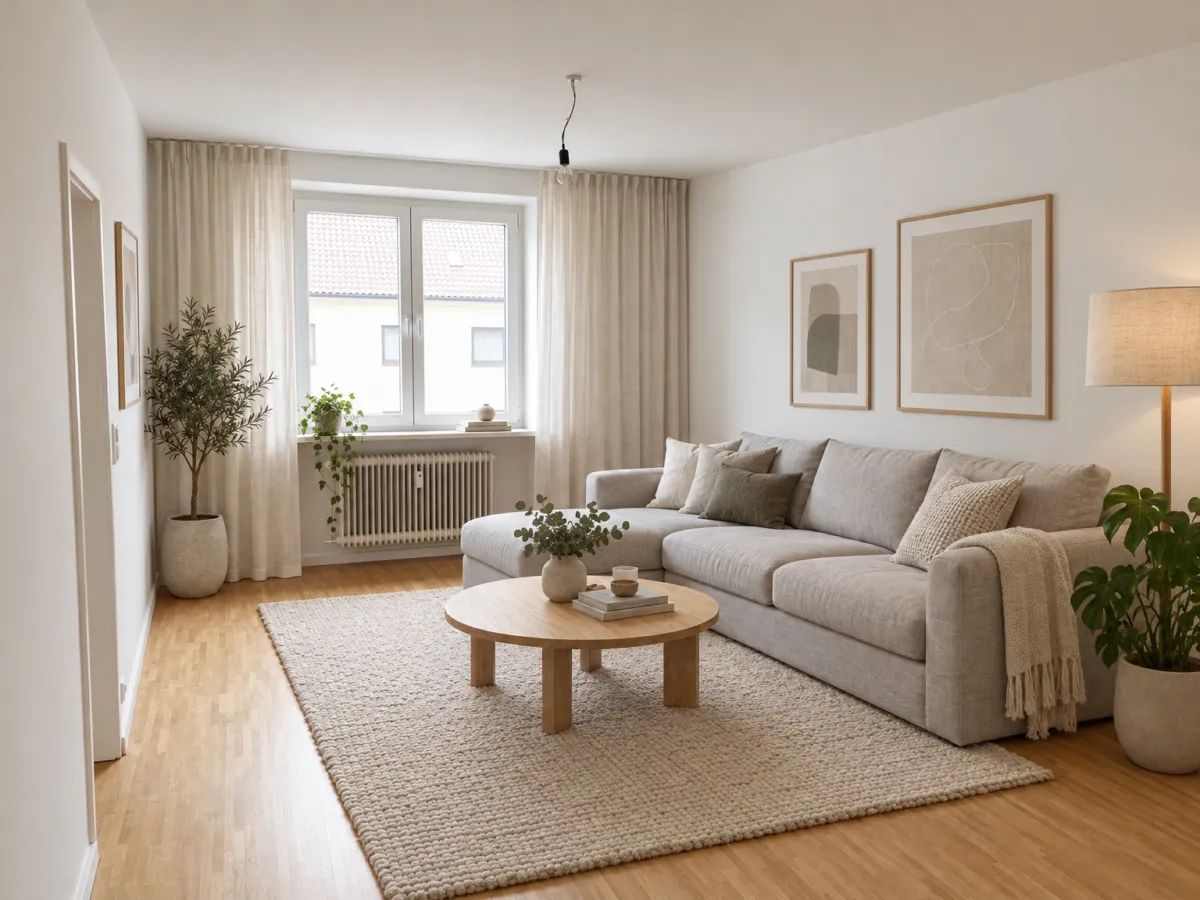
How it works
-
1
Upload the empty room
Use your best listing photo, bright and straight. A wide angle shows more of the space.
-
2
Pick the staging style
Write who the buyer is: "young couple, light and simple" or "family, warm and cosy".
-
3
Tweak and save
Ask for a smaller sofa or no rug. When the picture looks right, download it.
What you get
Rooms buyers can picture
A table shows where people eat. A sofa shows where they sit. The size of the room becomes easy to read.
Several looks for one room
Try a warm style and a light style on the same photo and keep the one that fits the buyer.
No truck, no storage
Nothing to carry, rent or collect. You only work with the photo.
What you could write
- Stage this empty living room for a young couple, light and simple.
- Add a dining table with four chairs by the window.
- Make the staging more neutral, beige and white.
- Remove the rug and show the wooden floor.
We never train AI on your images.
Questions and answers
Do I have to say the photo is edited?
Yes. When you use a staged image in a listing, label it as AI edited and show the real state of the room as well, for example with an unstaged photo.
Will the room look bigger than it is?
Renderist keeps walls, windows, doors and proportions. Do not use it to hide flaws, and do not change the room itself.
Can I use the images commercially?
On paid plans, yes. They have no watermark and come with a commercial license. Free renders have a small watermark.
Can I stage many rooms?
Yes, one photo at a time. Keep the same style words so a flat or house looks like one home.
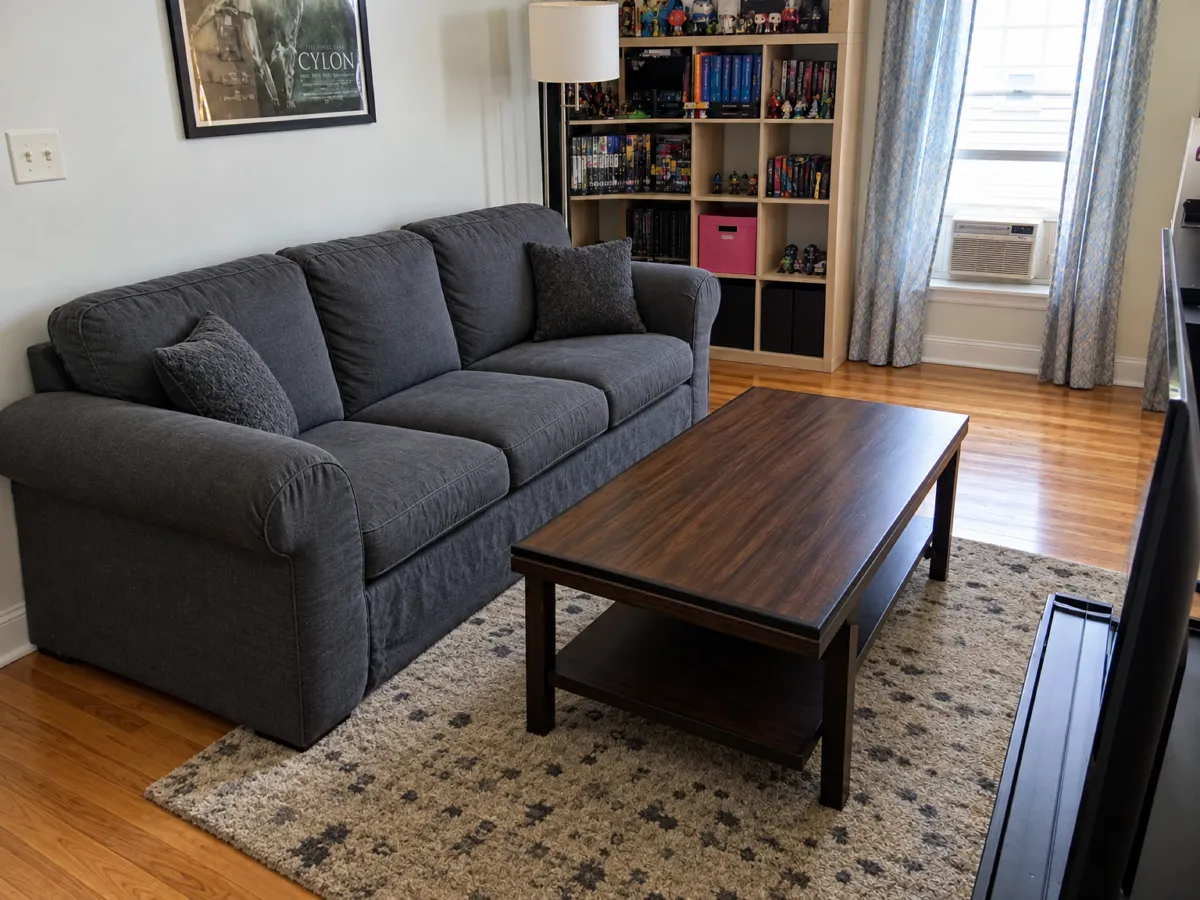
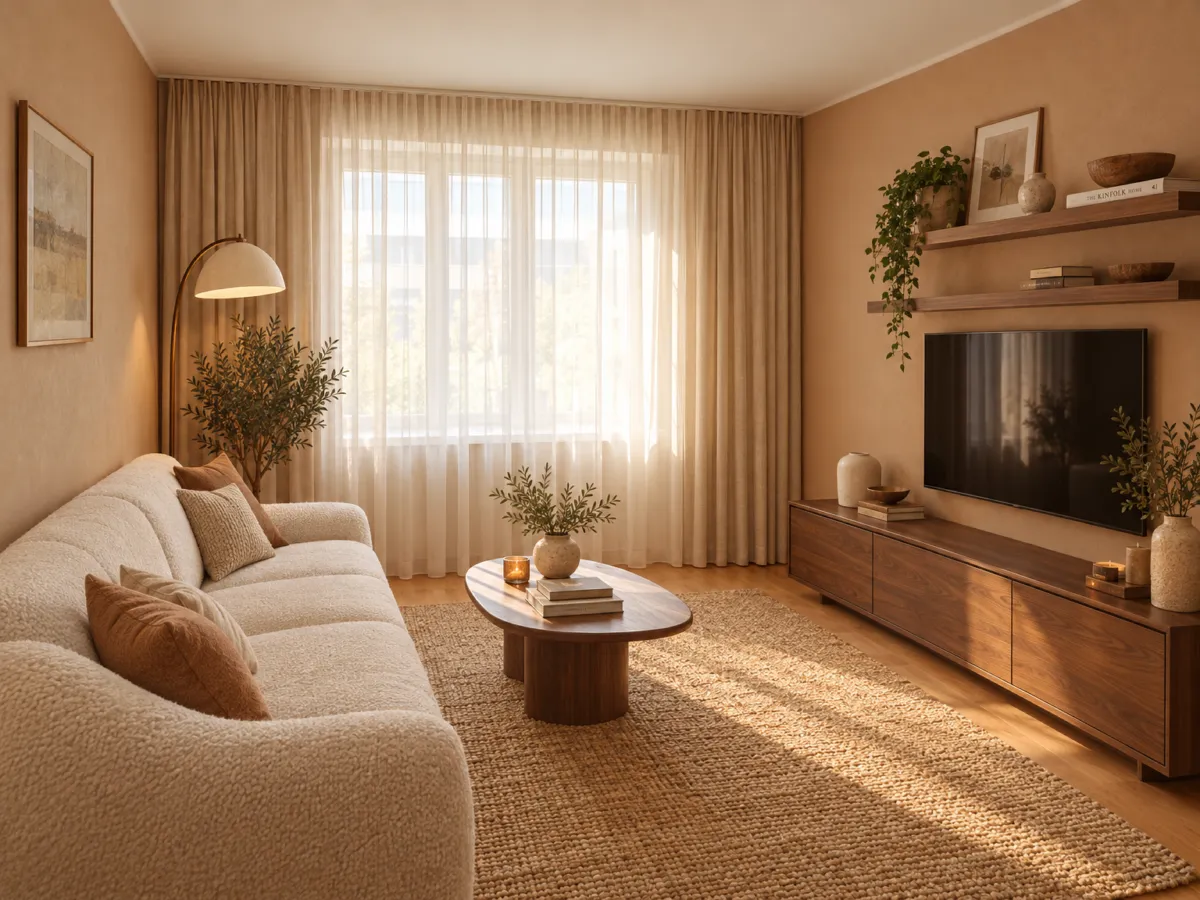
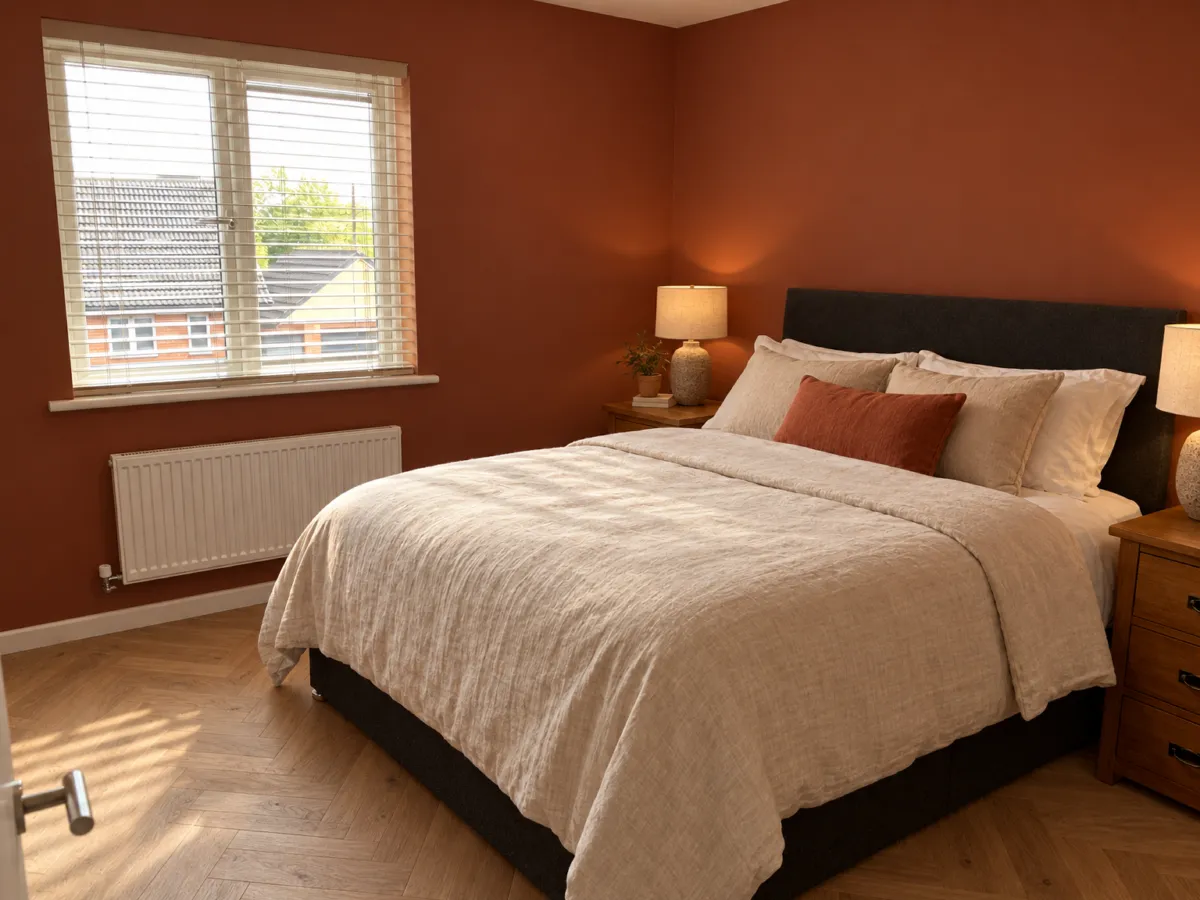
Show buyers a room they can imagine living in, and be honest that it is staged.
No credit card. Sign up now, your renders wait for you at launch.