AI exterior design: a new face for your house
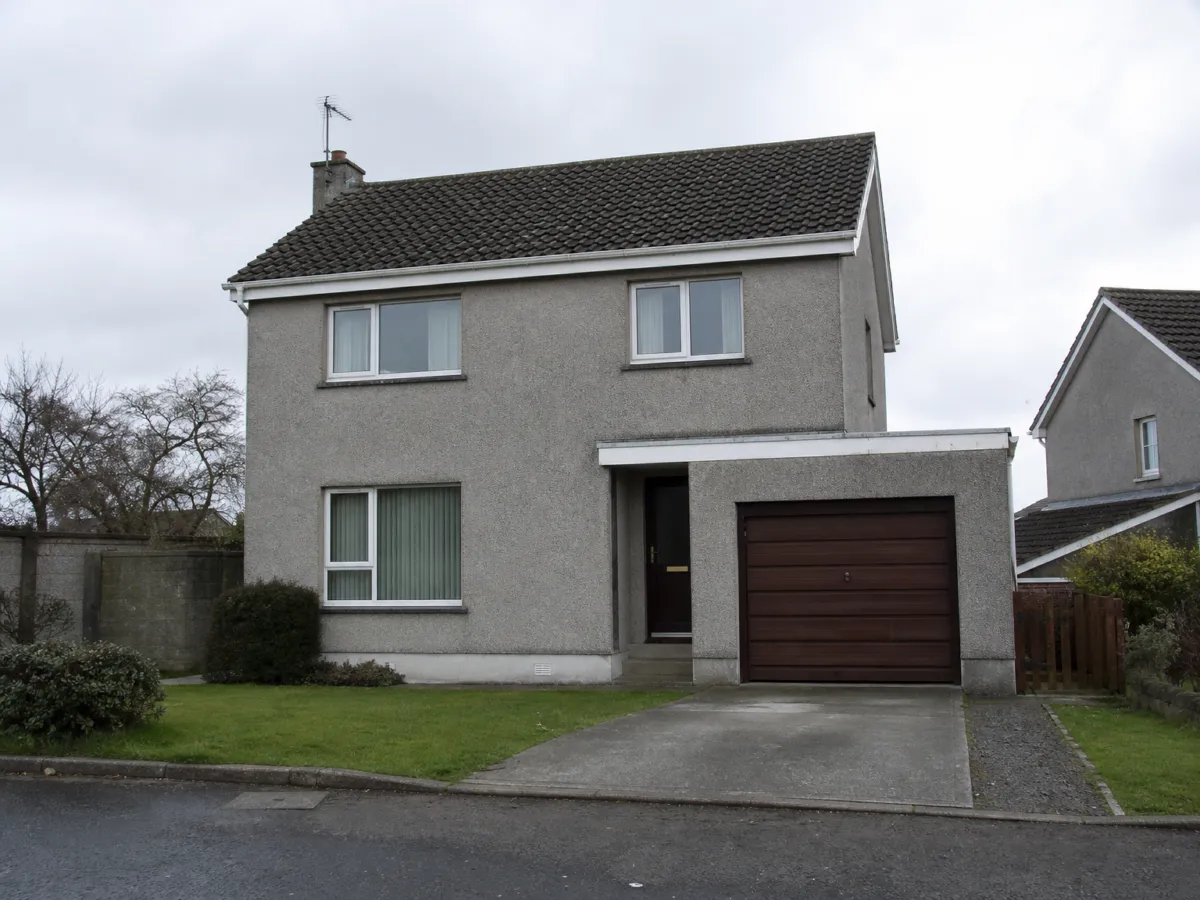
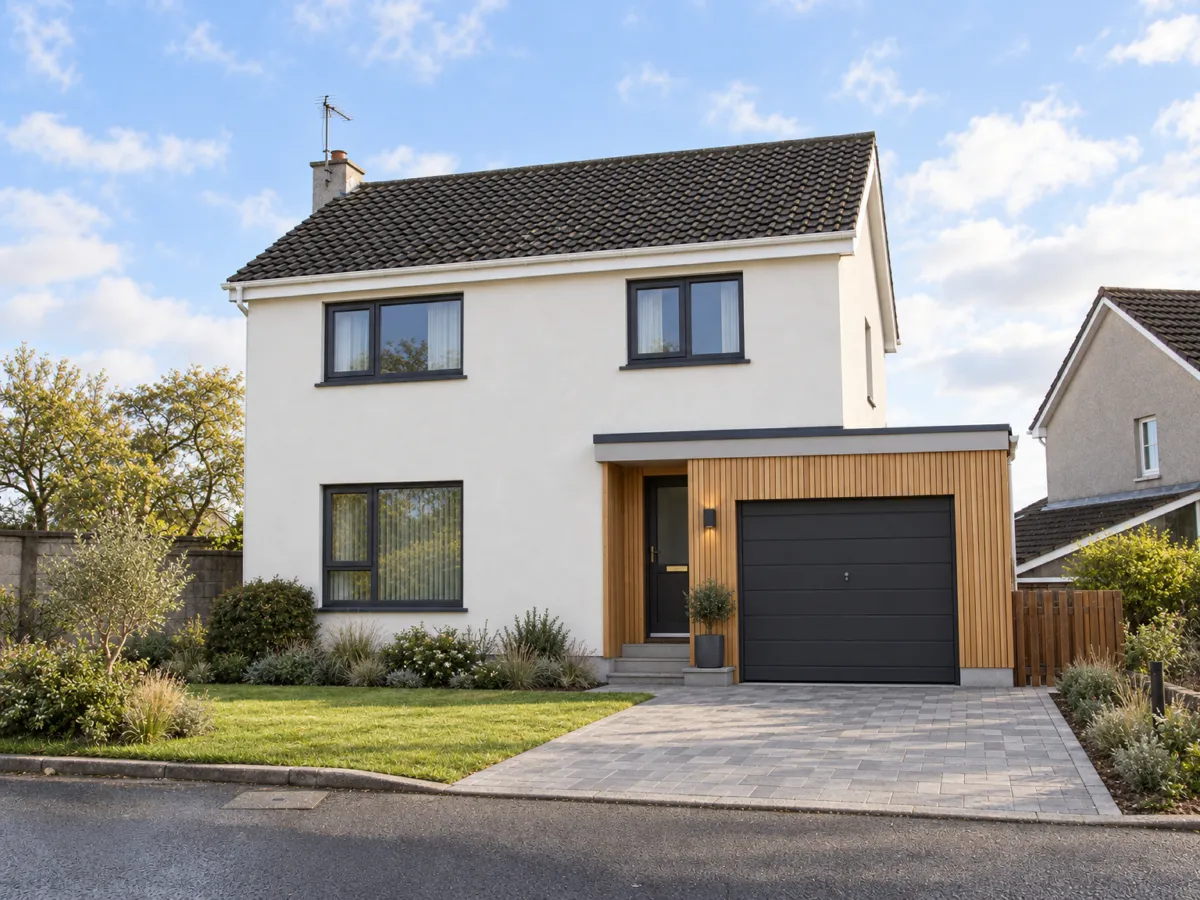
Take a photo of the house from the street. Describe a new facade, with different render, cladding or window frames. The roof line and the windows stay where they are, so you see your own house in a new coat.
No credit card. Sign up now, your renders wait for you at launch.
How it works
-
1
Photograph the front
Stand across the street, level, with the whole facade in the frame. Overcast light works well.
-
2
Choose the new skin
Write the render color, the cladding and the frames: "white render, larch cladding, anthracite frames".
-
3
Try another version
Dark facade, brick, a lighter roof. Ask again and compare the pictures.
What you get
Big surfaces, big risk
A facade is seen every day by you and your neighbors. Look at the colors before you order.
Frames and cladding together
See how dark window frames and wood boards sit next to each other on your house.
A picture for the contractor
Bring it to the builder or the insulation company, so they know what you have in mind.
What you could write
- White render, larch cladding on the upper floor.
- Make the window frames anthracite grey.
- Same house with a red brick facade.
- Keep the facade and paint only the front door green.
We never train AI on your images.
Questions and answers
Will the roof and windows change?
No, unless you ask. The roof line, the windows and the doors stay as in your photo.
Is this a plan for insulation or building work?
No. It is a picture of a look. Renderist does not plan, measure or calculate any building work.
Do I need permission for a new facade?
That depends on where you live, and Renderist cannot tell you. Ask your local building office before you plan work.
Can I mark only one part of the house?
On Pro and Studio you can mark an area so only that part changes.
Meet your new facade in a picture first.
No credit card. Sign up now, your renders wait for you at launch.