Guides
How to Redesign Room From Photo AI Without Losing the Layout
Renderist Team ·
What Does the AI Actually See in My Phone Photo?
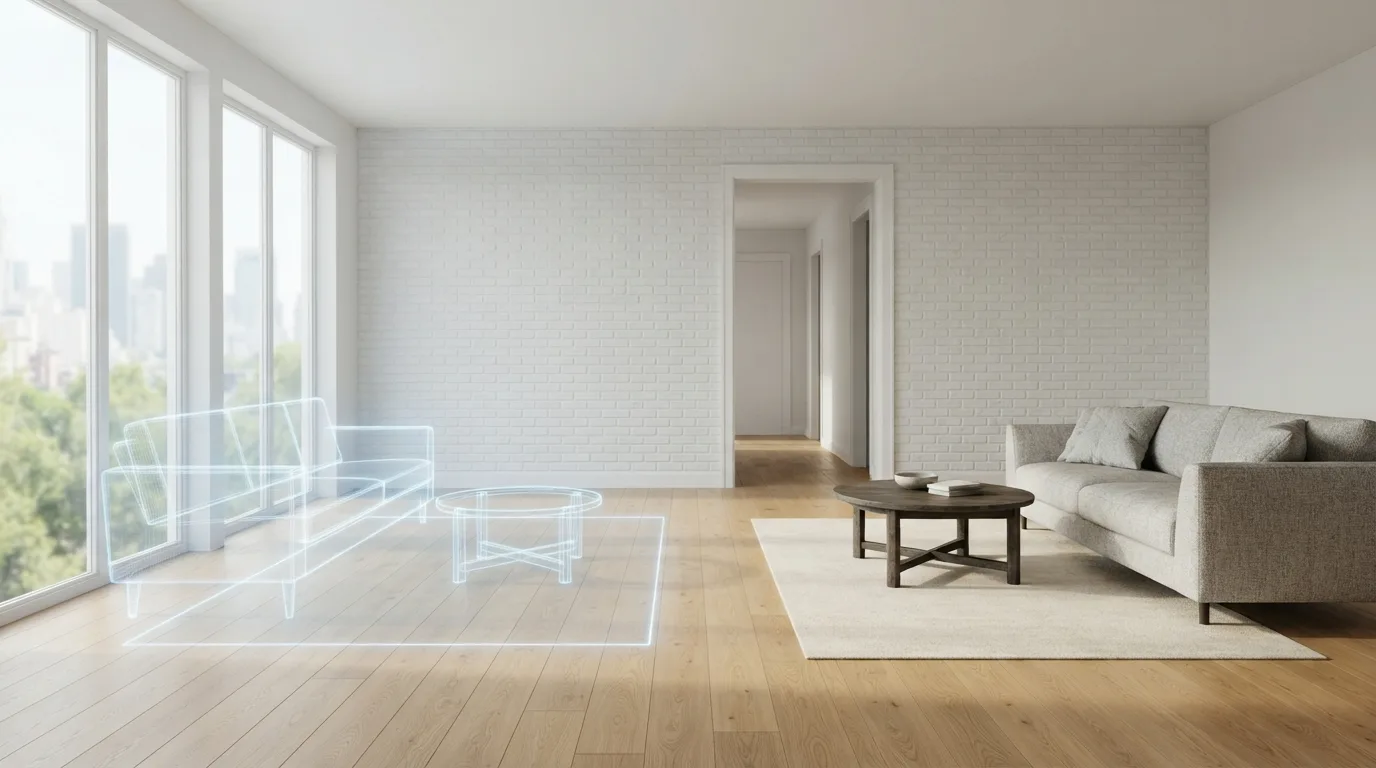
The short answer: it sees the shell of your room, not your taste. Modern tools pick out room boundaries, windows, doors and architectural features, and that reading decides whether the furniture layout makes sense. Miss a doorway and you get a sofa in front of it. That is why photo quality matters more than the prompt. Shoot from a corner at chest height, keep the whole room in frame, open the curtains and switch on the ceiling light. A wide, evenly lit shot gives the AI clean edges to work with. What it reads next is scale and light. Tools that understand furniture scale and how light falls in a space can place a sofa that fits the wall instead of one that clips through it. Weak room understanding shows up fast: rugs floating over stairs, sofas passing through walls. It also recognizes the room type. A living room, bedroom, kitchen, bathroom or home office each pulls a different set of furniture, so the first render usually looks plausible before you type a word. Where it needs help is your brief: square footage, lighting, budget and style tags sharpen the furniture, color and layout suggestions. This is where redesign room from photo AI earns its keep, and where it fails. The image holds the structure; your job is to describe what stays. Say which walls, windows and doors cannot move, then let the tool work inside those limits.Which Photo Gives the AI Enough Structure to Keep the Room Intact?
A photo shot from the doorway, standing up, shows the AI how the room actually works: where the walls meet, how tall the window is, which side the light comes from. Stand at eye level with the whole room in frame, turn the overhead light on, and open the curtains. A wide shot beats a pretty one, because a close-up of a sofa tells the tool nothing about the floor it sits on.
Skip the wide-angle lens if your phone has one. It bends the walls outward and the tool reads that bend as real geometry, then places furniture along a curve that isn't there. One normal shot per wall works better than a panorama. If a doorway or a radiator matters to the layout, keep it in the frame rather than cropping it out.
Then write the brief. Give the room type, the rough size, which way the windows face, and your budget in plain numbers. Style tags help, but a line about wood tones, fabric and color does more than a preset on its own. This is where an AI room redesign earns its keep: the tool keeps your walls and windows and changes what stands inside them.
Check the first render before you ask for more. Doors should stay clear, rugs should sit on the floor, and sofas should not pass through walls. If the result drifts, go back to the photo, not the prompt. A cleaner shot fixes more than a longer description.
How Do I Ask for a New Look Without Losing the Layout?
Most bad renders start with a bad photo, not a bad tool. Shoot from a corner at chest height, keep the phone level, and turn on every light in the room. Open the curtains, clear the floor and counters, and take one wide frame that shows all four walls where you can. A straight-on angle with the whole doorway in view gives the software something to measure against.
Then say what must not move. List the fixed points in your prompt: the window stays, the radiator stays, the door swings this way. Tools that read room boundaries, windows and doors build the furniture layout on top of those lines, so naming them keeps the sofa off the doorway. Skip that step and you get rugs floating over stairs and sofas clipping through walls.
Give the AI interior design request real constraints instead of a mood. Add the floor area, which way the light falls, your budget and two or three style tags. Better inputs steer furniture choices, color palettes and layout, and they stop the tool from filling a small bedroom with a sectional that will never fit.
Ask for one change at a time. Swap the floor, repaint the walls, then try a different sofa, checking the geometry and shadows after each pass. A masked edit keeps the room's structure intact while the finishes change, which is how you compare options without losing the layout you started with.
Finally, read the result as a shopping list, not a picture. If a chair looks right, check its proportions against your wall measurement before you order. A render that survives that test is worth keeping; one that only looks good on screen is not.
What Can Go Wrong When the AI Misreads the Room?
Most of the damage shows up in places you notice immediately. A sofa pushed across a doorway, a rug floating over the stairs, a wardrobe slicing through a wall. These are not styling mistakes. They come from a tool that never worked out where the room ends and the furniture begins.
That failure starts with room understanding. A tool has to identify the room boundaries, the windows, the doors and the fixed architectural features before it can suggest anything sensible. Skip that step and every later decision sits on a wrong map.
The same photo can produce a convincing image and a useless plan. A wide shot taken from a doorway flattens depth, so the software reads a deep room as shallow and fills it with pieces that would never fit. Shoot from a corner, keep the camera level, and leave the doors and windows visible.
What you ask for matters as much as what you upload. A vague request for "a cozy living room" gives the tool room to invent. Naming the room type, the size, the light and a budget range narrows the guesses. So does a style tag, refined with the wood tones and fabrics you actually want.
Style range is where expectations drift. The strongest platforms carry more than 15 looks, from Farmhouse and Coastal to Industrial, Art Deco, Japandi and Mid-Century Modern, and let you mix them. That choice is a starting point, not a guarantee of a buildable result.
Check proportions before you fall for the picture. If the visualizer keeps scale realistic, the suggestions stay shoppable and you can measure them against your own floor. If a chair looks too small next to a door frame, the render is decoration, not a plan.
Treat the output as a fast first pass. AI suits the early stage where you are scanning ideas, and it does not replace a designer on complex projects. Use it to rule options in or out, then spend real money on the version you can stand in.
How Do I Check Whether the Result Is Realistic Enough to Build?
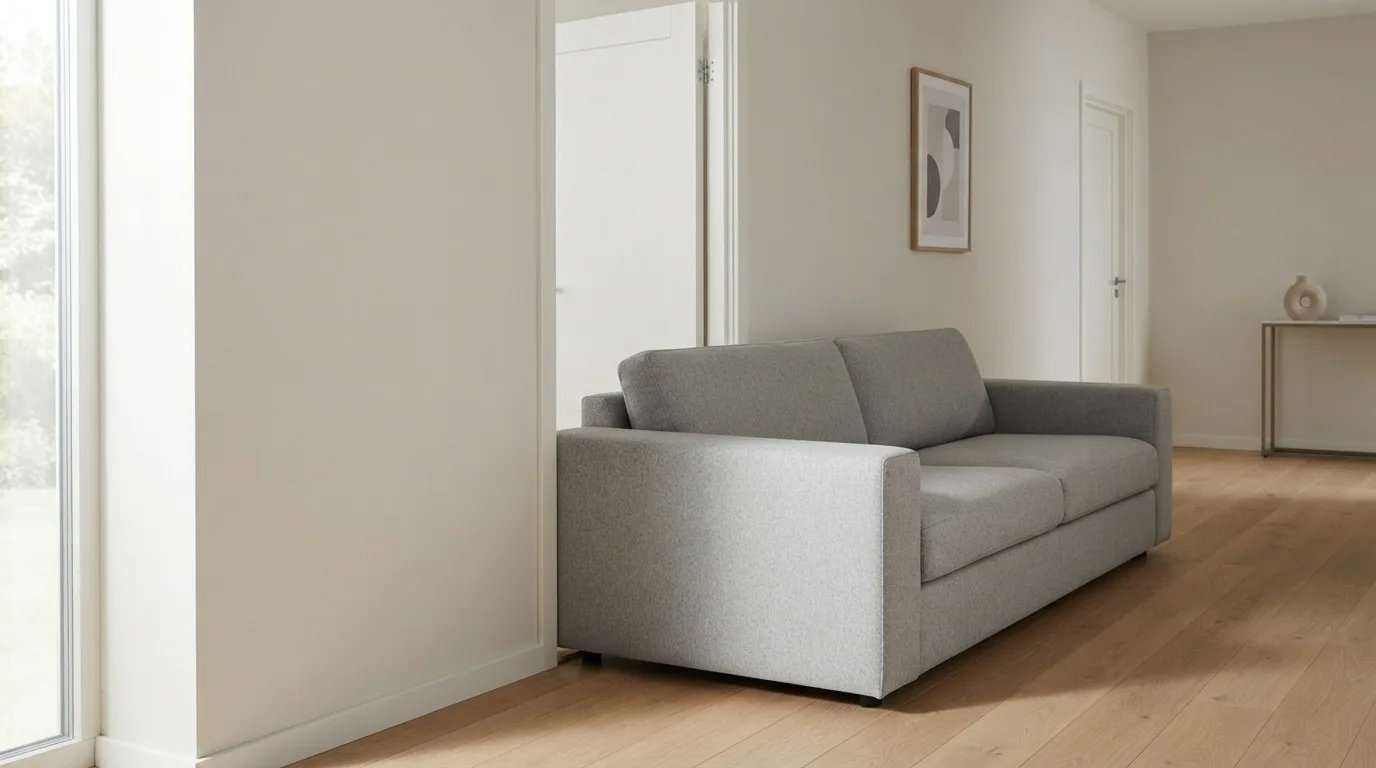
The fastest way to spot a render that will not survive contact with your living room is to look at the seams. Check the doorway first: if a chair or a sideboard sits in front of it, the tool never understood where the room ends. Sofas clipping through walls and rugs floating above stairs are the same failure, and they show up the moment the software guesses at geometry instead of reading it.
Then check what the tool noticed before it started decorating. A render worth building from keeps your windows, doors and fixed architectural features exactly where they are, so ask yourself whether the window is still in the right wall and the radiator still under it. If those moved, the layout is fiction.
Proportion is the second test. Look at the sofa against the door frame, the rug against the floor area, the lamp against the ceiling height. A visualizer that keeps proportions realistic gives you pieces you can actually buy and fit; one that stretches a three-seater across a small room gives you a picture, not a plan.
Finally, compare the render with the photo side by side. Ask someone who has not seen either to point at the odd one out. In blind tests run by Restagely, 87% of viewers could not tell AI-staged photos from physically staged rooms, which sets the bar: if your own eye catches a mistake instantly, the model missed something in the input.
If the result fails, do not start over with a different style. Re-shoot the photo with the whole room in frame and the corners visible, then run it again. Most broken layouts come from a photo the tool could not read, not from the tool itself.
What Do I Get Back That I Can Use in the Real Room?
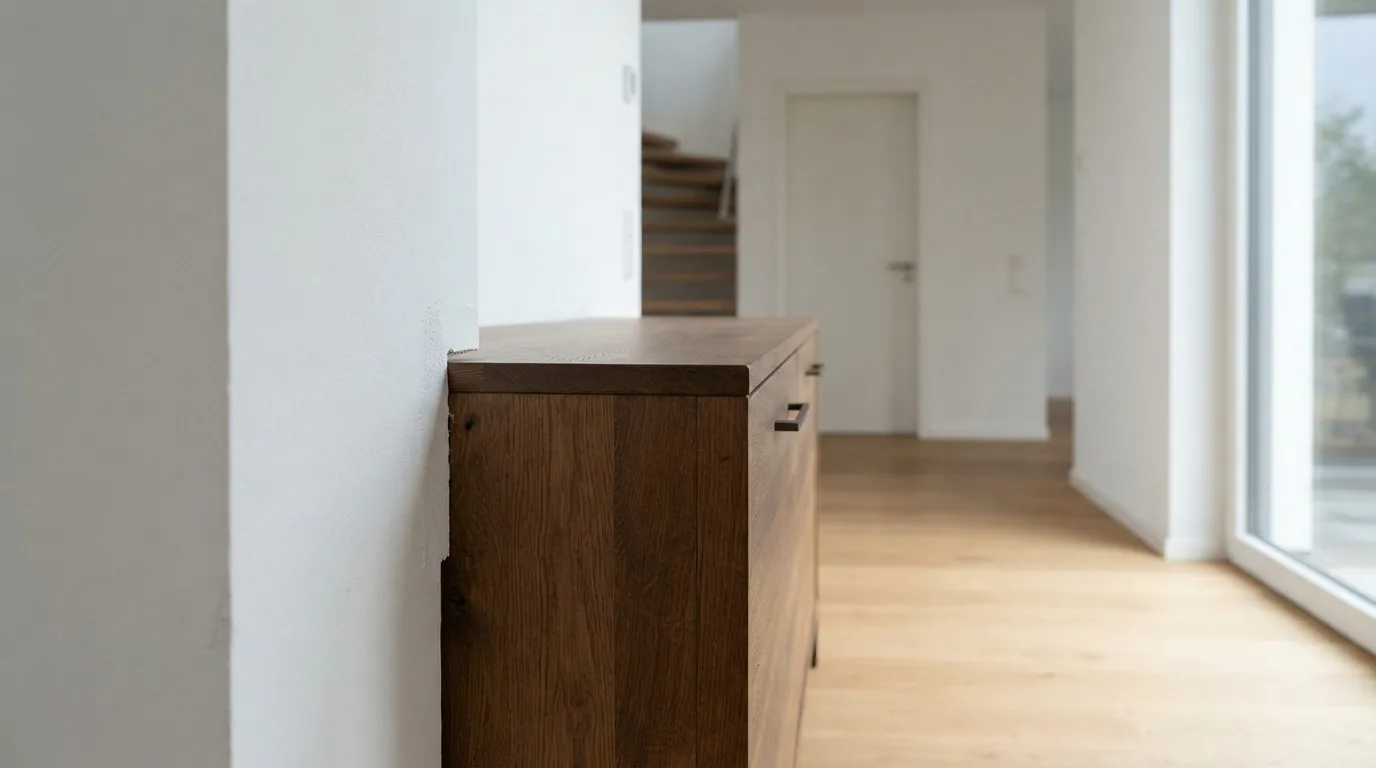
What comes back is only worth as much as the checklist you run it against. Start with the floor plan: does every doorway still open, does the sofa fit between the window and the wall, does the rug stop where the stairs begin? A render that gets these wrong is a picture, not a plan.
Then check the things you cannot change. Walls, windows, radiators and the direction light comes in should sit exactly where they sit now. If the tool has moved a window or widened a doorway, it has quietly redesigned the building, and the furniture around it will not survive contact with your actual room.
Furniture scale is the next test. A bed that looks generous in the image may leave no walking space once you measure it against the wall you planned to push it into. Compare the suggested pieces with real dimensions before you fall for anything.
Free AI interior design trials are useful here, because you can run the same photo through several rounds without paying and compare which version keeps the structure. A tool that returns three variants at once saves time, since you see immediately whether the layout holds up or falls apart.
Finally, ask what you can take away. A color palette, a materials list or a before and after pair is something you can hand to a painter or take to a store. A single pretty image is not. If the output gives you nothing to measure, price or specify, treat it as a mood and start again.
FAQ - Short Answers
Can AI really keep my room's walls, windows and doors in place?
Yes, if the tool reads the room properly. Good platforms identify room boundaries, windows, doors and architectural features, and they respect walls and perspective so the proposed layout looks believable. When that recognition fails, you get furniture blocking doorways and sofas clipping through walls, so check the first result against your actual photo.
How long does it take to get a redesign from one photo?
Processing usually takes seconds per image, and batch upload lets you run several rooms in one go. The bigger time cost is on your side: shooting a clean photo, writing a clear brief and checking the result against the real room. Expect a few rounds of small changes before the layout is right.
What should I type to get a realistic result instead of a pretty picture?
Give the tool size, lighting, budget hints and style tags, because better inputs lead to more accurate furniture, color and layout suggestions. Pick a preset such as Scandinavian, Japandi or mid-century, then add details about wood tones, textiles and colors. On a real room, use an edit mode that preserves the structure and lets you swap finishes rather than regenerate everything.
Do I still need an interior designer after using AI?
For a quick pass over ideas, no. AI tools suit the early stage where you want to see options fast, while a designer earns the fee on complex projects with structural changes or custom joinery. If your room only needs new furniture, paint and a better layout, the AI draft plus your own measurements is usually enough to start.