Guides
How to Use AI Room Design: From a Simple Photo to a Finished Look
Renderist Team ·
What Do You Need Before You Start?
To design a room with AI you need a room photo and a clear idea of what you want changed. Everything else, the style, the furniture, the lighting, is something you adjust after the first result comes back. Start with a picture of the space as it is. A phone shot works, since the tools read the walls, windows and existing layout from it. If you have a floor plan, keep it nearby for checking whether the furniture placement in the result actually fits the square footage. You also need a budget range in your head. AI will happily suggest a sofa and a coffee table that cost more than the renovation, so decide your ceiling before you look at variants. Uploading photos beats describing the room in words. A text prompt alone gives you a pretty interior that has nothing to do with your apartment, and eight out of ten tools tested by Decorilla let you skip the photo and start from a prompt, which is exactly how people end up with designs they cannot use. Expect to sign up. Decorilla's test of ten apps found all of them require an account, most through Gmail, and free credits run out fast once you start editing. The same review notes AI handles style well but often misses the room layouts you can actually live with. One more thing worth doing: write down what bothers you now. The dark corner, the door that hits the sofa, the wall you never figured out. Those notes become your prompts, and they keep the AI working on your real problem instead of a generic makeover.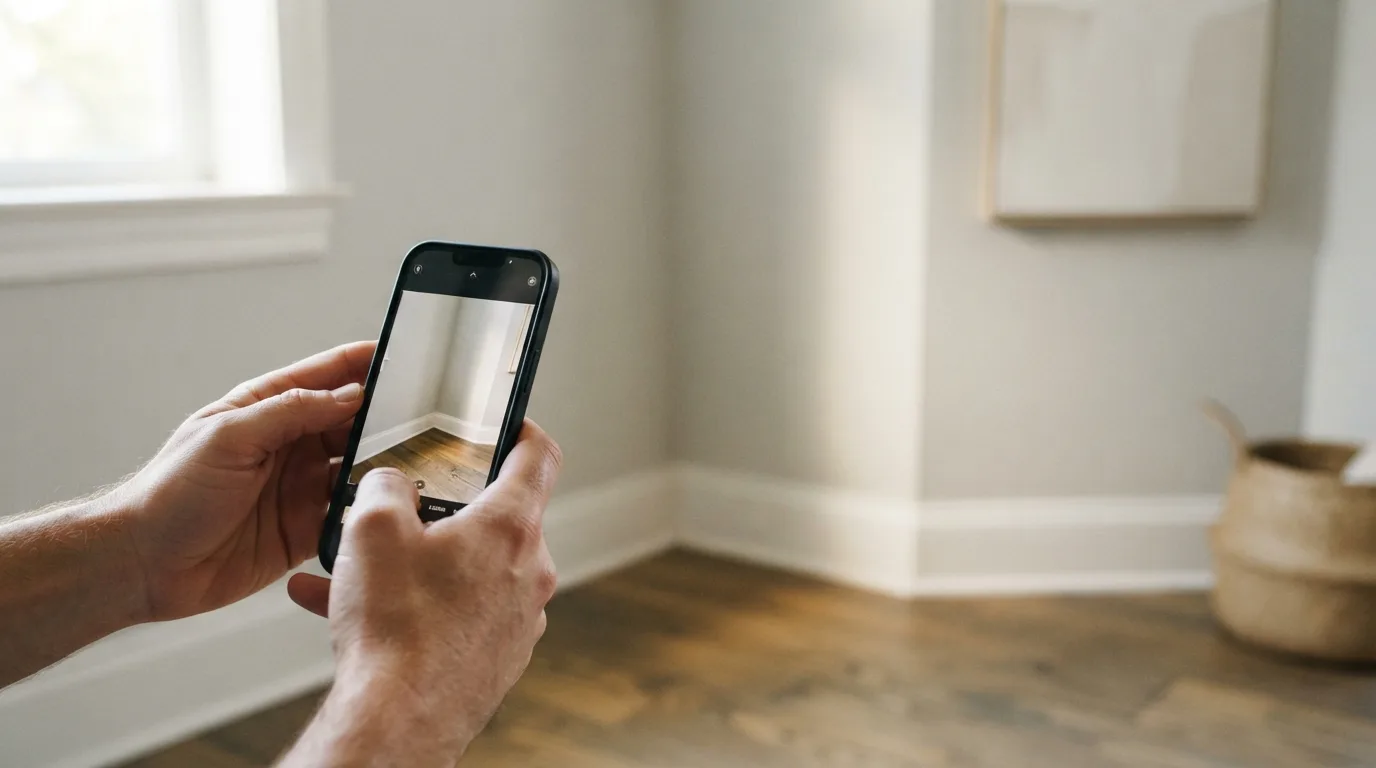
How Do You Turn a Room Photo Into a New Design?
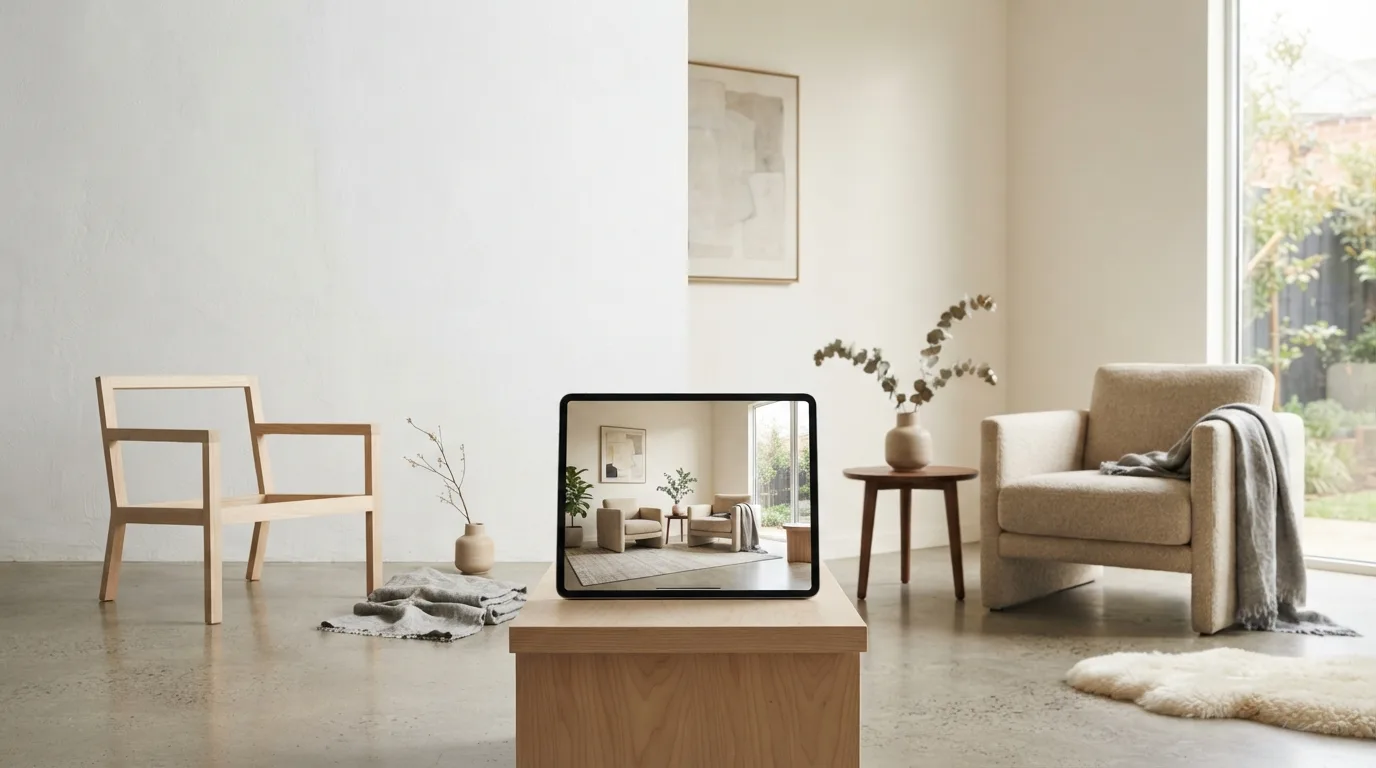
Start with a photo you already have on your phone. Upload a shot of the room, say what you want changed, and the tool returns a new picture of that same space with the walls, windows and layout untouched. That is the core of ai room design: the model works on your actual room, not on a blank canvas.
You can also begin without a photo. Eight of the ten tools tested by Decorilla let you type a design prompt from the start, before any image goes in. If you have no usable picture, describe the room in words and work from there.
The first pass rarely lands. Refine the prompt, swap the lighting, add a piece of furniture, then generate designs again and keep every version so you can compare them side by side. Treat the design process as a loop of small corrections, not one shot at a perfect render.
Expect style to come easier than function. Decorilla's testers found that tools deliver convincing looks but rarely a layout you can actually live with, and they ignore budget, product availability and real prices. Check proportions and material combinations before you commit to anything.
What Can You Change Without Losing the Original Layout?
Start with the cheapest change and work outward. A new wall color or a swap of one furniture piece is easy to undo, and the tools keep your walls and windows where they are. In Room AI, only what you asked for changes and the rest of the room stays as it was. That constraint is what makes the exercise useful: you are testing a decision, not redrawing the room. The first pass rarely lands. Refine the prompt, change the lighting, add objects, then generate new variations. Each version is kept so you can compare, go back, upscale and save. If you are working in a tool that starts from a phone photo, this is where the room design becomes yours rather than the generator's. Space planning is the part that resists. AI interior tools deliver on style, but a layout you can actually use is rarer, and generated rooms sometimes show inconsistent proportions or material pairings that do not exist in a real catalog. Keep the existing footprint and you sidestep most of that. Ask for one thing per pass: a different sofa, a warmer wall, a coffee table in place of the empty corner. A tool with a built-in style library lets you point at a picture instead of writing a description, which removes a whole round of guessing.Which Style Should You Choose and Why?
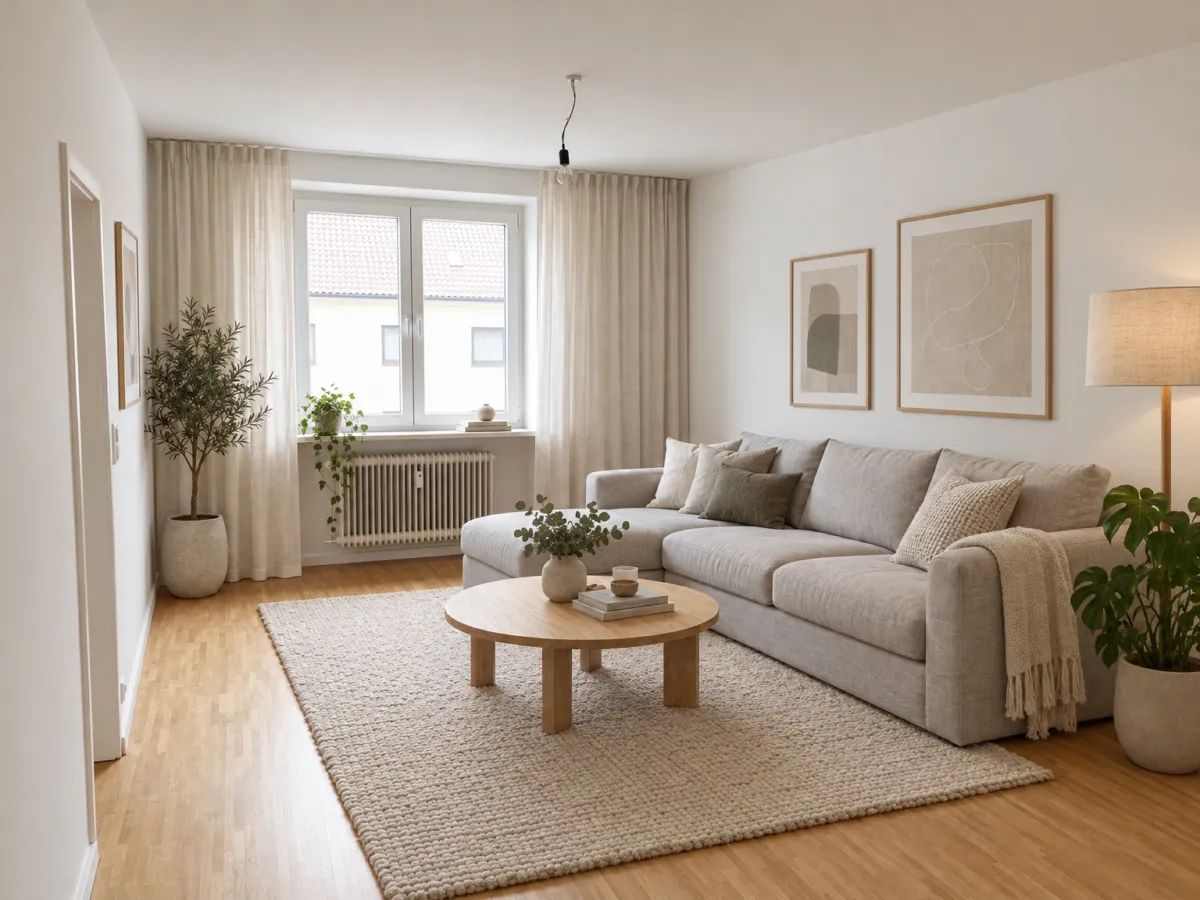
Style is where most room makeovers stall. A single comparison run across many apps, all fed the same empty room photo and the same Scandinavian living room theme, shows how much rides on picking one direction and holding it. Pick a style you can name in a sentence, then let the AI show you what it looks like in your space. The fastest route is to point at a picture instead of writing a paragraph. Room AI ships with 32 built-in room styles, each shown as an image, so you can choose one and skip the guesswork of describing "warm minimalism" in a text prompt. If you would rather type, that works too: eight of the ten tools tested by Decorilla accept a prompt from the start, with no photo needed. Your choice should survive contact with the room. Decorilla's test found that AI room decorators mostly deliver on style, while a layout you can actually use is harder to get. A style that looks stunning in a wide shot can crowd a narrow living room once real furniture placement and floor layout matter. Treat the first pick as a draft. If the result feels off, refine the prompt, change the lighting, add objects, or generate new variations. Keep two or three versions side by side and compare them against your color palette and the pieces you already own. One caution on design styles: AI often ignores budget, product availability, and pricing, per Decorilla, so a look can be beautiful and impossible to furnish. Choose the style first, then check that the coffee table and sofa in the render exist at a price you will pay.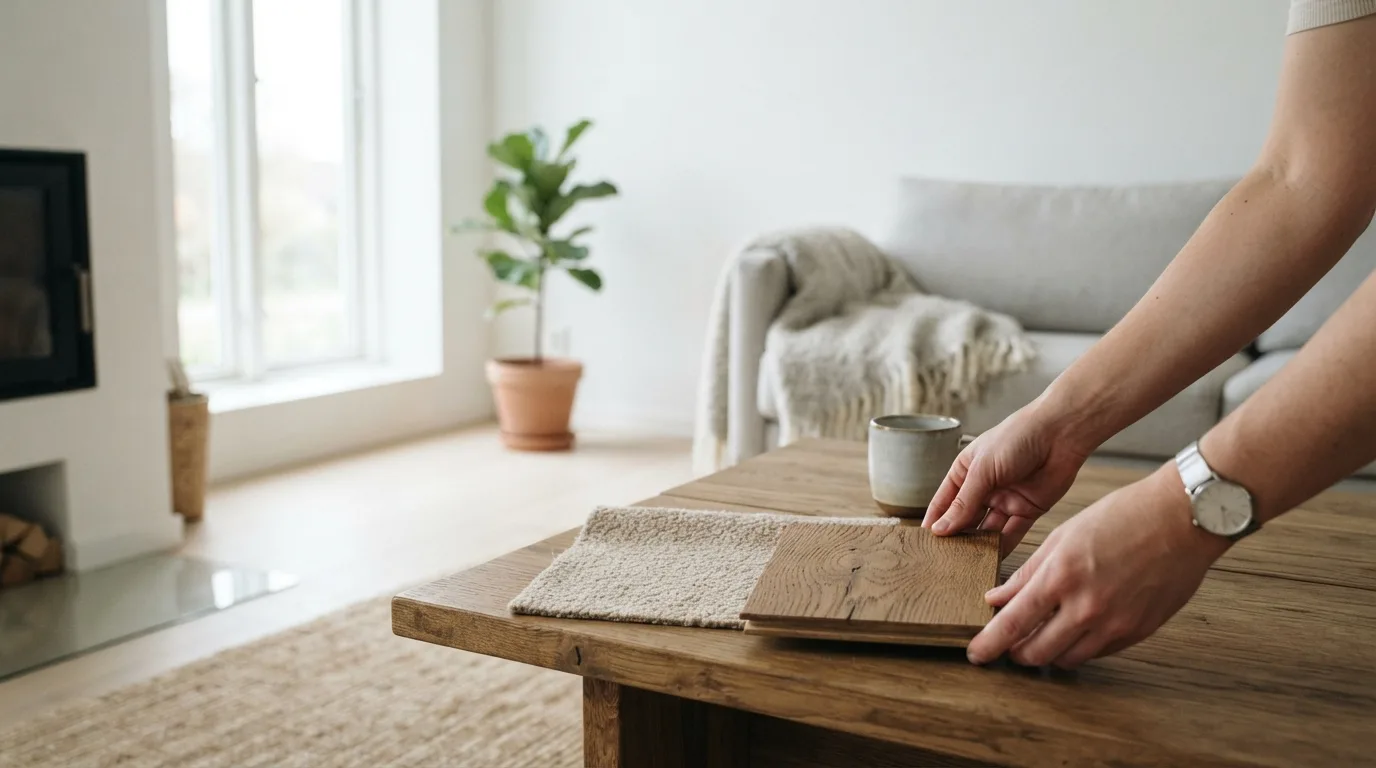
Where Does Free AI Room Design Stop?
Free access runs out faster than most people expect. Free accounts usually hand you a few credits, and those disappear with every edit and every new variant, as the Decorilla team found when testing ten apps on the same room and the same prompt. If you plan to try several directions, count the edits before you start, not after the credits are gone.
The other limit sits in the layout, not the wallet. AI interior design delivers on style far more reliably than on a plan you can actually live with. Decorilla's testers put it plainly: many tools will make a room look good, but fewer will give you a layout you can use. Expect the odd rendering glitch and material pairings that would never survive a real order.
AI design tools also skip the boring constraints. Budget, whether a piece is in stock, what it costs after shipping: none of that reaches the generated image. Treat every result as a direction, then price it yourself before you commit to anything.
So the honest ceiling for free AI room design is a shortlist of looks, not a buildable plan. Use the free runs to narrow three or four directions, screenshot the ones you like, then spend money only on the version you have checked against your measurements and your budget. Interior design tools earn their keep at that stage, when you already know what you want.
How Do You Judge Whether a Design Is Actually Usable?
A pretty render can still be a bad plan. The testers at Decorilla, who ran the same room and the same prompt through ten apps, found that style is where AI room design delivers most reliably, while a layout you can genuinely live with narrows the field considerably. That gap is the first thing to check before you fall for a picture. Walk the space in your head. Does the furniture placement leave a clear path from the door to the window? Can you open the closet, pull out a chair, set down a mug? AI tools often ignore real constraints such as budget, product availability and actual prices, so a scheme can look finished and still be impossible to buy or build. Treat every photorealistic rendering as a proposal, not a verdict. Then look for the small lies. Decorilla's review notes that proportions and spatial flow can drift, and that odd material pairings or rendering glitches creep in. Zoom in on edges, legs and reflections. A sane test is to compare a before and after of the same corner: if the window moved or the radiator vanished, the tool redrew your room instead of restyling it. Finally, judge the home interior as a whole. Ask whether the design options you like can survive a real shopping list, and whether the room still works on a gray Tuesday with the laundry basket out. Keep the versions you might use, note what you would change, and refine from there. A usable room design is the one you can price, order and assemble without surprises.Najczęściej zadawane pytania
How long does AI room design take?
First concepts come back in minutes rather than days or weeks. One service says it turns a photo, sketch or 3D model screenshot into a photorealistic interior in a few seconds. The slow part is you: each edit and new variation adds time, so a look you are happy with may take several rounds.
Do I need design software to use AI for interior design?
No. AI interior tools let you explore layouts, furniture arrangements, materials, colors and lighting without manual rendering or complex design software. You can start from an ordinary phone photo and keep editing until the room looks like something you would actually do. All the apps tested by Decorilla require signing up, and most let you register through your Gmail account.
Can AI design a room from just a photo of my empty room?
Yes. Upload a photo of the actual room and the tool returns a new photo of that same space with the walls, windows and layout kept. You describe the change you want, whether that is a new style, a different sofa or another wall color, and only what you asked for changes. A plain phone photo is enough to start.
Why does the AI design look good but not work in my room?
Style is where AI tools deliver; a layout you can actually use is where the list gets shorter. Generators often ignore budget, product availability and real prices, so a design may not be fully executable. Proportions and spatial flow can be inconsistent, and unrealistic material combinations or rendering glitches do appear. Check the layout against your measurements before you buy anything.