Rooms
ai living room design: a practical guide to trying ideas fast
Renderist Team ·
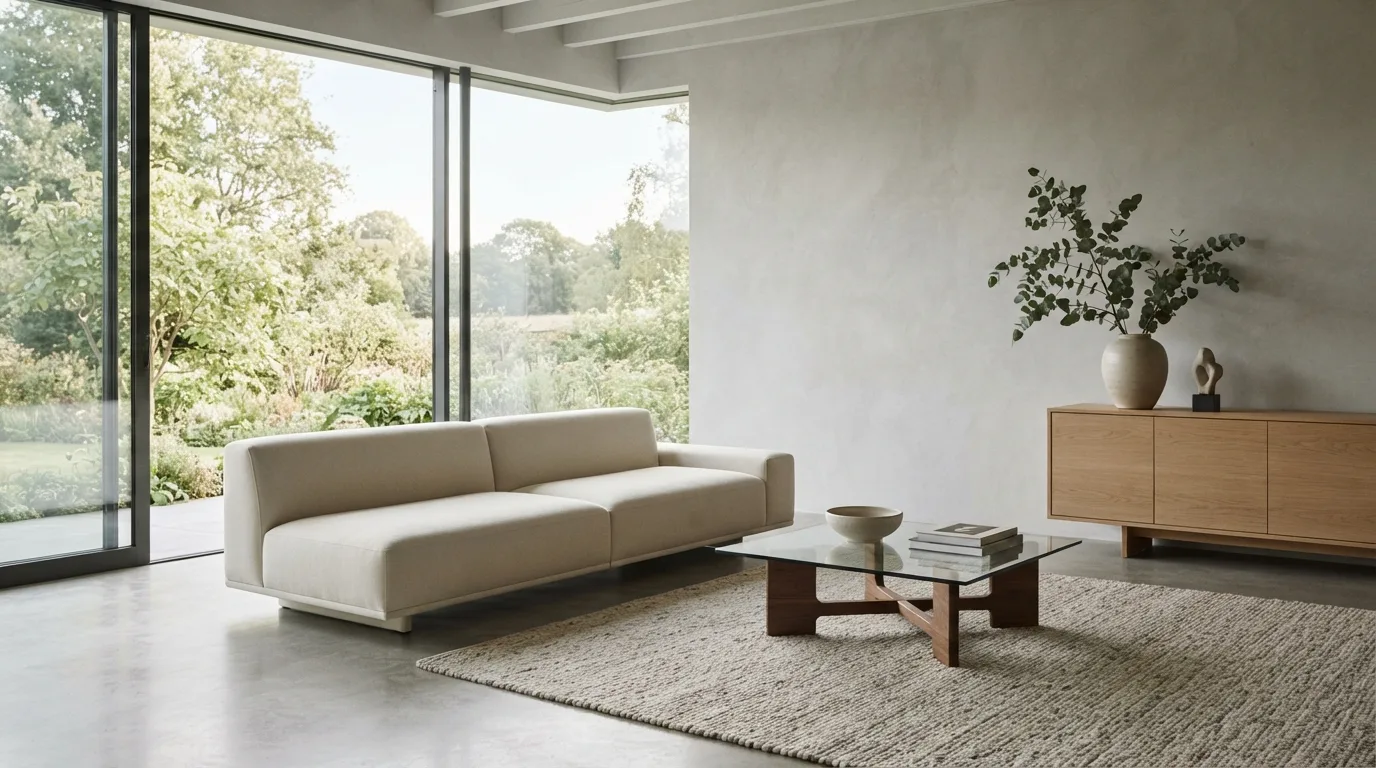
What does AI living room design actually do with one photo?
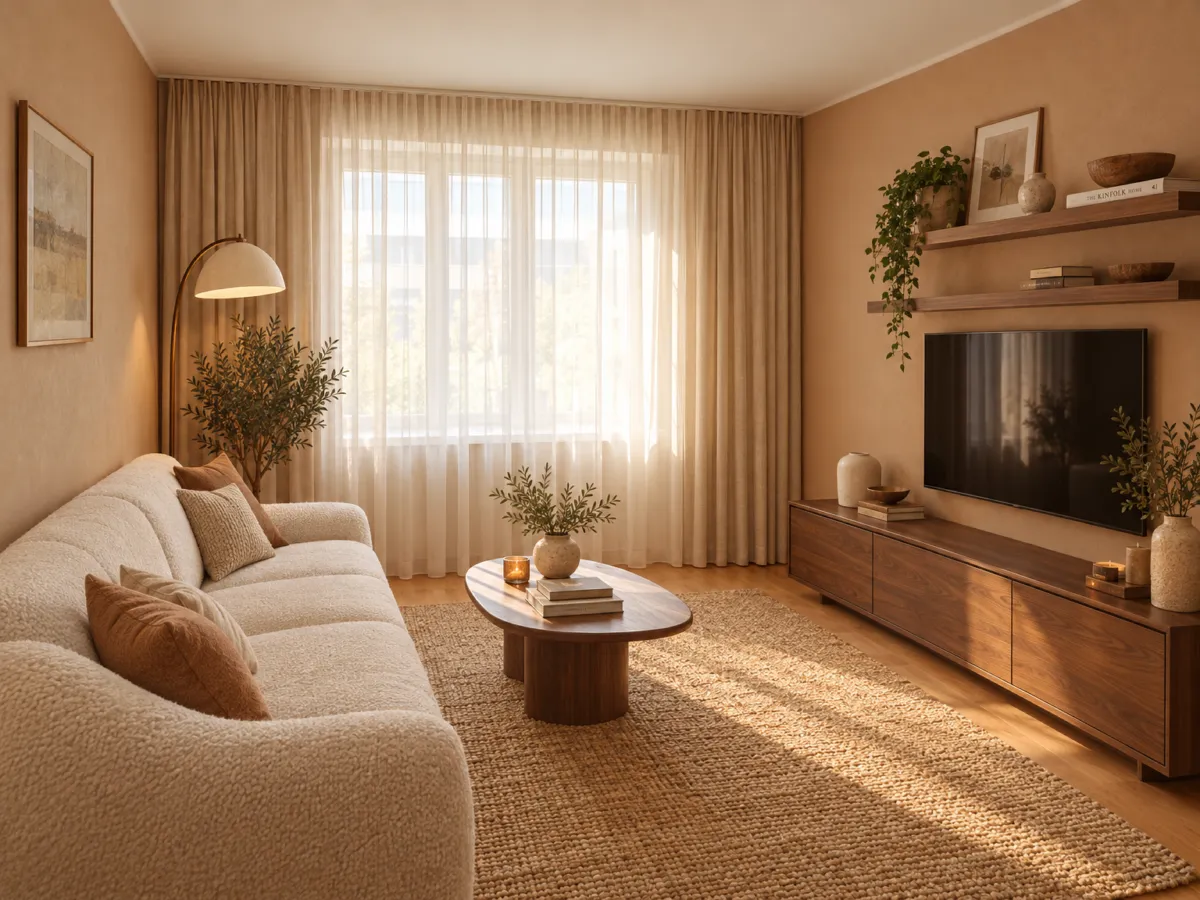
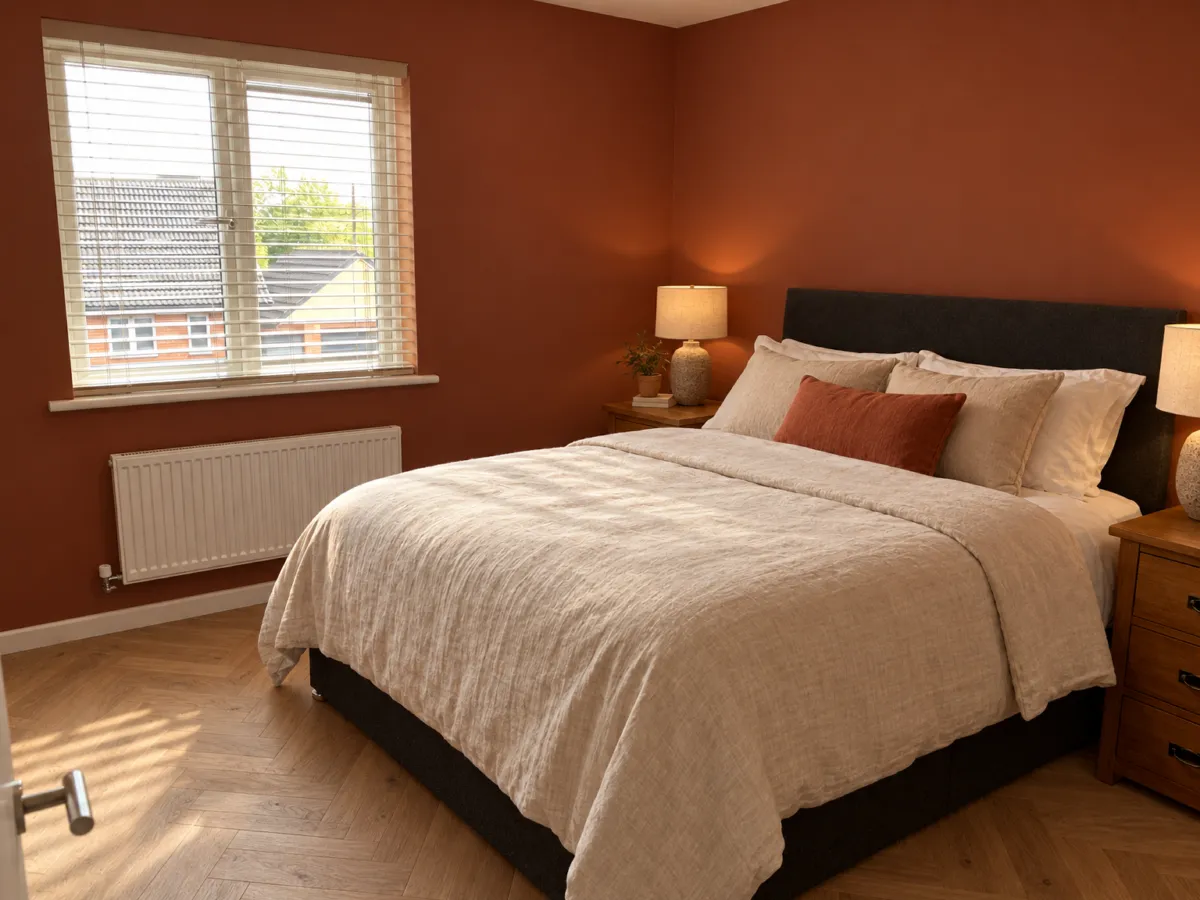
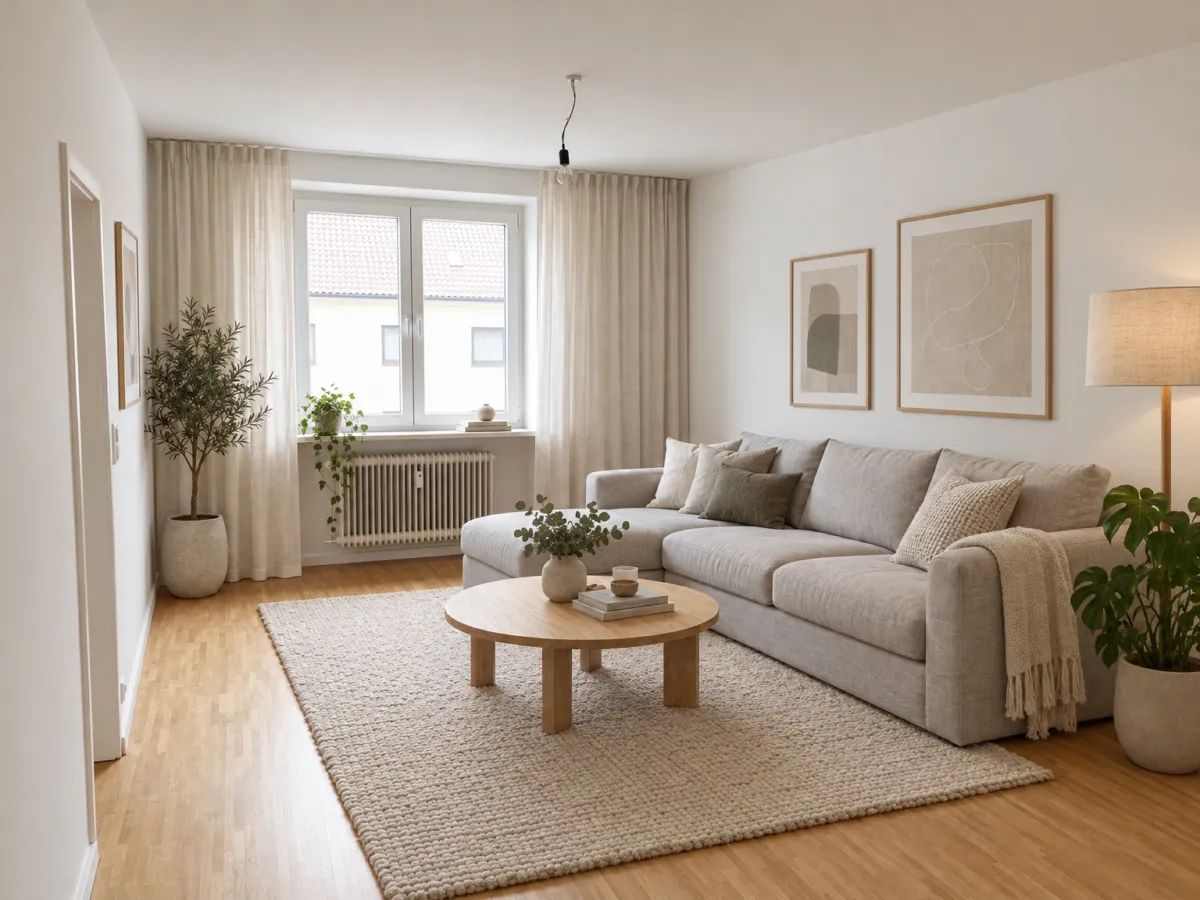
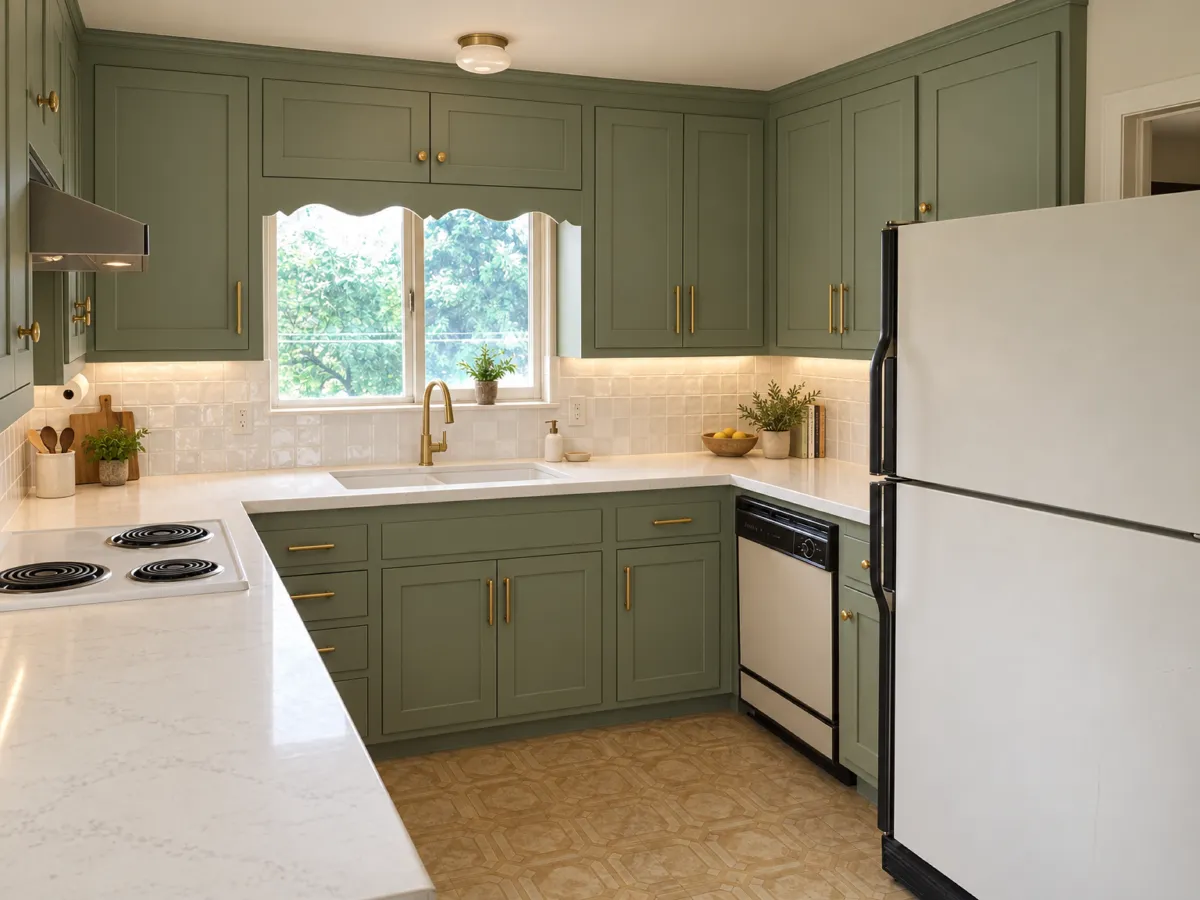
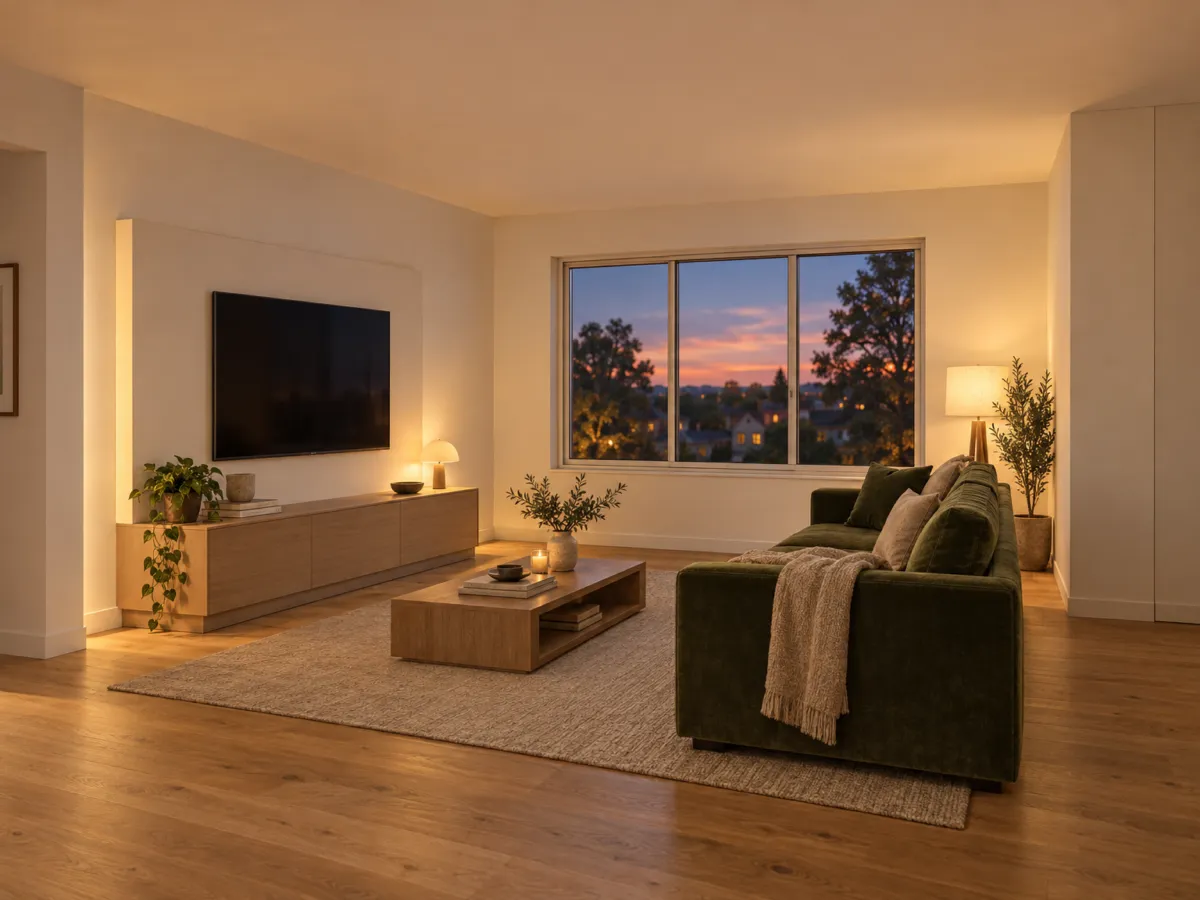
AI living room design starts with the photo you already have on your phone. Upload it, pick a style, and you get a redesigned version of your own space in seconds rather than days. Tools built for ai room design read the walls, windows, light angles and furniture placement to understand how the room is put together, then work within that structure instead of pasting a generic template over it. That last part matters more than it sounds. Walls and windows stay where they are, so what you see is a plausible version of your room, not a fantasy that collapses the moment you measure the sofa. From there the process becomes a loop: generate a few variations, compare them side by side, then adjust with plain language. “Keep my sofa, make the walls warmer” is a real instruction these tools accept, and it beats dragging sliders around. Where it gets useful for planning is the detail attached to each result. Some tools return paint colors with actual codes, suggested materials, plants suited to your climate and a rough cost range, which turns a pretty picture into a shopping list. Others let you spin the finished room as a 3D view before you commit to a purchase. Think of it as the front end of your design pipeline, not the whole thing. An ai visualization shows you a direction in minutes; an ai interior design workflow that runs from floor plan to 3D, with real furniture placed at true scale, is what lets you plan and buy from one screen. Most people need the first before they know what to ask of the second.Which style will work in my living room?
No tool can promise a style will suit your room, because the answer depends on your light, your proportions and what you already own. What AI does well is let you test several directions on one photo before you commit. For a living room redesign, that beats scrolling through photos of other people's homes. Start with the shell. In most tools the walls and windows stay where they are when you upload a picture, so the structure you see is your actual room, not a generic set. One option here, home-design.ai, reads walls, windows, light angles and furniture placement to fit its suggestions to your layout, and returns up to four variations side by side. Comparing them next to each other tells you more than judging one image alone. Then push on the details in plain words. You can ask to keep your sofa and warm up the walls, and the tool rebuilds the scene around that instruction. This is where ai decor suggestions earn their keep: you see whether a darker accent wall or a different rug actually works against your own floor, instead of guessing from a mood board. Style libraries vary. Some tools offer only a handful of looks, others many more, and the range matters less than whether the preview keeps your architecture. If you want to move beyond a single view, a floor plan to 3D step shows whether the seating still leaves a walkway once the coffee table is in place. Treat the output as a shortlist, not a verdict. A room style makeover in a photo will not tell you how a fabric feels or how a lamp glows at night. Pick two directions you like, price the pieces, and live with the images for a few days before you buy.
How do I keep my sofa and still see a new layout?
Most AI redesign tools treat your photo as a starting point and rebuild everything, sofa included. The fix is to lock what stays before you generate anything. On photo-based tools, walls and windows already hold their position, so the room's shell survives the change. Your furniture does not get that protection by default. That is where plain instructions do the work. Ask to keep the sofa and warm up the walls, and the tool edits around your anchor piece instead of replacing it. The clearer the sentence, the closer the result sits to the room you actually own. Good ai furniture placement starts with the shell, not the shopping list. Tools that read walls, windows, light angles and existing furniture can slot a new arrangement into your real footprint. Others treat the photo as flat wallpaper and drop pieces wherever the style looks best, which is why some results feel off before you can name the reason. If you want to test a living room layout without moving a thing, ask for several versions of the same photo and compare them next to each other. That is faster than sketching furniture layout ideas by hand, and it shows which walkway or focal point breaks first. For anyone planning a bigger change, a floor plan to 3D view lets you rotate the room and check sightlines before committing. Renderist fits here when you have a direction you like and want to see it in three dimensions rather than flat images.Can I try several ideas without paying first?
Most tools let you see a result before you commit, but "free" means different things depending on where you look. One service makes the first room free with no account, another asks for nothing at signup and still hands back several variations. Read the terms before you upload anything, because the free run is usually where you learn whether the output suits your room at all.
Here is what to check before you spend a cent on AI design pricing:
- Whether the first render costs nothing and needs no login, so you can test one photo of your own living room.
- How many variations come back at once. Comparing four versions side by side beats judging a single image.
- Whether you can refine the result in plain words, like keeping your sofa and warming the wall color.
- Whether the tool shows real paint codes, materials and a rough cost range, or only a pretty picture.
- Whether the furniture in the render actually exists and can be bought, or is generated decor.
Free tier renders tell you about speed and style, not about fit. A room that comes back fast and bright may still ignore where your window sits or how the light falls at four in the afternoon. Tools that read walls, windows, light angles and existing furniture placement give you a proposal tied to your layout instead of a generic set.
If you plan to try several directions, look for a history that saves every result. Losing the one version you liked after a dozen attempts is the most common frustration with any AI design app. For a broader test of AI living room design, run the same photo through two or three AI interior design tools and compare how each handles your focal point. A quick free AI interior design pass is enough to see whether the fast renders match what you pictured, before you pay for anything.

What should I check before I trust the preview?
A pretty picture is not a plan. Before you act on any room render, ask whether the furniture in it exists. In an ai design tools comparison, the split that matters most is between pieces you can actually order and generated decor that was never built. Then check that the layout survived. Some tools keep your walls and windows where they are and only change surfaces and furnishings, which is what makes a virtual living room design usable as a shopping list rather than a mood. Look at the light too. A preview that ignores which way your windows face will flatter a dark corner and disappoint you at 4 p.m. in November. If the tool reads lighting angles and existing furniture placement, the proposal has a better chance of matching the room you live in. Finally, test whether you can steer it. Ask for one thing at a time in plain words, like keeping your sofa and warming the walls, and see if the next version respects it. A tool that only swaps styles wholesale gives you inspiration, not a decision. Some ai interior design platforms also save every version, so you can put two directions side by side instead of trying to remember which one you liked. That is where an ai room design session earns its keep: not the first picture, but the fifth, when you finally know what you want to buy. If you need a 3d room design you can walk around before committing, check whether the tool turns the flat image into a view you can rotate.How do I turn the design I like into a shopping plan?
Getting a picture you like is the simple part. The harder step is turning that picture into a list of things you can actually order. This is where most people stall: they save a render, love it, then discover half the pieces in it do not exist. The column that separates these tools most is whether you can buy the furniture in the design or whether it is generated decor that was never made. Check that before you fall for a look.
Start by narrowing the render to real, purchasable items. A shoppable design gives you a starting point you can price out, not a mood you have to reverse-engineer from scratch. Look for paint colors with actual codes and a rough cost range, so the budget conversation happens before the first delivery, not after.
That is also where product matching earns its keep. The render should point to specific sofas, lamps and rugs in real scale, so you know a piece fits the wall before it arrives. Tools that show real furniture at true size let you plan and buy from one screen, and some go further into a floor plan to 3D view you can rotate before spending anything.
If you are working with a designer, an AI redesign of the client's own room moves decisions faster than a generic example, and the same photo approach helps with home staging when a property needs to look its best. Interior design software built around ai home design handles the visualization; your job is the shortlist. For a living room redesign, pull the pieces into a simple list with sizes, finishes and prices, then buy in the order that keeps the room usable while you wait.
FAQ - krótkie odpowiedzi
How long does it take to get a living room design from a photo?
Usually seconds, not days. AI design tools turn a photo of your room into a finished visualization in about 15 seconds, and some produce a photorealistic redesign preview in under a minute. The actual wait depends on the tool and how many variations you ask it to generate at once.
Can I get a free living room design without signing up?
Yes, several tools let you try before you pay. Some make the first room design free and private by default without an account, and others let you design a room from a photo or a text description without logging in. Free tiers differ in how many renders you get, so check the limit before you upload.
Do the walls and windows in my photo stay where they are?
In most photo-based tools they do. The software keeps walls and windows in place and works around your existing layout, so the result shows the same room rather than a different one. Some tools go further and detect walls, windows, lighting angles and furniture placement to fit the proposal to your space. If a preview shows a window in a new spot, treat that image as inspiration only.