Architecture
How to Use AI Exterior Design Before You Commit to a Renovation
Renderist Team ·
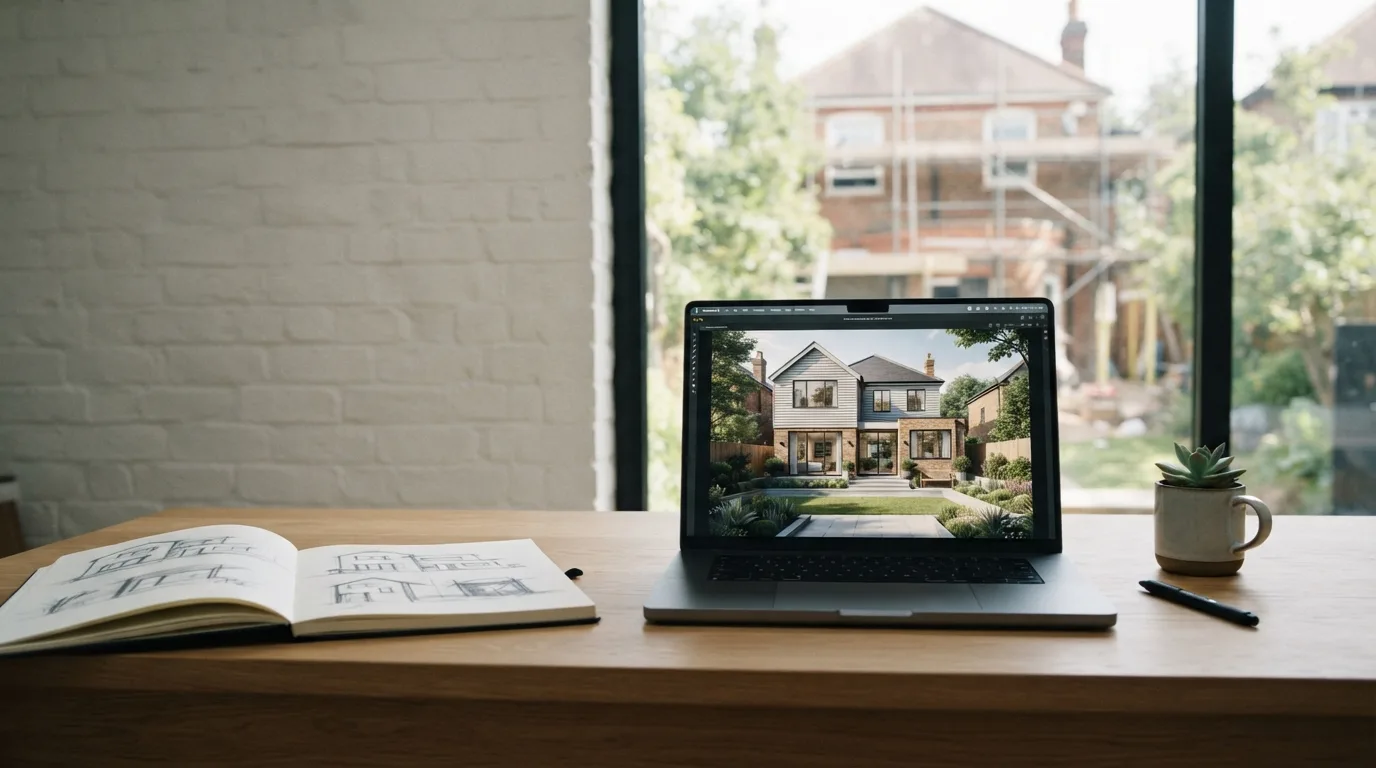
What Does AI Exterior Design Actually Show You Before You Commit?
AI exterior design shows you your own house wearing a different facade before anyone orders materials. You upload a photo or a sketch, describe what you want, and get photorealistic renders back in seconds. That is the whole promise, and it is worth understanding exactly how far it goes.
Most AI design tools work the same way: upload a file, describe your vision, download the results. You can test modern brick against classic stucco, swap paint colors, window trims, and roofing materials, and see which combination holds together. A photo-based tool is the fastest route to a broad visual direction, while generators that work from sketches suit earlier, looser ideas.
The catch sits in the details. Generated images do not know building codes, structure, or your budget, and nothing in them carries into a measured plan. So keep the original photo and check every output for shifted windows, a changed roofline, moved property boundaries, or plants that could never grow there. If the first render bends the windows or the roof, tighten the prompt and compare again.
Treat the whole exercise as an idea generator, not a substitute for measured drawings or physical paint samples. Bring the renders you like to your architect, pick up real siding and paint swatches, and let the images narrow the conversation instead of ending it.
Which Decisions Can You Safely Test on a Photo of Your Own House?
A photo of your own house is the cheapest test you will ever run. Upload it, and AI exterior design lets you try different styles, finishes and color palettes before anyone orders siding or books a crew. The catch is knowing which choices a picture can honestly answer. Materials, colors and roof tones are fair game. Structure, drainage and anything a permit touches are not.
Start with the decisions that are expensive to reverse and easy to see. A house exterior design tool will swap brick for stucco, repaint the trim, darken the window frames and change the roof material, all on the same photo. For a homeowner weighing a new front door against a full facade rebuild, that side-by-side is worth more than a catalog. You see the combination, not just the product.
Then separate the image from the build. A generated render does not know local code, structural loads or your budget, and nothing in it carries into a drawing. Treat it as an idea generator, not a substitute for measured drawings or a physical paint sample. Keep the original photo and check every output for shifted windows, altered rooflines and plants that would never survive your climate.
The practical split is simple. Use photo-based tools for broad visual direction: a lighter facade, darker trim, a different entry, a garden that reads as coherent with the house. Use planning tools when you want to place paths, beds and furniture you actually intend to install. Not every generator handles facade and garden in one pass, so match the tool to the decision rather than to the prettiest image.
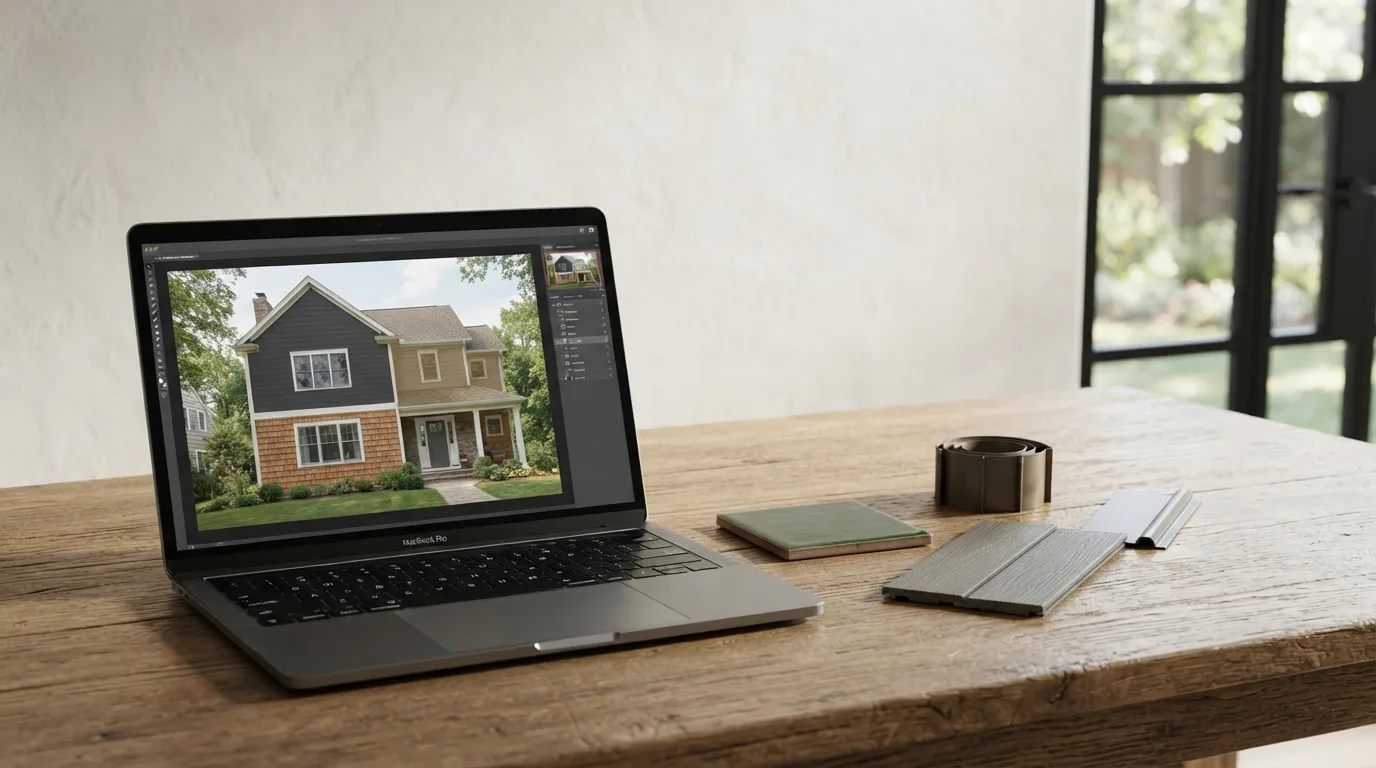
What Belongs in the Brief So the Render Does Not Change Your Windows or Roof?
A render drifts when the brief stays vague. Type "modern farmhouse with dark siding" and the tool fills the gaps itself: it swaps a window, straightens a roofline, invents a porch. None of that came from you. The fix is a brief that names what must stay put before it names what should change.
Start with the fixed points. Write down the window layout, the roof pitch, the number of panes, the position of the front door. Then add the materials you actually want to compare, so the AI house design work tests one variable at a time instead of five. A photo of your own house makes this easier, because the tool has real geometry to hold onto rather than a blank sketch.
Keep the original photo open beside every result. Check each output for changed windows, a shifted roofline, a boundary that moved, plants that could not grow there. If the first attempt alters the windows or the roof, tighten the wording and run it again against the original. Two or three rounds usually settle it.
Be specific about context too. An exterior render pass that adds a garden, a path and lighting shows the house as a whole, but not every tool handles facade and landscaping in one go. And treat the output as an idea, not a measurement: nothing in the image knows the budget, the structure or the local code.
When Should You Use a Landscape Tool Instead of an Exterior Generator?
A photo-based exterior generator answers one question: what could this house look like? Upload a picture of your own home, pick a style or type a short brief, and you get renders back in seconds. That is enough to compare a lighter facade against darker trim, or a different front door, before anyone orders materials.
Landscaping is a different question. If you need to know where a path actually runs, how wide a planting bed should be, or whether a bench fits under the window, a generator will give you a pretty picture and no measurements. For paths, beds and outdoor furniture you intend to place, a landscape or 2D/3D planning tool is the better fit.
The same split applies to the house itself. A generator is an idea generator, not a substitute for measured drawings or physical paint samples. It does not know building code, structure or your budget, and nothing in the image carries into the model. A licensed architect still reviews the work and signs the drawings.
So match the tool to the decision. Broad visual direction from a real photo: photo-based generator. Something you will build and measure: planning tool. Many designers run both, using the render to agree on a direction and the plan to place what gets built.
One caution. Keep the original photo and check every output for changed windows, rooflines, property boundaries and plants that could not grow there. If the first result moves the windows or the roof, tighten the brief and compare again. For home design decisions, treat the image as a conversation starter, not a specification.
How Do You Check an AI Render Before You Show It to Anyone?
An AI render is a proposal, not a record of your house. Before you show it to a partner, a builder or a neighbor, put it next to the original photo and look for what moved.
Check the windows first, then the roofline, then where your property line sits. Generators quietly redraw all three, and a shifted roof or a window that grew a foot changes how the whole house reads.
Keep an untouched copy of the original photo in a separate folder. Every output gets compared against it, not against the previous render, so errors don't stack up from image to image.
Unrealistic plants are the other giveaway. A mature tree that appears overnight in a spot where nothing has ever grown tells you the tool filled space rather than solved it.
If the first result changes windows or the roof, tighten the brief and run it again. Naming the material, the trim color and the entry in plain words beats a vague request for a modern look.
A persuasive image is not a measured plan. The render doesn't know your local code, the structure behind the siding or what the work costs, and nothing in it carries into a drawing set.
Treat it as an idea generator. Physical paint samples and measured drawings still decide the job, and a licensed architect still reviews and signs what gets built.
That is the honest limit of a new design you see on screen: it helps you choose a direction for your house design, then hands the decision back to you.
Where Does an AI Visual End and a Measured Plan Begin?
A generated image shows a direction, not a buildable detail. It suggests a mood, a material, a color balance. It does not know the building code, the structure, or your budget, and nothing in it carries into a drawing set.
That gap matters most at the moment you pick a contractor. A convincing picture of dark siding and a new front door can win you over long before anyone has priced the trim, the flashing, or the extra labor those choices require. Treat the render as a conversation starter with your builder, not as a spec sheet you hand over.
The practical habit is comparison. Keep the original photo of your house untouched and check every output for shifted windows, a changed roofline, or plants that could never grow in your climate. If the first result drifts, tighten the prompt and put it next to the original.
This is also why the tool you choose should match the decision in front of you. If you are still deciding on a look, a photo-based generator is enough. If you need real paths, planting beds, and furniture placement, move to a planning tool. And when the choices harden into dimensions, an architect or designer turns them into measured drawings and physical samples you can hold against the wall in daylight.
FAQ - Short Answers
How much does AI exterior design software cost?
Costs vary by tool, and many offer a free tier before you pay anything. One option, Paintit.ai, has a free plan with 30 credits alongside paid subscriptions called Starter, Pro and Max. Check what a credit buys and how many renders you need before choosing a paid tier.
How long does it take to get a render of my house?
Seconds. AI exterior tools turn an architectural sketch or a photo into a high-resolution render in a few seconds, and you get several options at once. The slow part is writing a clear brief and comparing the results against your original photo.
Can I see what my house would look like with a new roof and windows?
Yes, you can test roofing materials, window trim and paint colors on a photo of your own house. AI tools let you swap facades from modern brick to classic stucco and try different finishes side by side. Treat the result as a direction, not a specification: check every render for changed window shapes and rooflines before you rely on it.
Do I still need an architect if I use AI to visualize the facade?
Yes, if the work needs drawings or a permit. AI images do not know building codes, structure or your budget, and nothing in them carries into a measured model. A licensed architect still reviews the work and signs the drawings.
Can AI design my garden along with the house exterior?
Not always. A house photo can help you test a new facade and garden, but not every AI exterior generator handles both. For paths, planting beds and furniture you intend to actually place, use a landscape or 2D/3D planning tool instead.