Rooms
AI Garden Design: Plan a Garden or Terrace You Will Love
Renderist Team ·
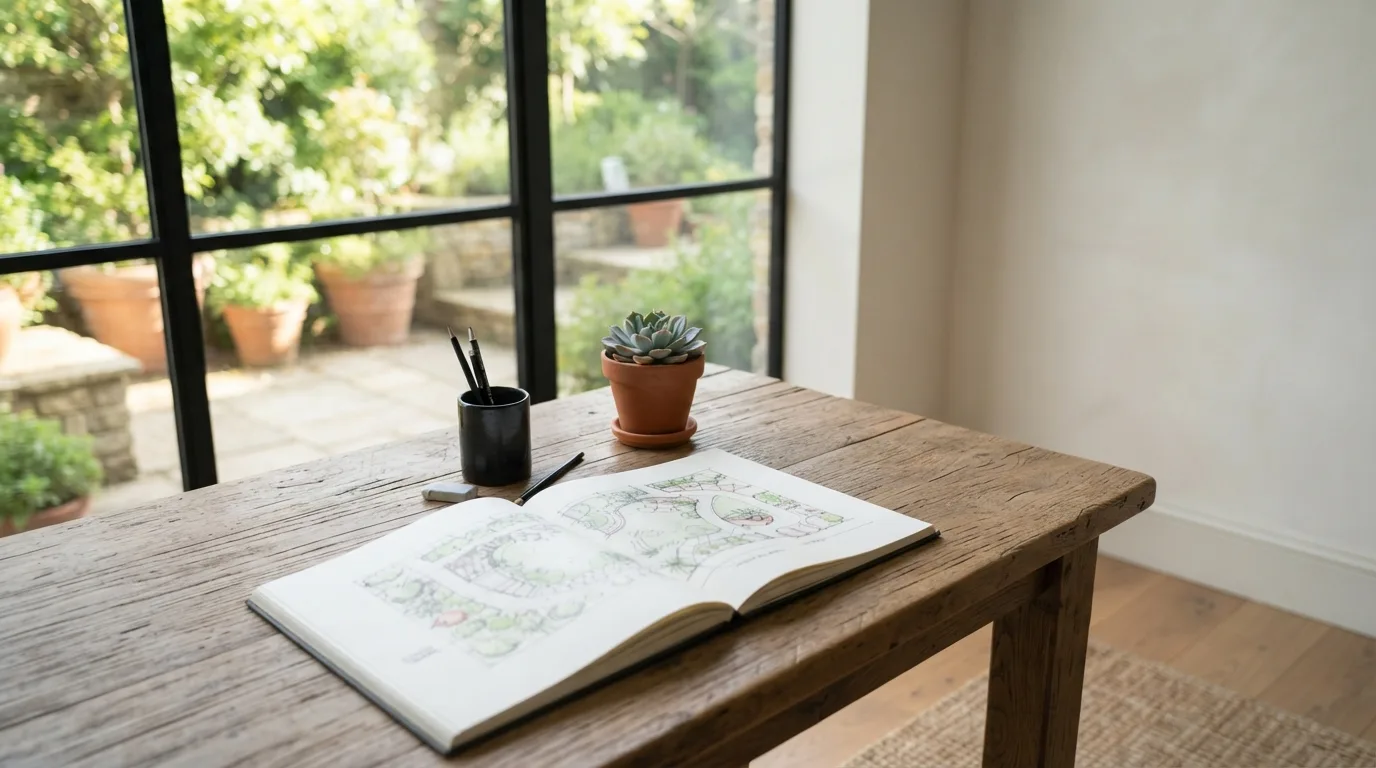
What does AI garden design actually show you before you commit?
AI garden design shows you a picture of your own yard with the changes already in place, so you can judge a layout with your eyes before you spend money on plants or paving. You upload one photo, and the generator returns that same view with new planting, surfaces, furniture and lighting. The house and the camera angle stay put; only the ground around them changes, which is why the result reads as your yard rather than somebody else's.
That matters more than it sounds. Most people don't start with a style name. They say they want something warm, beachy, natural, or simply not too much upkeep. A prompt carries those words, because there is no style menu to click through. Leave the prompt empty and the app just redraws your photo, filling bare ground however it likes. Say what you want to see, and the picture answers you.
The real value sits in the before and after comparison. You can test several ways of splitting the space into zones, move the seating, redraw a path, and see each version side by side before picking one. On paid plans a single run can return up to four options to compare. That is the cheap part of planning: an afternoon of looking, not a weekend of digging.
One photo is enough to start: JPG, PNG or WebP, up to 5 MB. A sketch or a 3D model view works too. Treat the first render as a question, not a verdict. If a bed looks wrong, change the wording and run it again.
How do you turn one photo of your yard into a usable design?
The starting point is a single photo of the space as it is now, not a finished plan. You upload a photo to an ai landscape design tool, add a short description of what you want, and the design generator returns a photorealistic image of that same yard with new planting, surfaces, furniture and light.
The house and the camera angle stay exactly where they were. Only the ground around them changes, so the result reads as your own yard rather than a picture of someone else's. That is what makes the image worth arguing about with your family.
The prompt carries the whole idea, because there is no style list to pick from. A client rarely names a style anyway. People say "warm," "beachy," "natural" or "not too much upkeep," and those words belong in the box. Leave it empty and the app just redraws your picture, filling bare ground however it likes.
Write the brief the way you would say it out loud: zones, mood, paths, seating, and how the garden should look in each season. Then generate designs more than once and compare. A paid run can return up to four options at a time, which is enough to see whether the seating area belongs in the shade or along the fence.
Keep one thing straight: the image shows a direction, not a planting plan. Before you dig, check the species against your light and soil, and price the hardscape separately. The render tells you what to aim for; the budget and the spade decide the rest.
Which free AI garden design options can you try first?
Free landscape design tools split into two groups, and knowing which one you are looking at saves a lot of time. One group turns a photo into a picture of the finished space. The other helps you think through layout before you commit to anything. Neither replaces a surveyor or a nursery, but both cut the guessing.
| Photo-to-render | You upload one picture of the yard or terrace and get a photorealistic version back with new planting, surfaces, furniture and light |
|---|---|
| Layout planner | Suggests arrangements and helps you sort plants, paths and seating into zones |
| Chat assistant | Talks through conditions in a specific corner, plant by plant, over several messages |
| Style presets | Applies one consistent look across the whole design instead of mixing moods |
A photo-to-render ai landscape generator keeps the house and the camera angle from your picture and redraws only the ground around them. That is why the result reads as your own yard rather than a show garden from a magazine. A layout planner works the other way: it proposes arrangements so you can test outdoor zones and styles before picking one.
Free tiers differ in what they actually give you. Some landscape design software opens with a small credit allowance, where each render draws on that allowance, and paid plans return several design options from a single run so you can compare them side by side. Others offer a free version of the tool outright.
The cheapest useful test is a chat assistant. A TechRadar journalist used one to identify plants in a tricky patch and check whether they would cope with half a day of sun. The value sat in the back-and-forth, not in one answer, because he could keep asking about that exact spot.
Skip the style menu if there is one. Clients rarely name a style; they describe a feeling, warm, beachy, natural, low upkeep. Put that feeling into the prompt instead, and say what should fill the empty ground, or the app will decide for you.

How do you describe the look you want without guessing style names?
Most people freeze at the style question because they think they need a label. In practice, clients rarely name a style at all. They describe a feeling: warm, beachy, natural, or simply not too much upkeep. That is a better starting point than any catalog, and it is exactly what you should type into the prompt.
So skip the hunt for the perfect garden style and write down what you want to feel when you walk outside. "Somewhere to drink coffee in the morning sun, low maintenance, nothing spiky near the path" gives the tool more to work with than "modern garden." The generator has no style list to pick from, so the description carries the whole look. Leave the prompt empty and the app just re-renders your photo, filling bare ground however it likes.
If you are still gathering garden design ideas, borrow the language of mood rather than of movements. Words like "soft," "shaded," "gravel and grasses," "room for six at dinner" translate into visible choices: plant height, surface texture, where seating lands. A design idea built from your own habits beats a borrowed aesthetic every time.
For a modern garden, be concrete about what modern means to you. Clean lines and clipped hedges read very differently from loose planting and weathered steel, yet both get called modern. Test two or three versions of the same garden ideas and compare them side by side; the render makes the difference obvious before you spend anything on plants.
Where does AI garden design help most with zones, paths, and seating?
The layout work comes first, because a planting plan only makes sense once the zones are set. An ai landscape design generator suggests arrangements and helps you sort plants, garden paths, seating areas and other features into something coherent. That is the stage where you test three or four ways of dividing the yard before committing to one.
Think in blocks rather than in individual plants. A terrace for eating, a strip of border planting, a spot for storage, a route from the back door to the shed. Experiment with those outdoor zones and with different styles until one version holds together. A good landscape design at this point is mostly about how people move through the space, not about which shrub goes where.
The seating area is where most backyard design goes wrong. People place garden furniture against the fence and then wonder why nobody sits there. Put it where the view is, where the afternoon shade lands, or where you can watch the kids. For patios and terraces, check the distance to the kitchen door and whether a table leaves room to walk behind the chairs.
Prompts carry the mood, since there is no style list to pick from. Describe the feeling instead of the label: warm, beachy, low upkeep. Clients rarely name a style anyway, so a prompt that says "gravel paths, dry planting, somewhere to sit out of the wind" gives the tool more to work with than "Mediterranean".
Then run the same photo again with a different brief. One version with a lawn, one without. One with raised beds, one with a paved patio design. Comparing renders is how you find the arrangement you actually want, and it costs you an afternoon rather than a delivery of stone. For patio design and other hard surfaces, that comparison is cheaper than changing your mind after the slabs are down.
Keep a realistic check on what the picture promises. A render will happily show mature planting and perfect light; your garden will not look like that in the first season. Use the image to settle the layout and the mood, then confirm plant choices and materials against your soil, your light and your budget before you order anything.

When should you trust an AI layout enough to start planting or building?
A render is a sales tool, not a building permit. Before you spend money on paving or order plants and trees, walk the layout with a tape measure and look for what a picture cannot show you: drainage, roots, how much sun the spot really gets. If the design survives that test, it is ready to build.
The fastest way to fail is to skip the boring checks. A photorealistic image will happily put a tree where the ground stays waterlogged or a seating area in the shade most of the day. Treat the render as a set of questions, not answers.
Use it to compare garden design ideas against each other, then go outside and confirm each one fits the space you actually have. That is where most backyard design plans fall apart, and it happens before anyone lifts a spade.
Cost is the other filter. A layout can look calm and affordable until you price the hardscape. Get quotes for materials and costs on the surfaces and structures you kept, and only then decide what to drop.
A useful habit: keep one version of the plan you can afford and one you love, then cut the second down until it matches the first. The conversation with the tool matters more than any single image, so ask about the shady corner, the slope, the spot where nothing grows.
You can refine your design over several passes, testing zones and planting moods before committing. Start with the free credits you get and see how far one idea takes you. When the render stops surprising you and starts matching what you measured outside, that is your signal to plant.
Najczęściej zadawane pytania
Can I use AI garden design for free?
Yes, some AI landscape tools come with a free version, so you can test the first layouts without paying. With ArchiVinci, a new account starts with 3 free credits and one generated image costs 1 credit, which is enough to check whether the tool reads your yard correctly. If you want to compare several options in one run, that usually sits behind a paid plan.
What kind of photo do I need to upload?
One clear photo of the space is enough: a backyard shot, a sketch or a 3D model view, saved as JPG, PNG or WebP up to 5 MB. The tool keeps the house and the camera angle from your picture and redesigns only the ground around them, so the result looks like your own yard. Shoot from a spot you can return to, because a matching angle makes the next version easier to compare.
How many design options can I get at once?
Up to four proposals per run on the paid plans, where the number of images setting controls how many variants come back. Each generation draws on your credit balance, so a larger set of options uses more of it. If you are still deciding on a direction, generate one image at a time and change the prompt between runs instead of spending your credits on a full set.
Can AI remove an old shed or bins from my yard photo?
Yes, smart removal tools delete unwanted objects such as trash cans, old sheds or dead trees from the photo and fill in the background as if they were never there. That gives you a cleaner base to plan on, but it only changes the picture, not the yard. Use it to see the space without clutter before you decide what to knock down.