Architecture
How to Use AI for Architecture in the Concept Phase
Renderist Team ·

What Does AI Actually Change in the Concept Phase?
AI changes the concept phase less by drawing for you and more by how fast you can test an idea. In practice, ai for architecture is most useful at the front end: producing massing options, facade variations and presentation images while the brief is still soft and the client is still deciding. That speed matters because the early stage is where manual drafting eats the most hours. AI cuts that work down, so you spend your time judging proposals instead of drawing every version by hand. Machine learning in architecture goes a step further: models pick up the habits of a particular studio, so early planning gets smoother the longer you use them. The tools themselves split into a few jobs. Text-to-3D and style transfer let you push a concept into shape quickly, while generated texture maps and lighting that aligns indoor and outdoor sources save hours of tweaking before a render is presentable. For residential work, Maket turns a plain-language brief into floor plans, furnished layouts and photorealistic renders, usually within two to three minutes, with several options to compare at the first client meeting. Two cautions. Building codes still need checking, and AI can compare a proposal against known regulations faster than a manual pass, but the sign-off stays with you. And adoption in architecture has been slower than in other creative fields, largely because software and hardware costs bite smaller studios and training aimed at architects is thin.Which AI Tasks Belong in Early Design and Which Do Not?
Text-to-3D modeling and style transfer belong in the concept phase, because they let you test ideas faster before anything is committed. A generative design pass gives you variants you would not have drawn by hand. Where these tools earn their place is space planning: an ai architecture tool can lay out several room arrangements in minutes, and you compare them before choosing a direction to refine. That is the cheap part of the job, and it is where iteration pays off. What does not belong early is compliance. Checking a proposal against building codes by hand is slow and repetitive, and architecture ai software can compare a design with known regulations automatically, but the sign-off stays with a licensed architect or engineer. Treat any output as a design-stage document, not a permit drawing. The same caution applies to the technical layers. Building information modeling and cad, the drawing files your studio already runs on, carry the rules and dimensions that a pretty render ignores. Parametric design and bim workflows reward a defined brief, not a vague prompt. Keep rendering, texture and lighting work in the concept phase, since ai design tools can sharpen low-resolution materials and align indoor and outdoor light sources on their own. Design automation helps most when it feeds those files rather than replacing them. Sustainable architecture and smart buildings promise a lot in a pitch, yet the early model cannot verify energy performance or sensor behavior. Use it to start the conversation, then hand the numbers to an engineer. A sensible first step is one area, such as rendering, where the effect shows up right away. Cloud-based tools lower the entry cost because you do not buy new hardware.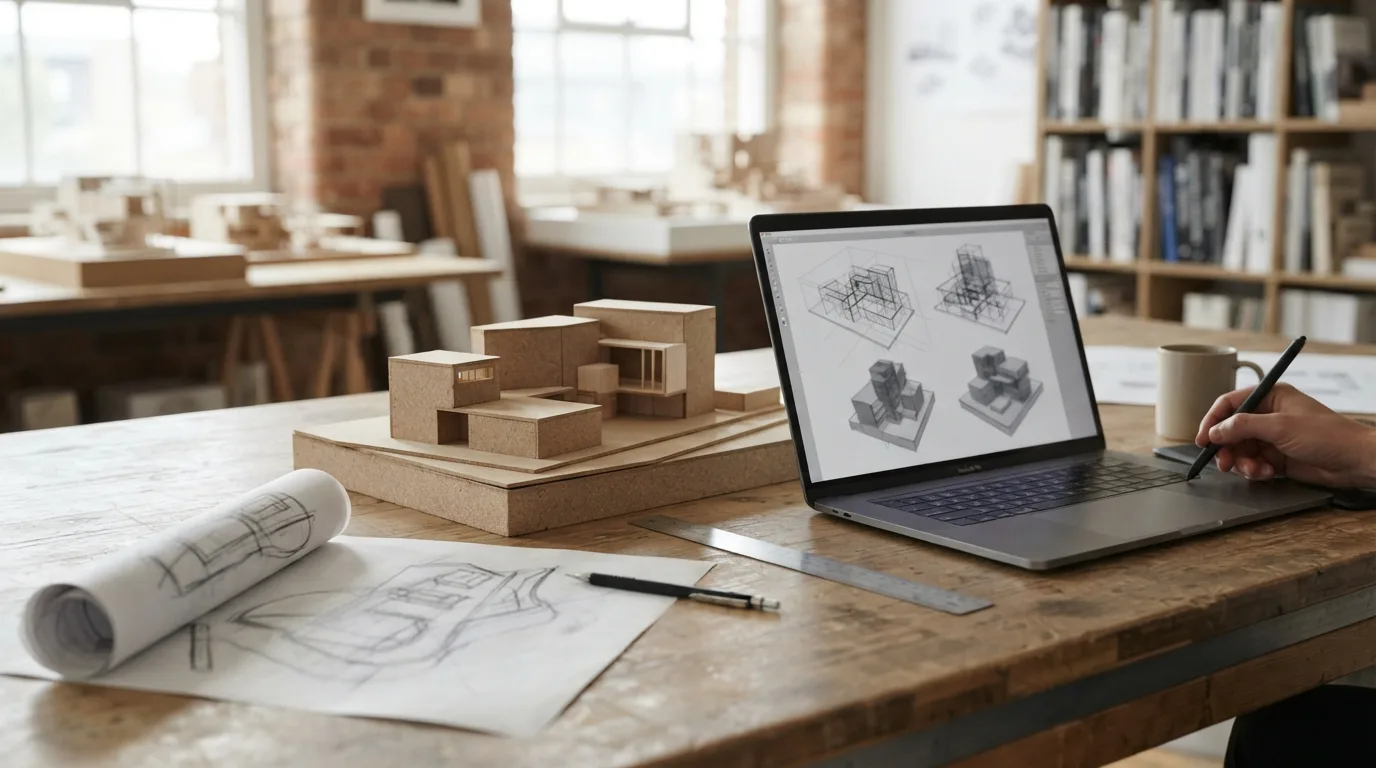
How Do You Test Massing and Facade Ideas Before the First Client Meeting?
Before you book the first client meeting, you need options on the table, not one precious scheme you have already fallen for. That is where architecture AI software earns its place in the concept phase: it lets you test more massing and facade directions than a hand-drawn workflow ever could.
Start with volume, not detail. Push the brief through generative design tools and you get several block arrangements to compare side by side. The point is not the prettiest image. It is finding the version that survives a hard question about daylight, access or floor area before you commit.
Facades are the next step, and here text-to-image tools are genuinely useful. Describe a material palette, a rhythm of openings, a mood, and you get a reference in minutes. Treat them as sketch paper, not as a promise to the client.
For AI home design work, a plain-language brief can return floor plan options and furnished layouts within two to three minutes, with no queue for a designer, according to Maket. That speed changes the meeting: you walk in with three directions instead of one.
- Massing: generate several volumes, then cut the ones that fail basic constraints.
- Facade: test materials and window rhythm with text-to-image prompts.
- Interior design: check furniture layouts against real room sizes.
- Presentation: use AI rendering for a quick 3d visualization, but label it as a study.
One warning. A polished render can make an unbuilt idea look settled. Keep the render clearly separate from the drawings you will develop, and tell the client which is which. AI for architects works best when it feeds the conversation, not when it ends it.
What Stops a Studio from Using AI Well?
Studio owners often assume the barrier is the software. In practice, the harder problems sit in budgets, training and habit, and they show up long before anyone opens a prompt. High software and hardware costs are one of the main reasons smaller practices hold back, according to Creative Bloq. Cloud-based tools soften that entry price, because you rent the computing power instead of buying new machines. A lack of training aimed at architects makes the same tools feel intimidating to teams that have never touched them, Creative Bloq notes. Pair that with established workflows and team dynamics, which resist new technology even when the benefits are obvious, and you get a design workflow that quietly stays where it was. There is also the fit problem. An AI tool that does not align with the architecture software your studio already runs can disrupt work instead of speeding it up, Creative Bloq warns. Adding a second set of files and a second export step costs more time than the hours it saves. Adoption across the profession has been slower than in other creative fields, which explains why the change is not everywhere yet. The practical route is narrower: pick one area, such as rendering, where the result shows up immediately, and let the rest of the process stay as it is until that one step proves itself.How Do You Start with AI Without Replacing Your Current Workflow?
Adoption has been slower in architecture than in other creative fields, and the reasons are practical rather than philosophical. According to Creative Bloq, software and hardware costs hold smaller studios back, training aimed at architects is scarce, and settled team habits resist new tools even when the benefits are obvious. The sensible response is not a studio-wide rollout but one narrow, reversible step at a time.- Pick one job, not a whole workflow. Creative Bloq suggests starting with a single area such as rendering, where the result is visible immediately. A texture pass or a lighting setup that used to eat an afternoon is a low-risk place to learn what the tool does well.
- Check it runs on the machines you already own. Cloud-based tools remove the need for hardware upgrades, which is how a small practice tries AI without a capital outlay. Tools that clash with your existing software can slow work down instead of speeding it up.
- Run a live project side by side. Keep the old method running and compare outputs on the same brief. Machine learning models adapt to the habits of a particular studio over time, so the gap between the two narrows with use.
- Bring options to the first meeting. Maket, an AI platform for residential work, turns a plain-language brief into floor plans, furnished layouts and photorealistic 3D renders, with most options ready within two to three minutes and no queue for a designer. Architects use it to accelerate early concept work and show several layouts at once.
- Treat every output as design-stage. Maket exports plans as PDF and image files, but a licensed architect or engineer still has to check them against site conditions and local codes before permits or construction.
Najczęściej zadawane pytania
How many architects actually use AI?
That covers both current users and studios that have made a decision to start, so it says nothing about how deep the use goes. A firm running one rendering test counts the same as one rebuilding its whole concept workflow.
Why is AI adoption in architecture slower than in other creative fields?
Adoption has been slower in architecture than in other creative industries, as Creative Bloq notes. The usual causes are the cost of software and hardware upgrades for smaller studios, a shortage of training aimed at architects, and established workflows that resist change even when the benefits are obvious. Tools that do not fit the software a studio already runs can also slow work down instead of speeding it up.
Can AI check a design against building codes?
It speeds up the first pass and flags where a layout may fall short. The final call still belongs to a licensed architect or engineer who reviews the design against the actual site conditions and local codes before anything goes to permit.