Rooms
AI Bathroom Design: Plan, Preview and Perfect Your New Space
Renderist Team ·
What Does AI Bathroom Design Actually Show You?
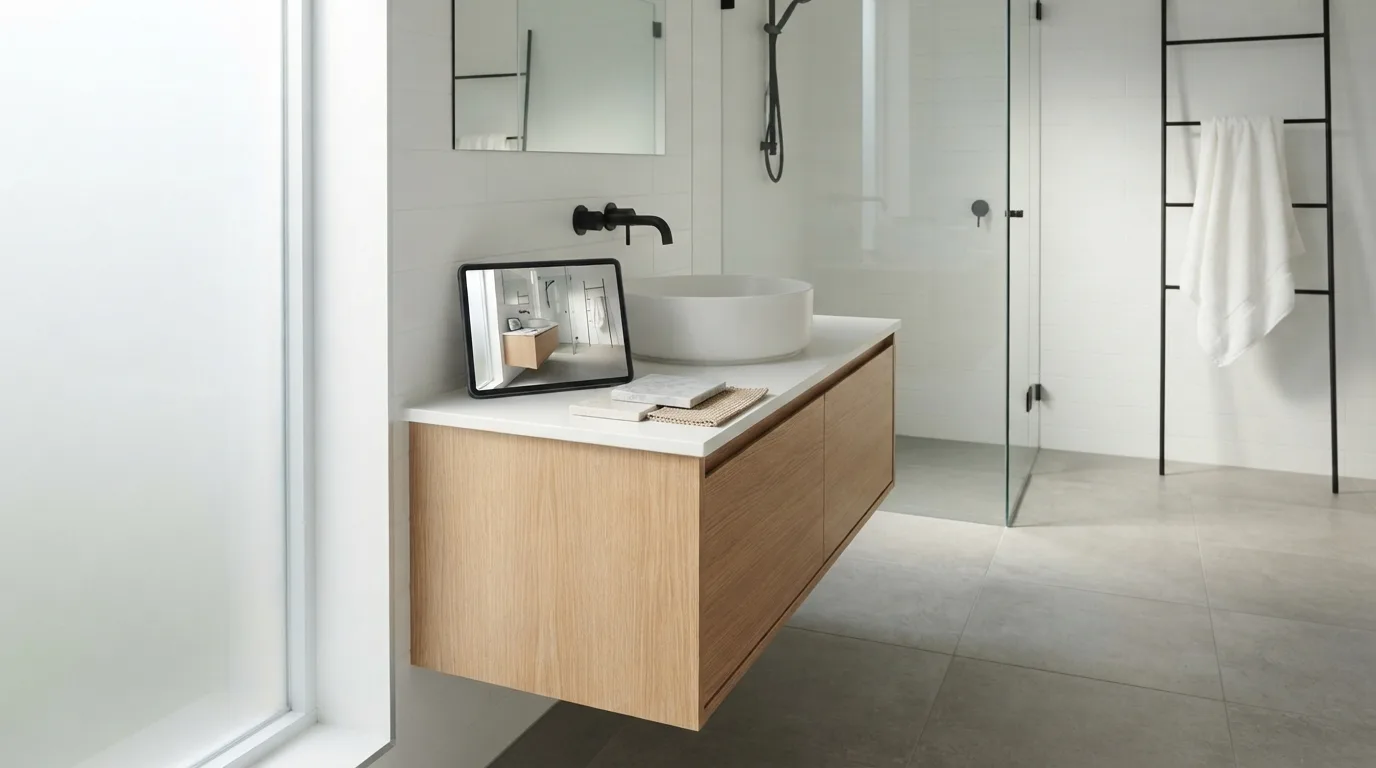
AI bathroom design shows you your own room with different finishes, not a generic showroom photo. You upload a picture, and the software redraws the vanity, shower or tub, floor and tile in place, so you see the swap on your actual walls. That is the whole promise, and it is worth knowing exactly how much of it holds up before you spend anything. The starting photo decides the result. Capture the vanity, shower or tub, floor, tile and natural light, because finish swaps only look realistic when the original shot has them. A dim, tilted phone snap gives you muddy color and a warped layout. Take the picture in daylight, step back far enough to get the whole room, and shoot straight on. From there the tools work in a few ways. Some apply a style to your photo in seconds, others let you describe the bathroom you want and generate a photorealistic render from scratch. You can pull design inspiration from an image you saw online and map that look onto your own space, or work through design styles such as modern, spa, luxury or Scandinavian. A good design app lets you replace fixtures, swap out a vanity or tub, and delete clutter to see a cleaner bathroom design. What you get back is a picture, not a plan. Traditional 2D drawings already struggle to convey spatial flow, color shifts and how lighting behaves through the day, and a render has the same limits. Treat it as a way to narrow tile and finish choices in seconds rather than weeks of sample runs, then confirm spacing and ventilation against the code that governs bathrooms. Several looks side by side beat one polished image, so generate variants and keep them in one place to compare and to show your contractor. Expect some outputs to be glorified moodboards; if a render moves a wall or a drain, discard it.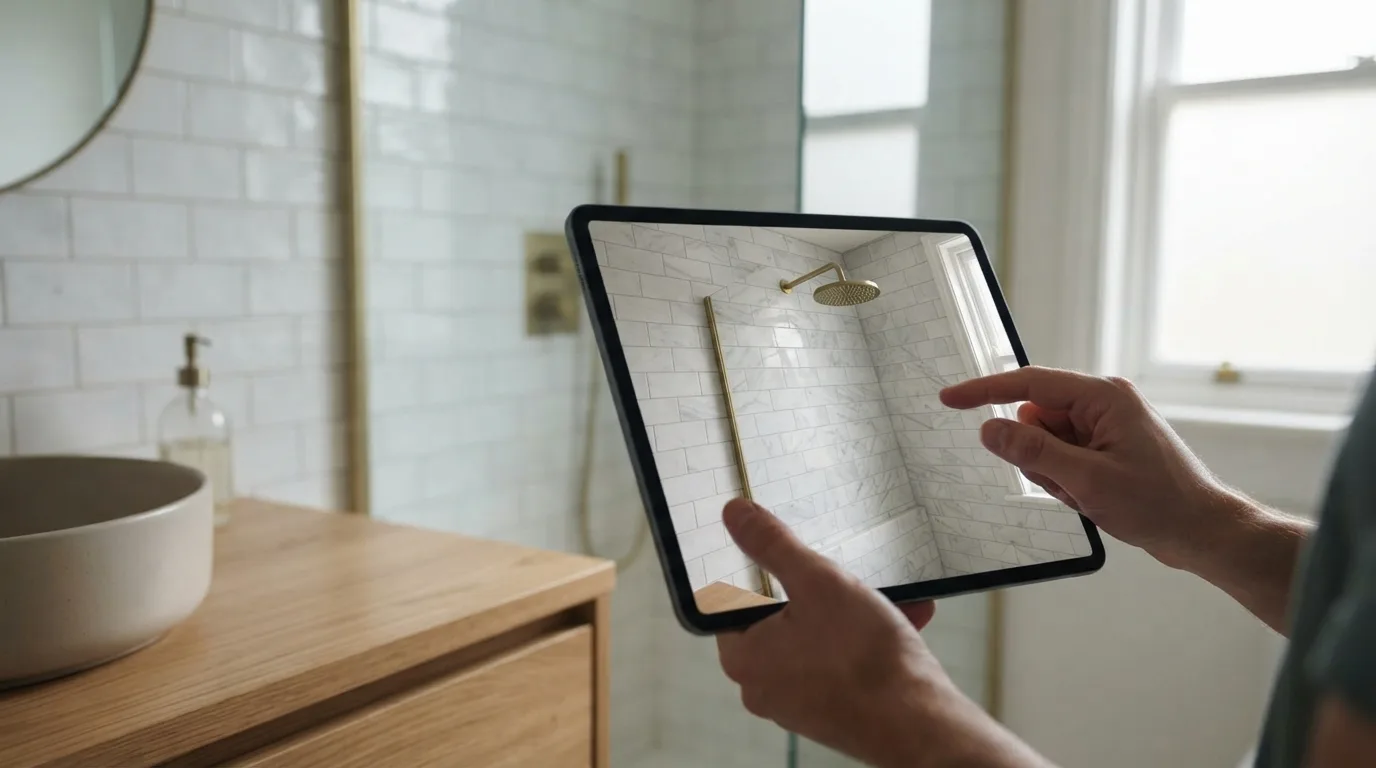
How Do You Get a Useful Preview From a Photo?
Most disappointing results start with a bad source image. A quick snapshot in dim light gives the AI almost nothing to work with, so the output looks like a filter rather than a plan. The fix is boring: turn on the overhead light, open the door, and frame the shot so the vanity, shower or tub, floor, and tile all sit in the picture.
Natural light helps more than a flash. In a small bathroom, step back into the doorway and shoot straight on instead of tilting the phone down. That single habit makes a photo redesign read as a real room rather than a warped one.
Once you upload a photo, you have a choice about how much to ask for. Some tools keep the existing layout and fixtures and only swap finishes, which is what you want when the plumbing stays put. Others rebuild the room from a written description, useful for testing a different bathroom layout before you commit.
Run several versions side by side rather than settling on the first. Compare a modern bathroom against something warmer, then check the before and after slider to see what actually changed. A bathroom design app that saves every version lets you show the contractor two or three options instead of describing them.
Two limits are worth knowing. A generated image will not tell you whether a fixture meets clearance and ventilation rules, and some tools return little more than polished moodboards. Treat the render as a way to narrow tile, color palette, and lighting choices, not as a construction drawing.
If you already own an iPhone or iPad on iOS 16.6 or later, a free AI bathroom design app is the cheapest way to test the idea before paying for anything. Renderist fits here as the next step once you know which direction the bathroom design should take.
Which Finishes and Fixtures Can You Test Before Buying?
Swapping a vanity or a bathtub is the decision most people get wrong, because the old fixture sits in a room where nothing else has changed yet. Design tools that work from a photo let you replace fixtures and remove unwanted items, so you can see a cleaner bathroom before anything is ordered. The limit is worth knowing up front: what you get is a picture, not a plumbing plan. That picture still settles a lot. You can test new tiles against your existing floor, check whether a darker bathroom decor scheme swallows the light from your window, and see if a wall-hung vanity makes the room read wider. For bathroom interior design, the useful test is comparison, not a single render. Generate several versions of the same corner and put them side by side, then keep the one you would still like after a week. Be careful with tools that only produce pretty moodboards. Some newer solutions turn out glorified moodboards, which the trade press labels AI Slop, and those tell you nothing about spacing. Bathrooms sit under some of the strictest residential construction codes, covering water clearance, fixture spacing and ventilation, as Trisetra points out. A render will happily place a shower where the drain cannot go. So use the image to shortlist, then verify. Take your favorite bathroom design to a plumber or tiler and ask what has to move to make it real. If the answer is "the soil pipe," you have saved yourself a costly surprise.How Do You Compare Layouts Without Moving a Wall?
Comparing layouts in a bathroom planner is mostly about what you refuse to change. A tool can keep your existing plumbing, door swing and window where they are and still show a different vanity, a walk-in shower instead of a tub, or larger tiles on the same floor. That is the version worth testing first, because moving water lines and drains turns a cosmetic job into a building project.
For a bathroom redesign on a photo you already have, the useful sequence is short. Generate several variants side by side, then judge them on the things a still image hides: how far the door opens, whether you can reach the towel rail from the shower, where your knee lands when you sit down. Rendering shows finish and tone; it does not measure clearance.
| What you want to test | What a render answers well | What it cannot settle |
|---|---|---|
| Tile and color palette | How a finish reads under daylight and evening light | Grout lines and slip rating underfoot |
| Fixture swaps | Proportions of a vanity, tub or toilet in the frame | Pipe positions behind the wall |
| Layout shifts | Whether a walk-in shower opens up the floor | Distance to the drain and venting |
| Small bathroom options | How a lighter palette changes the sense of depth | Real measurements in inches and feet |
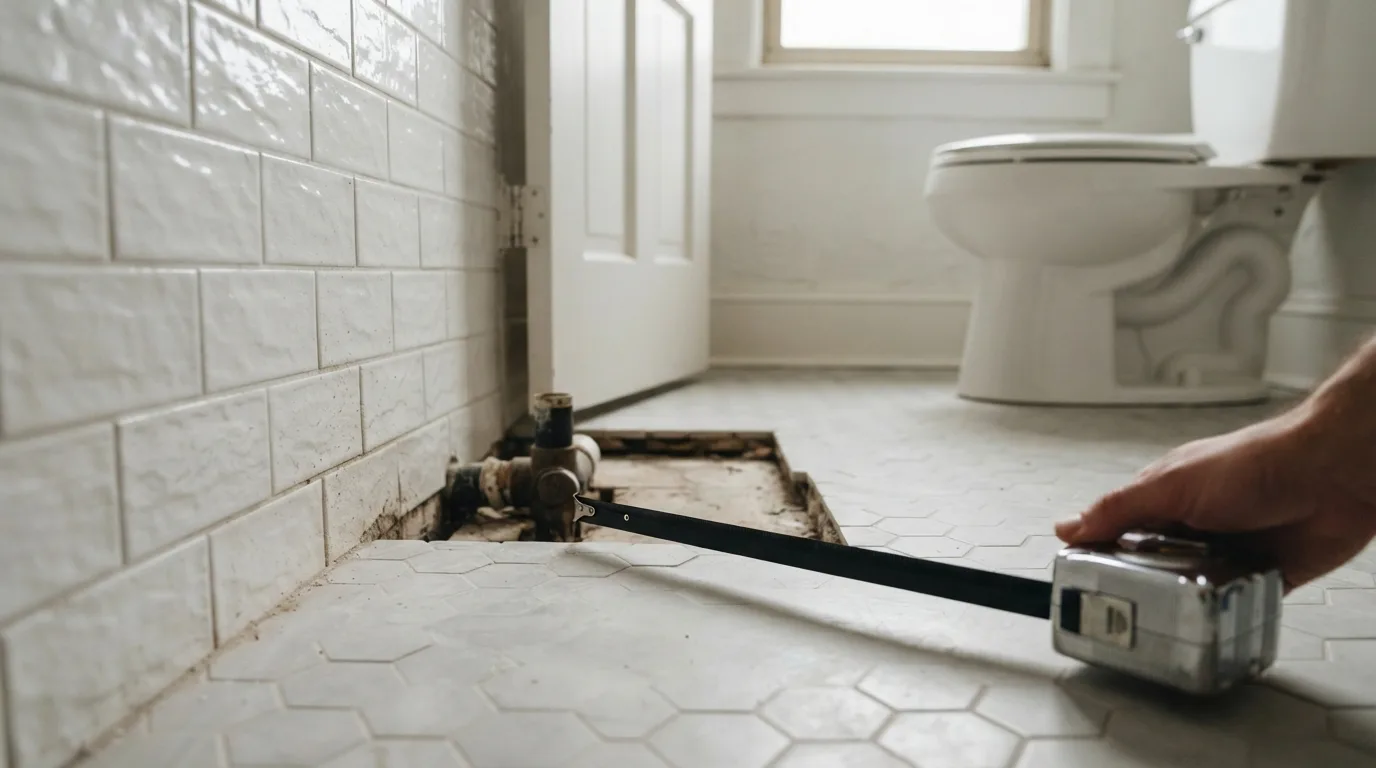
Space planning is where pictures stop helping. Bathrooms sit under some of the strictest residential codes, covering water clearance, fixture spacing and ventilation, as Trisetra notes, so a layout that looks clean on screen can fail an inspection. Treat the image as a shortlist, then check every dimension against your own tape measure before you order anything.
Keep the saved variants together and bring them to your contractor. A photo of the current room next to the proposed one settles arguments faster than a description, and it makes the quote easier to compare line by line. That is the whole point of transforming your space on paper first: you spend the money once, on the version you already checked.
What Does It Cost to Try AI Bathroom Design?
Trying an AI bathroom design tool costs nothing at the start, and that is the whole point of starting there. A service that works from your own photo hands a new account a few free images, so you can put tiles and a vanity on your actual bathroom before you commit to anything. You spend an evening, not a deposit. The paid step is where the real decision sits. Plans are priced by how many images you generate, not by the room, so a single bathroom renovation can be tested on the cheapest tier while a designer juggling several jobs needs the volume of a pro plan. Subscriptions run weekly, monthly or yearly, and the yearly rate is always the lowest per month. If you only want to settle one bathroom, a short subscription beats a long one. Watch what you get for the money. Some tools return polished moodboards that look convincing and tell you nothing about whether the shower fits, which is the trap people call AI slop. A useful bathroom design output keeps your existing layout and fixtures in place so the swap reads as real. Treat the images as a shortlist, not a plan. Generate several versions of the same bathroom side by side, pick the one that survives a second look, then hand it to your contractor with the measurements attached. A design app cannot check water clearances or ventilation, and those rules decide what actually gets built.When Should You Trust the Preview and When Should You Call a Contractor?
A rendered image is a sales tool, not a permit drawing. It shows you how a finish reads next to your flooring and whether the room feels cramped, but it cannot tell you if the drain will sit where the joists allow. That is the line worth drawing before you commit. Treat the preview as a way to narrow choices, not to sign off on them. Homeowners can settle the tile and vanity question on screen, then hand the same images to a contractor who measures what the picture cannot. For a bathroom remodel, the gap between a convincing render and a buildable one is usually plumbing and ventilation. The warning signs are specific. If the design moves a toilet or shower across the room, adds a window, or opens a wall, stop and get someone on site. Bathrooms sit under some of the strictest residential codes, covering water clearance, fixture spacing and ventilation, as Trisetra notes. No image overrules that. There is also a quality trap. Trisetra points out that some newer visualization tools produce little more than dressed-up moodboards, which the industry calls AI slop. A good AI bathroom remodel preview keeps your existing structure and shows honest material swaps. If the output invents a layout your room cannot hold, it is decoration, not a plan. Where the preview earns its keep is in the choices you can actually make: tiles, paint, lighting temperature, fixture style. Upload a photo, run a few options, and compare them side by side. Interior designers use the same trick to show clients two directions without ordering samples. When the design respects your walls and pipes, it is a fair basis for a quote. When it redraws them, call the contractor first.Reader Questions
Can I use AI bathroom design on a small bathroom?
Yes, and a photo-based preview is often the quickest way to see whether a compact layout still works. Stand back far enough to capture the vanity, shower or tub, floor, tile and natural light in one frame, because finish swaps only look realistic when those elements are visible. Keep in mind that bathrooms stay among the hardest and most expensive rooms to remodel despite their small footprint, so treat the image as a shortlist, not a final plan.
How long does it take to get an AI bathroom design?
Some apps return a redesigned bathroom within seconds of uploading a photo, while others promise a personalized result in a few minutes. The difference comes down to whether the tool redraws the whole room or just recolors surfaces on your existing photo. If speed matters, test one photo in two tools and compare how much of the original layout each one keeps.
Can AI show me what my bathroom will look like with different tiles?
Yes, several tools let you swap finishes and fixtures on your own photo, including vanities, bathtubs and toilets. The result depends on the starting image: flat, evenly lit shots with the floor and wall tile clearly visible give the most believable swaps. Generate a few versions side by side and pick the one that still looks right in daylight, not just on screen.
Do I need design skills to plan a bathroom with AI?
No, you can describe the bathroom you want in plain words and let the tool generate a photorealistic design from scratch. You can also upload an inspiration photo from the internet and apply that style to your own room, so the starting point can be a sentence or a picture you like. Knowing your rough budget and must-keep fixtures helps more than any design vocabulary.
Can I show an AI bathroom preview to my contractor?
Yes, saved designs are meant to be shared with contractors and family so everyone argues about the same image instead of a vague idea. A preview shows finishes and mood, not measurements, so ask the contractor to check water clearances, fixture spacing and ventilation against the actual codes before anyone orders tile. Bring the images to the quote meeting and let the numbers come from the site visit.