Rooms
AI Kitchen Design: A Practical Guide to Visualising Your Remodel
Renderist Team ·

What Does AI Kitchen Design Actually Show You?
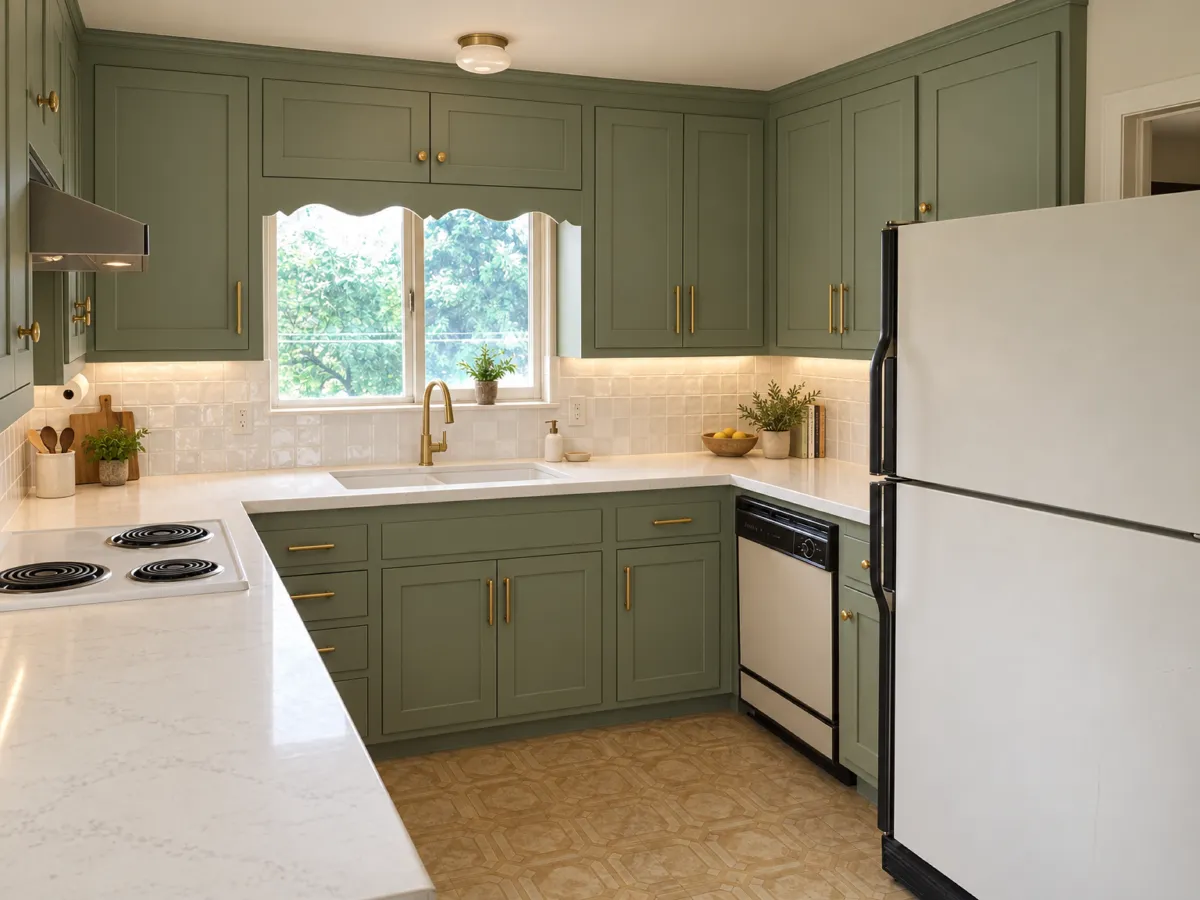
AI kitchen design shows you a picture of your own room with new cabinets, counters, and lighting, not a plan you can hand to a carpenter. Upload a photo, pick a style, and the tool redraws the space in seconds. That is the whole promise, and it is worth knowing exactly where it holds up. The catch sits in the fixed elements. A kitchen has more of them than any other room: stove, fridge, sink, cabinets, island. Move any one of those in the picture and the design stops being useful for planning. Some tools rearrange cabinets or shift the sink to the wrong wall, and the image looks polished while describing a room you do not have. A general image generator makes this worse. It is built to produce a good-looking picture, not to keep your room still, so the window drifts, the range changes type, or the sink vanishes. If the result does not match your walls, treat it as a mood image: fine for choosing colors, useless for ordering cabinets. The better tools work from your photo and hold the layout. One app scans the room with LiDAR, the laser mapping built into newer iPhones, then builds a 3D model of the dimensions and obstacles before generating anything. Another takes your photo and your preferences and returns a before and after covering cabinets, counters, tile, lighting, and appliance placement, weighing the sink-stove-fridge triangle, storage, and circulation. That is also where the money question lands. Core features like generated designs, customization, and previews often sit behind a subscription, and plans run from a few dollars a week to a yearly rate that costs least per month. Before you pay, spend ten minutes on one real photo and ask for a single change, such as cabinet color only. A tool that reshuffles the whole room on a small request is not listening.
Which Fixed Elements Should Your AI Visualisation Keep in Place?
The fixed elements are what decide whether an AI visualisation is worth anything. A kitchen holds more of them than any other room: stove, fridge, sink, cabinets, island. Move any of those in the picture and the design stops being a planning tool, because the thing you would actually order no longer matches the room. This is where free tools separate quickly. Some return polished images; others shift the cabinetry to the wrong wall, relocate the sink, or produce a kitchen that ignores the footprint entirely. A general image generator behaves the same way, since it is built to make an attractive picture, not to hold your room still. The window drifts, the range changes type, the sink vanishes. The test costs one photo and ten minutes. Ask for a single change, such as the cabinet color, and see what else moves. A tool that rebuilds the whole kitchen on a small request is not listening, and no amount of style options will fix that. Then place your original photo beside the result and check the window, the range, the sink, and the length of each run of cabinets. If those hold, the image can guide countertops and finishes. If they do not, it is a mood picture: useful for choosing a color, useless for ordering. Free tiers rarely give you more than a few images, which is enough to judge a tool and not enough to compare ten versions of the same kitchen. Budget accordingly before you count on a free plan for a full design.How Do You Test a Free AI Kitchen Design Tool in 10 Minutes?
The fastest way to judge an AI kitchen design tool is a single test. One real photo of your kitchen, ten minutes, and one request: change only the cabinet color. A tool that reshuffles the whole room on that small ask is not listening, and no amount of polish in the output fixes it. Set the original photo and the result side by side. Check the window, the range, the sink, and the length of each wall of cabinets. Kitchens hold the most fixed elements of any room, so if a visualization moves the sink to another wall, the design stops being useful for planning. What you get is a mood image that helps pick colors but will not help you order cabinets. That is the line between a preview and a toy. Free versions usually hand you a few pictures, enough to try the tool, not enough to compare ten looks on the same photo. Some apps let you generate a handful of images before asking for a card, which works well for collecting ideas. Paid tiers exist for a reason. One app charges $4.99 weekly, $14.99 monthly, or $34.99 yearly, with every core feature behind the subscription. Another offers image generation from your own photo on plans from $14 per month. Free chatbots still earn their place on the thinking side: splitting a budget, reading a contractor's quote, sequencing the work. When you do pay, expect more than a pretty render. A good AI kitchen design app should respect the sink-stove-fridge triangle, storage, and circulation, and let you steer lighting, style, and features without redrawing your space. Run the ten-minute test first, then decide what your kitchen is worth.What Can You Compare Before Ordering Cabinets?
Before you commit to a cabinet order, the useful question is not "which picture looks best" but "which of these options is actually checkable against my room." A picture that keeps your window, your range, and your sink in place lets you compare real choices. One that quietly relocates them gives you nothing to order from.
| What you compare | What the image has to keep |
|---|---|
| Cabinet color and finish | Wall lengths and the position of every run |
| Countertop and backsplash pairing | Sink and range where they already are |
| Door style across two or three looks | Window placement and its size |
| Storage wall versus a kitchen island | Floor space left for walking |
Style is the easy part to test. Modern kitchens lean on flat, handleless fronts and integrated appliances, traditional ones on raised panels and warm wood, and contemporary rooms mix matte black with light oak. Seeing those side by side in your own kitchen tells you more than any gallery, because a finish that reads calm on a sample door can turn busy once it covers a whole wall.
Small kitchens are where the comparison earns its keep. Ask for one change at a time, such as a different cabinet color, and watch whether the tool holds the rest of the room still. A tool that reshuffles everything on a small request is not listening, and its output will not help you plan storage or circulation.
Then put your photo and the result next to each other and check the window, the range, the sink, and the length of each run of cabinets. If those four match, you have something worth taking to a supplier. If they do not, you have a mood image: good for choosing a color, useless for ordering.
Where Does AI Help With Layout and Where Does It Not?
The layout is where AI earns its keep and where it fails hardest. A kitchen holds more fixed elements than any other room: stove, fridge, sink, cabinets, island. Move any of them in the picture and the design stops being a plan. Some tools do exactly that, shifting cabinets or putting the sink on the wrong wall. Before you trust a render, put your original photo next to it and check the window, the range, the sink, and the length of each run of cabinets. A tool worth keeping changes only what you asked for. Ask for a new cabinet color and nothing else; if the whole room rearranges, the tool is not listening and will not survive a real renovation. This is the cheapest test you can run, and it matters most with an ai kitchen remodel, where a wrong wall costs more than a wrong shade. Free versions usually give you ideas and a few pictures, not a plan for your actual space, and a general image generator will happily move your window or make the sink vanish. Where AI does help: the thinking part of the project. Chatbots are good at splitting a budget, explaining a contractor's quote, or sequencing the work. For the visual side, a photo-based preview can carry cabinet fronts, countertops, materials, backsplashes, and lighting, and some tools weigh the sink-stove-fridge triangle, storage, and circulation when proposing a layout. Treat the output as a way to test finishes, not as a drawing to order from. A picture that does not match your walls can still help you pick a color for your dream kitchen; it cannot tell a cabinet maker what to build.When Is a Paid AI Kitchen Design Tool Worth the Money?
A free tool earns its place at the idea stage, not at the order stage. It hands you a handful of pictures and a direction, which is enough to test whether a tool suits you and nowhere near enough to weigh ten different looks against the same photo. Treat that output as a starting point for conversation, not as a plan you can hand to a cabinet maker. The real question is what you are paying for. If the money buys you a prettier picture that still moves your window or swaps the range for a different type, you are buying wallpaper. If it buys a preview that keeps your walls, your sink, and your storage where they actually are, you are buying something you can plan against. So run one honest test before you subscribe. Take a single photo of your own kitchen and ask for one change only, such as the cabinet color. A tool that rebuilds the whole room on that small request is not listening, and no subscription fixes that. A tool that changes just the cabinets has passed the only exam that matters. Then set the original and the result side by side. Check the window, the range, the sink, and the length of each run of cabinets. If they line up, the ai kitchen design you are looking at is worth paying for, because it describes your room rather than a room. If they drift, you have a mood image: useful for picking a finish, useless for ordering anything. Paid plans usually unlock the part that makes kitchen design from your own photo possible, and that is the feature the free tier holds back. Decide on that gap, not on how polished the sample gallery looks.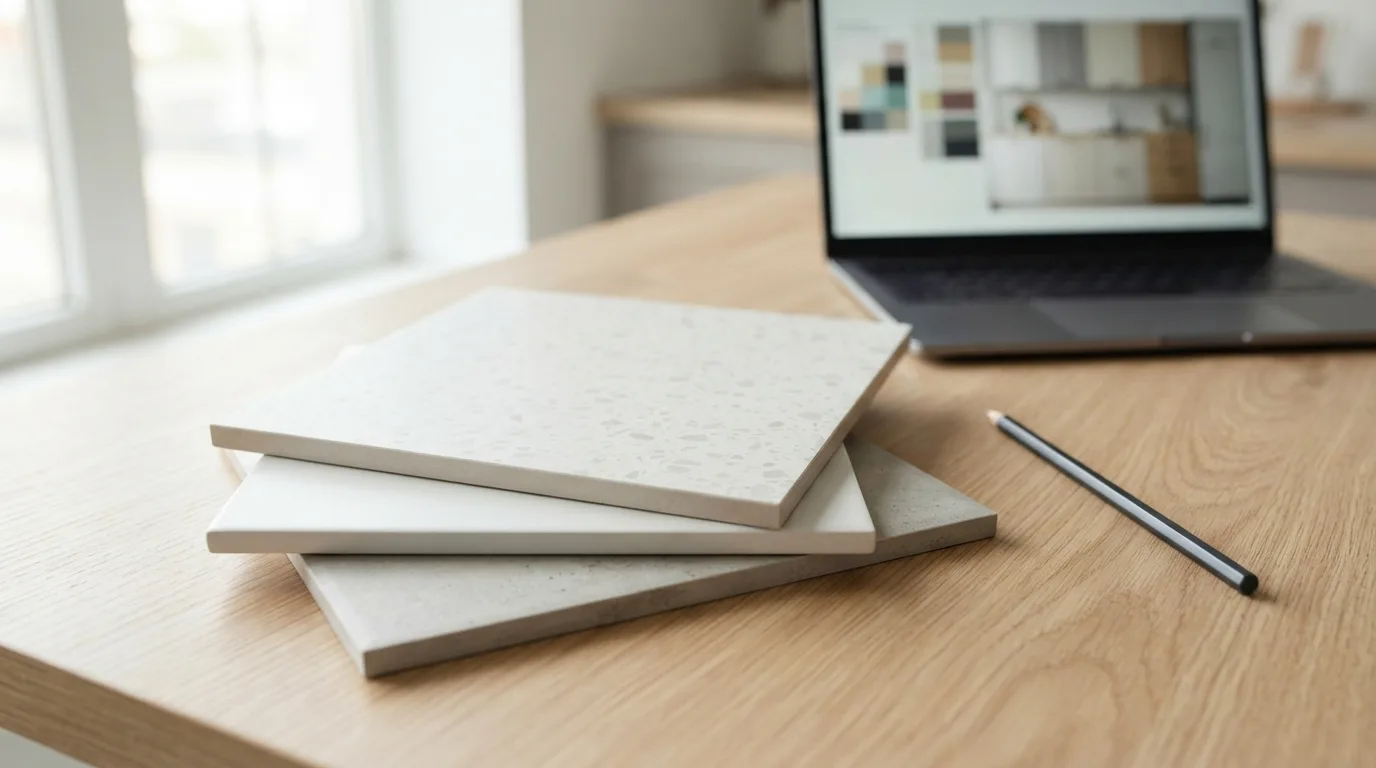
Najczęściej zadawane pytania
Can I try AI kitchen design for free?
Yes, free versions usually give you a few pictures and rough ideas rather than a full plan for your actual kitchen. That is enough to test whether a tool follows your instructions, but not enough to compare several looks on the same photo. Some apps let you generate a handful of images before asking for a card, which works well for collecting ideas.
How much does an AI kitchen design app cost?
Prices vary by app and plan. One app charges $4.99 per week, $14.99 per month, or $34.99 per year, with the yearly plan working out cheapest. Another offers image generation from your own kitchen photo on paid plans starting at $14 per month. Check what the free tier includes before you commit, since core features often sit behind the paid plan.
Why does the AI keep moving my sink and window?
General image tools are built to produce a good-looking picture, not to hold your room still, so windows shift, the range changes type, or the sink disappears. A tool that changes the whole room when you ask for one small edit is not listening to you. If the result does not match your walls, treat it as a mood image for color ideas and not as something you can order cabinets from.
How do I check whether an AI kitchen visualisation is accurate?
Put your original photo and the result side by side, then check the window, the range, the sink, and the length of each run of cabinets. A kitchen has more fixed elements than any other room, so any moved appliance or cabinet makes the design useless for planning. If everything lines up, you can use the image to compare finishes and colors before you order.